Activity Monitoring
The activity tab gives you full visibility into everything your agent does. Every call, message, and workflow execution is logged with detailed records you can review at any time.
Accessing Activity
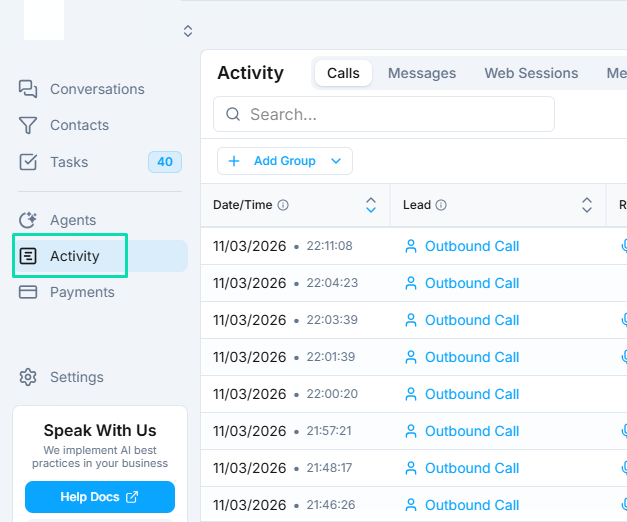
Open any agent and navigate to the Activity tab. This displays a chronological list of all runs and interactions the agent has handled, with the most recent activity at the top.
Run Logs
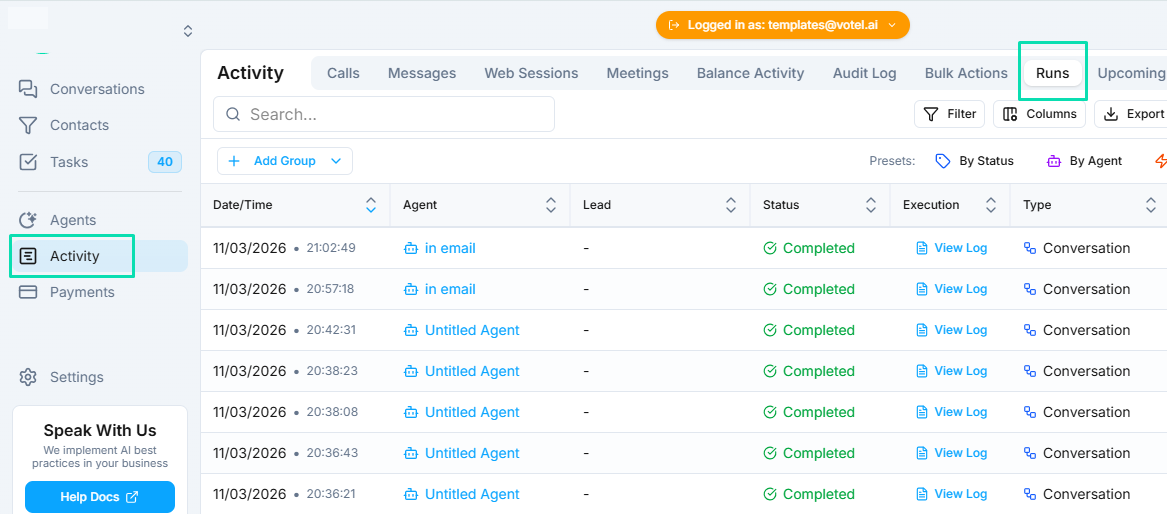
Each interaction generates a detailed run log that shows the step-by-step execution history. Run logs include:
- Every action the agent took -- in order, from the start of the conversation to the end
- Workflow node transitions -- which nodes were visited and in what sequence
- Function calls -- any API calls, knowledge base lookups, or integration actions performed
- Timing information -- how long each step took
Call Recordings and Transcripts
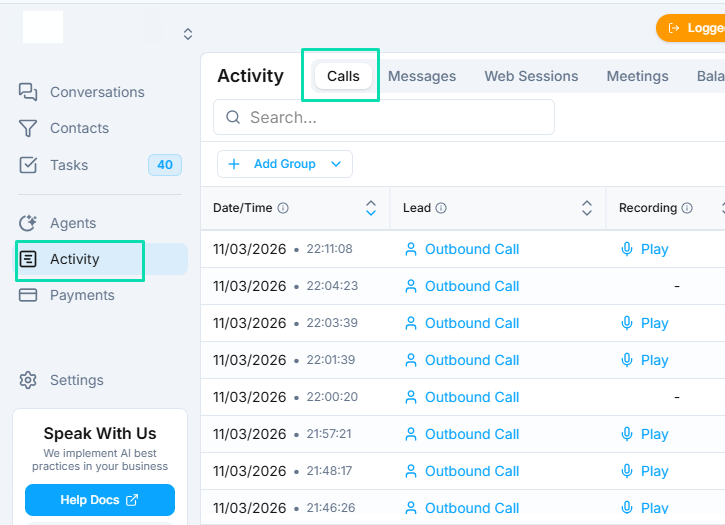
For voice conversations, the activity tab provides:
- Full call recordings -- listen to the complete conversation as it happened
- Transcripts -- read the text version of the entire call, with speaker labels
These are invaluable for quality assurance, training, and identifying areas where the agent can improve.
Variables and Decision Paths
Each run log captures the state of all variables at every point in the conversation. You can see:
- What values were assigned to each variable
- Which workflow branches were taken and why
- How conditional logic was evaluated
- What data was passed between nodes
This level of detail makes it straightforward to understand exactly why the agent behaved the way it did in any given conversation.
Using Activity Logs to Improve
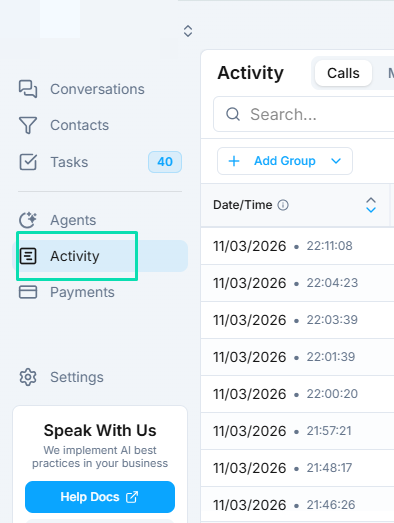
Activity monitoring is not just for troubleshooting -- it is a tool for continuous improvement:
- Identify common issues -- look for patterns in conversations that go wrong or where customers get frustrated
- Improve prompts -- find specific moments where the agent's response could be better and adjust your system prompt accordingly
- Optimize workflows -- spot bottlenecks or unnecessary steps in your workflow logic
- Verify integrations -- confirm that CRM updates, calendar bookings, and other actions are executing correctly
- Track performance over time -- review activity regularly to measure how changes to your agent affect conversation quality
Next Steps
- Testing and Debugging -- test changes before they reach live conversations
- Conversations -- view and manage all conversations across your agents