Workflows Overview
Workflows are the visual automation builder at the heart of . They define what your AI agent does - and when - by letting you connect triggers and action nodes on a drag-and-drop canvas.
What Are Workflows?
A workflow is a series of connected nodes that tell your agent how to handle conversations, route callers, collect information, and interact with external systems. Instead of writing code, you build logic visually by placing nodes on a canvas and drawing connections between them.
Each workflow has two main building blocks:
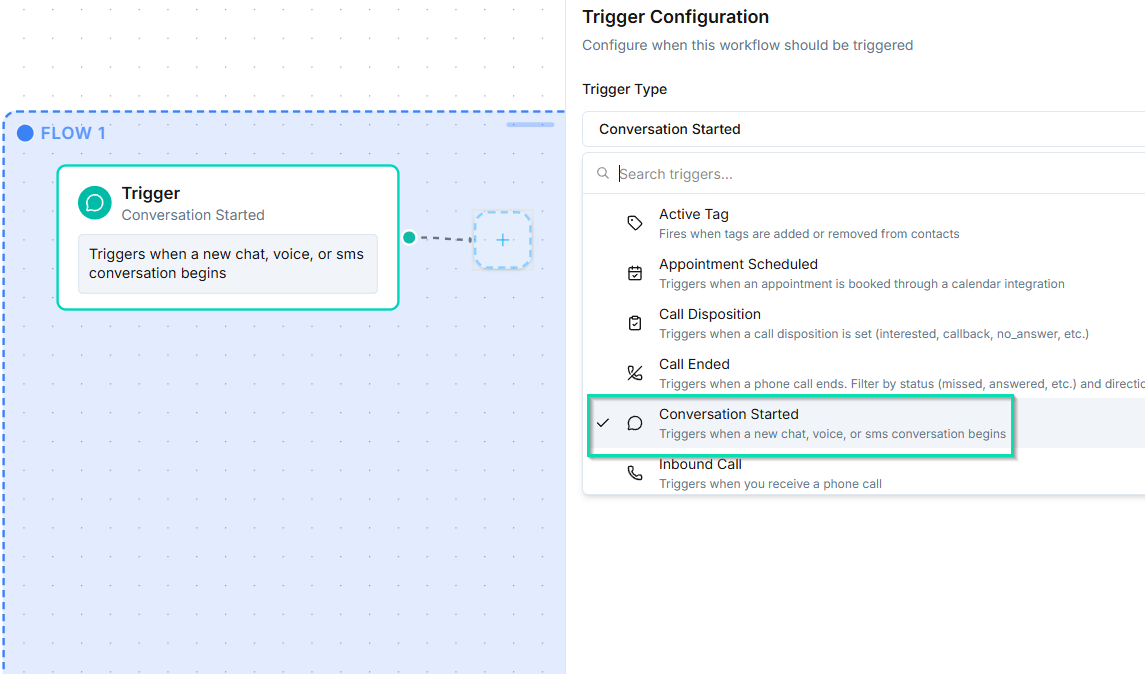
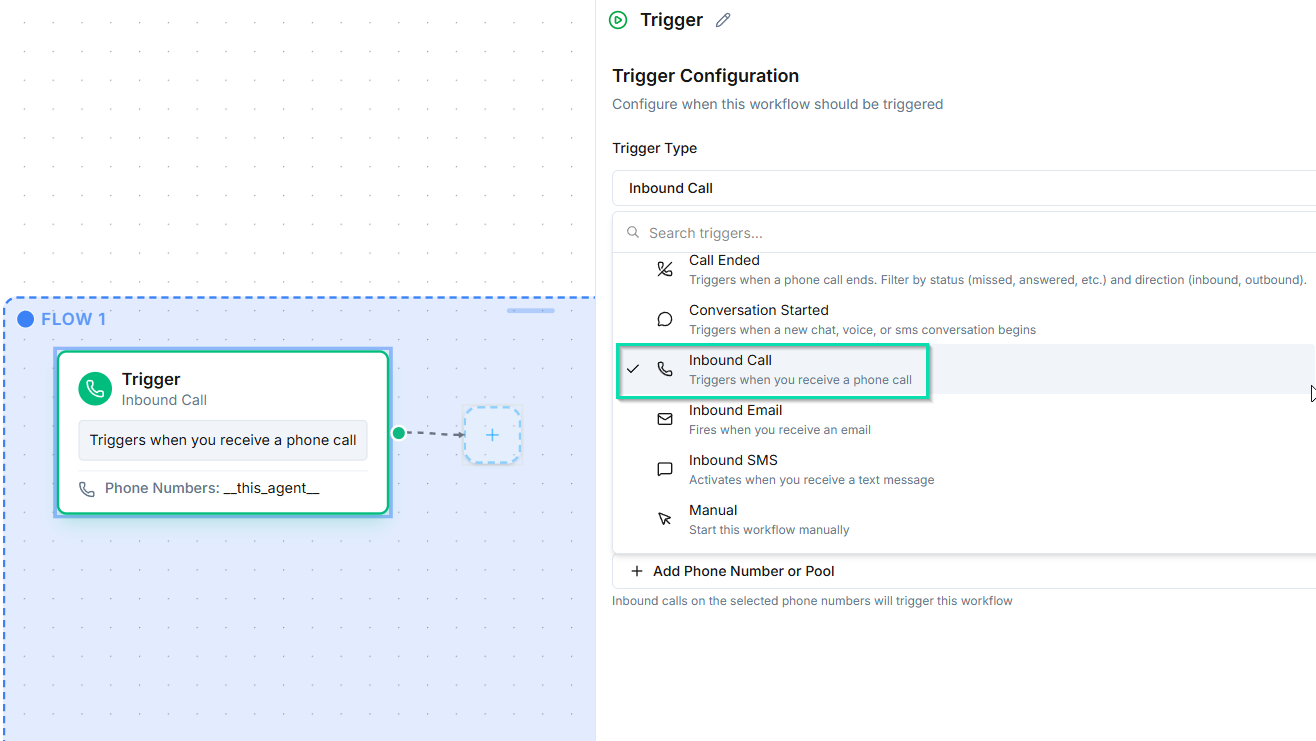
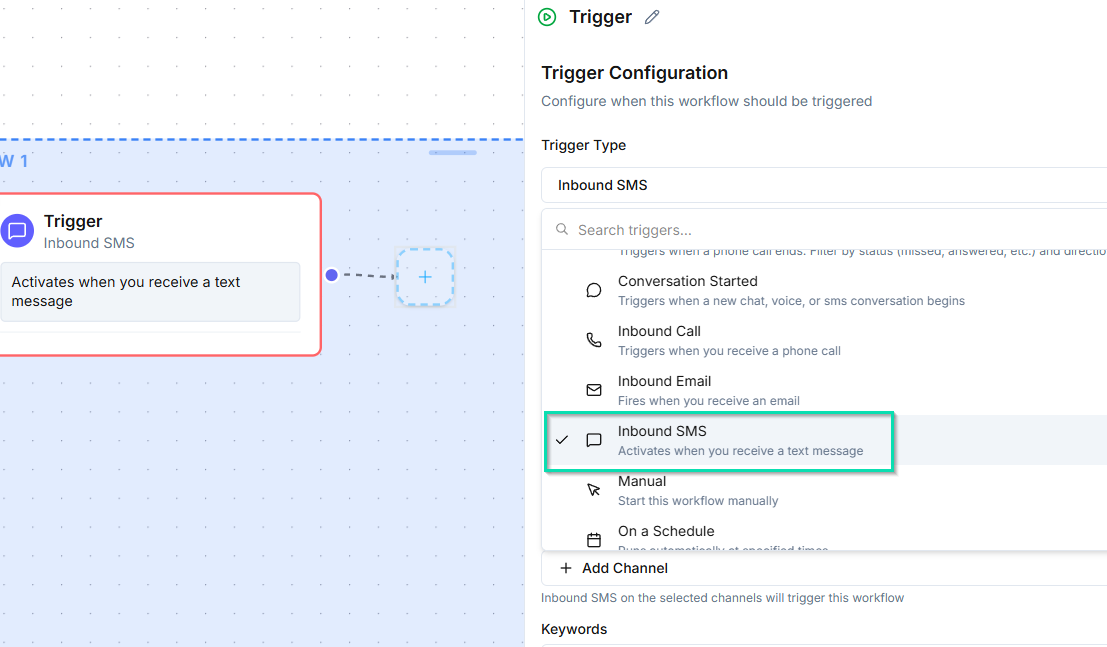
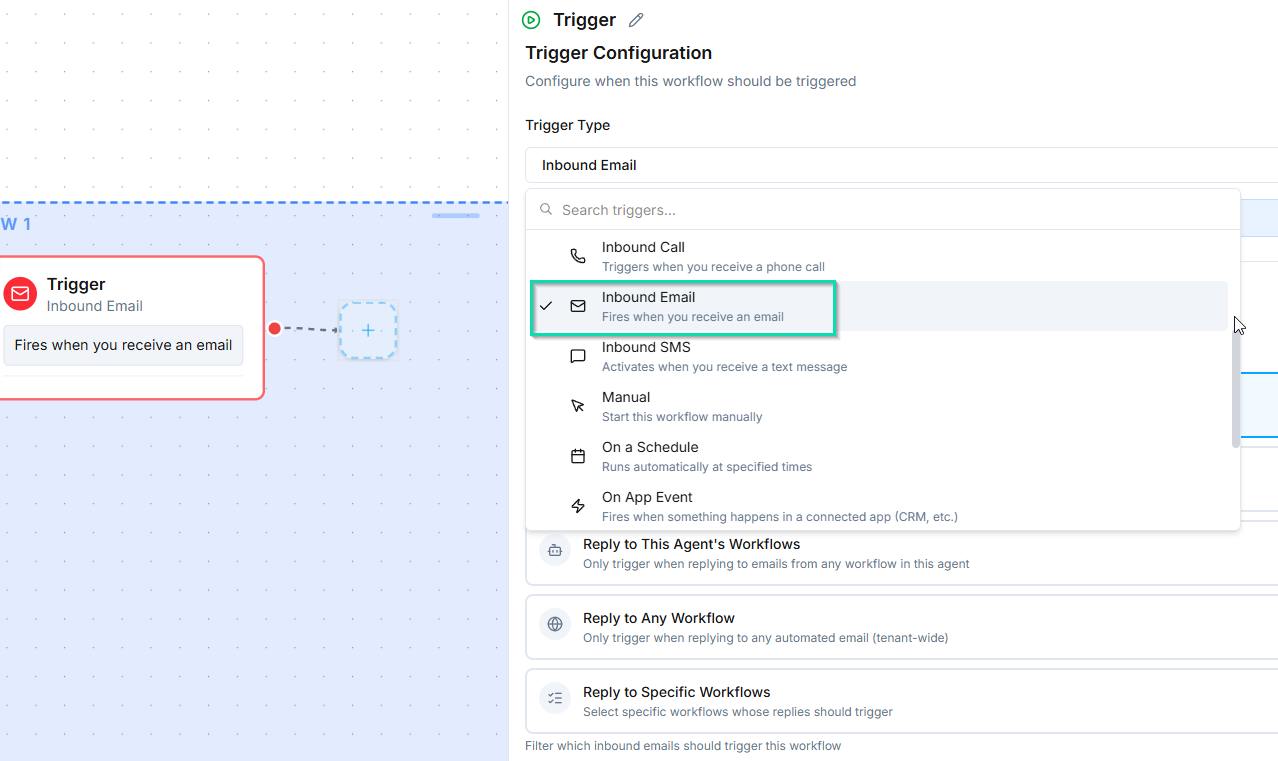
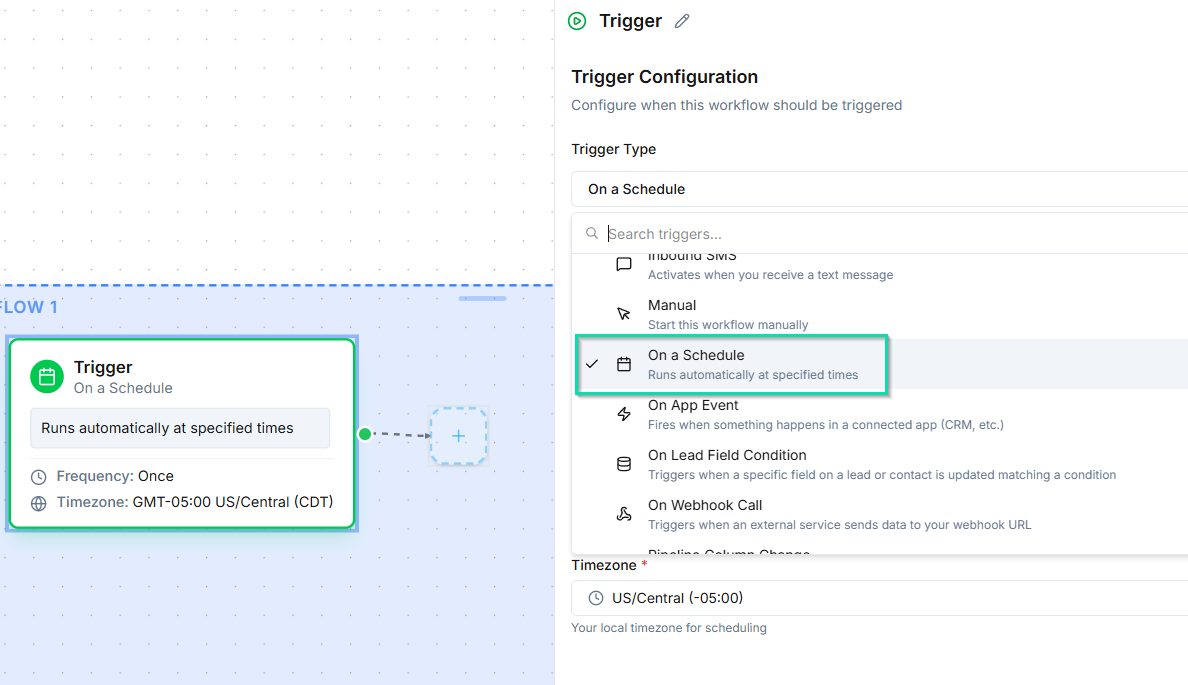
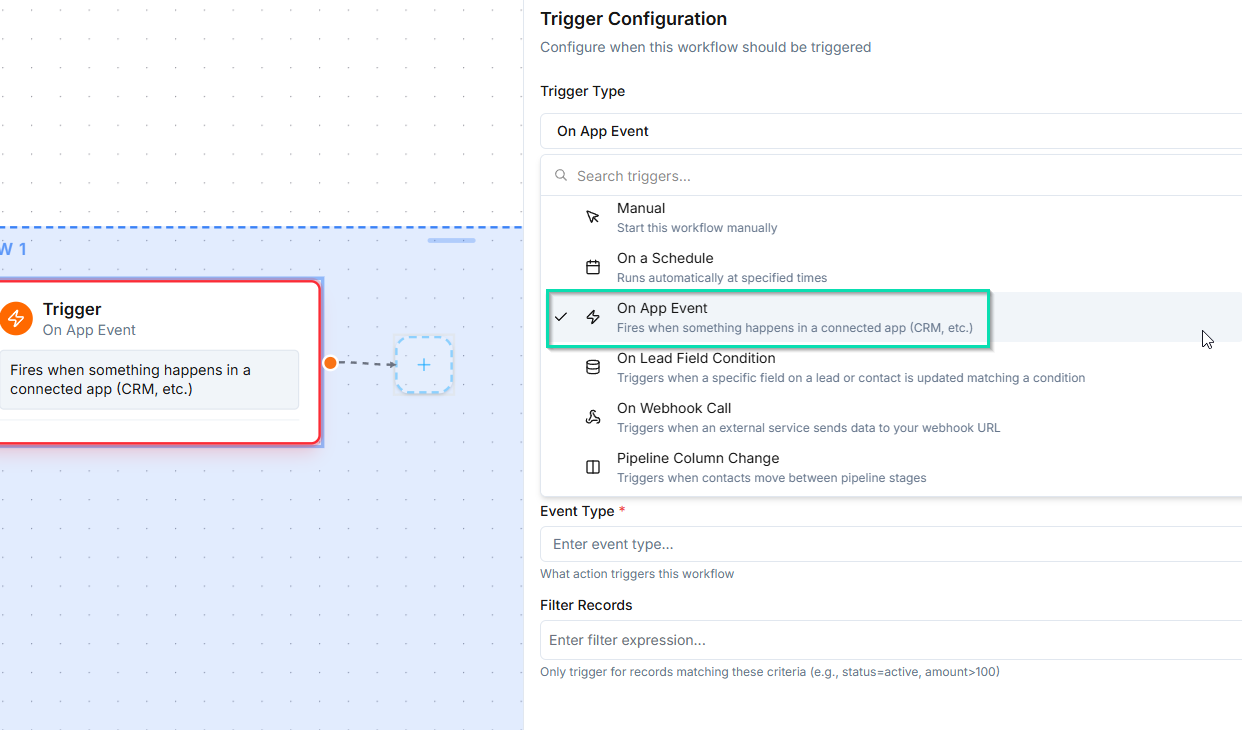
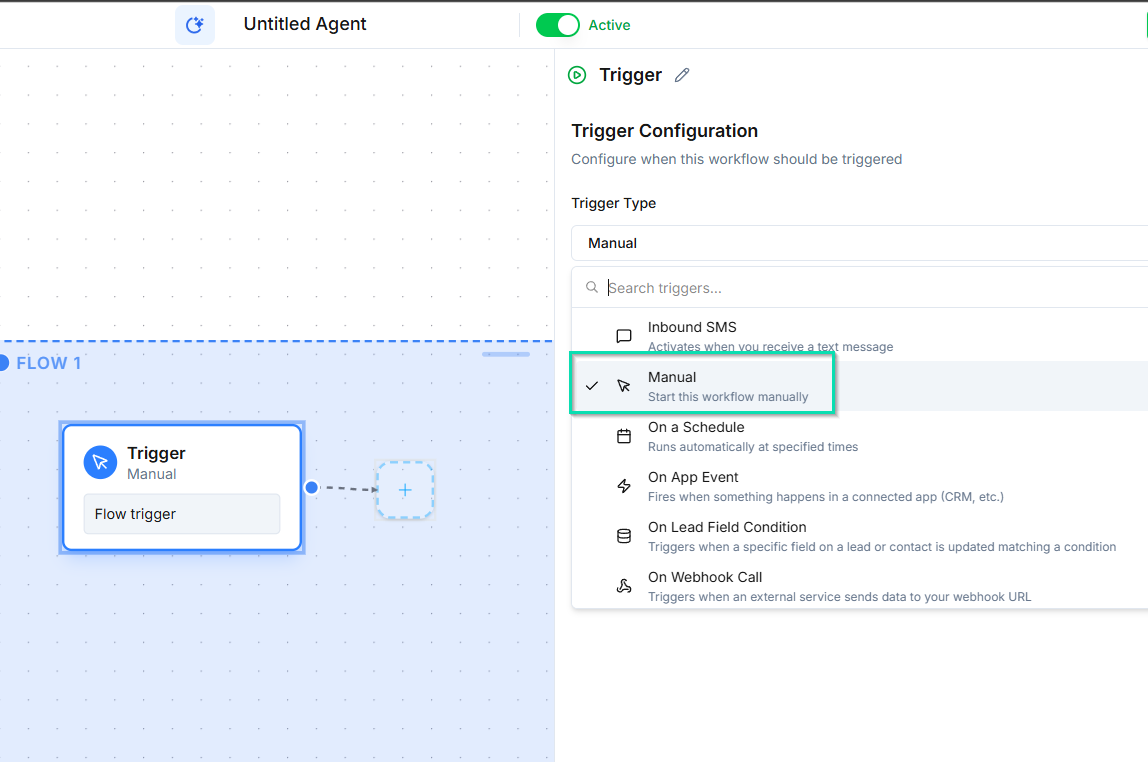
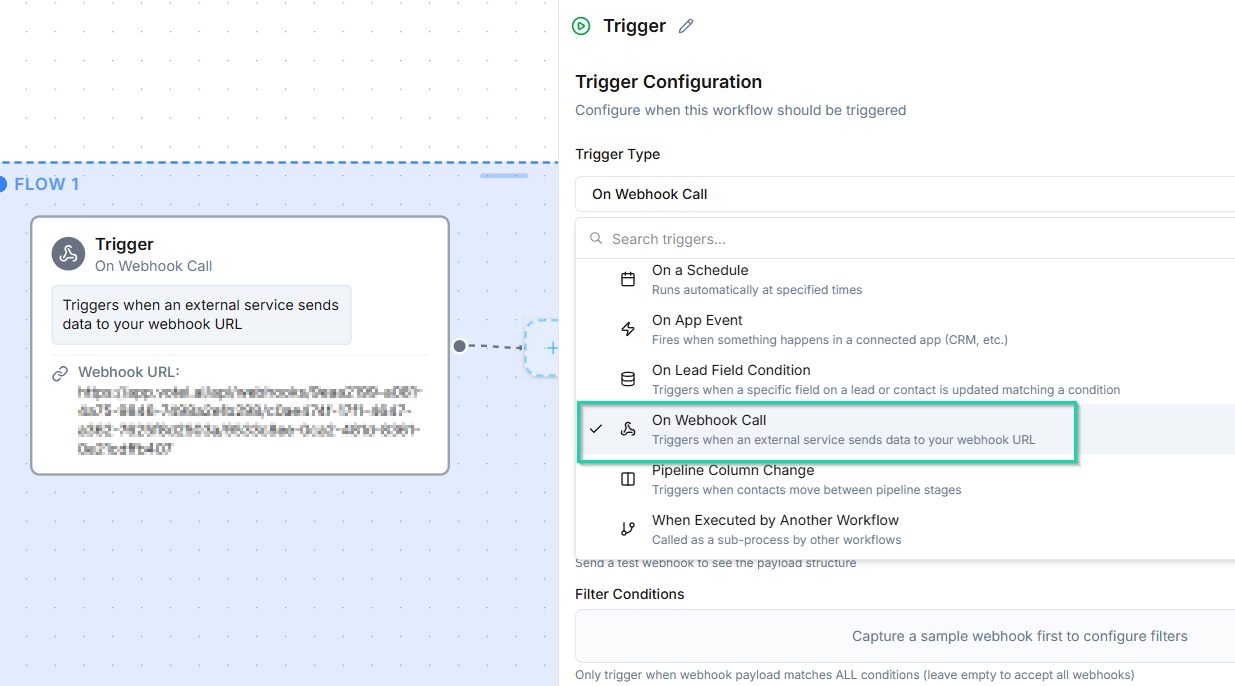
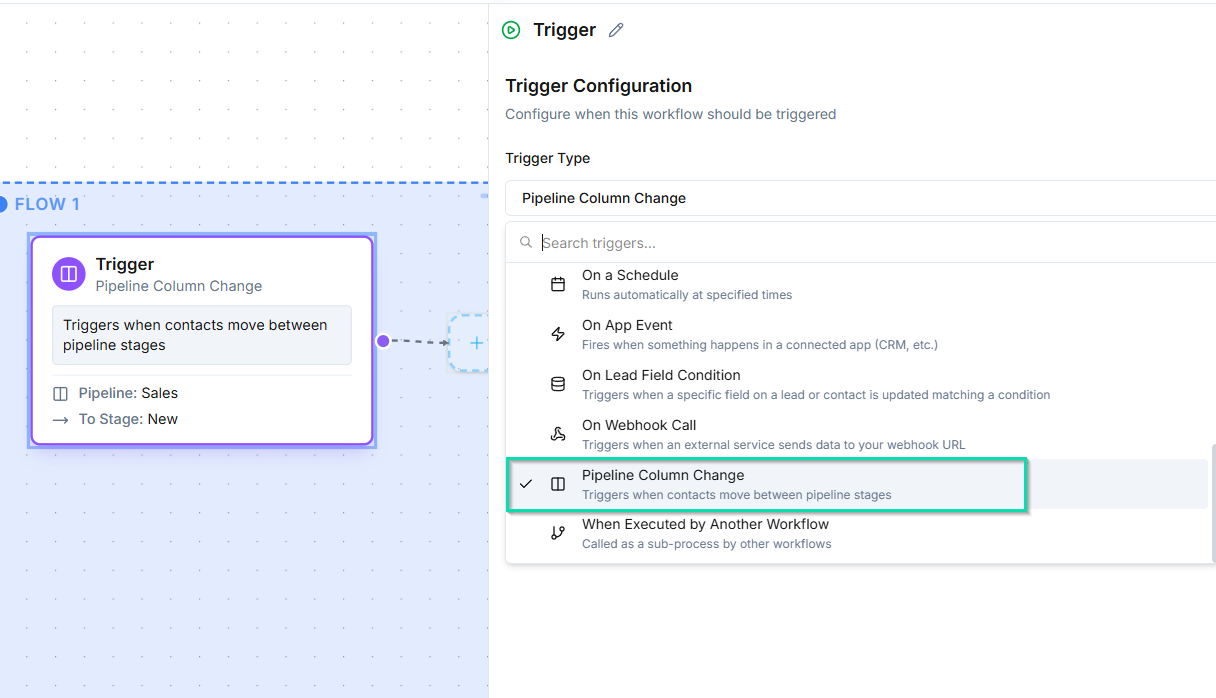
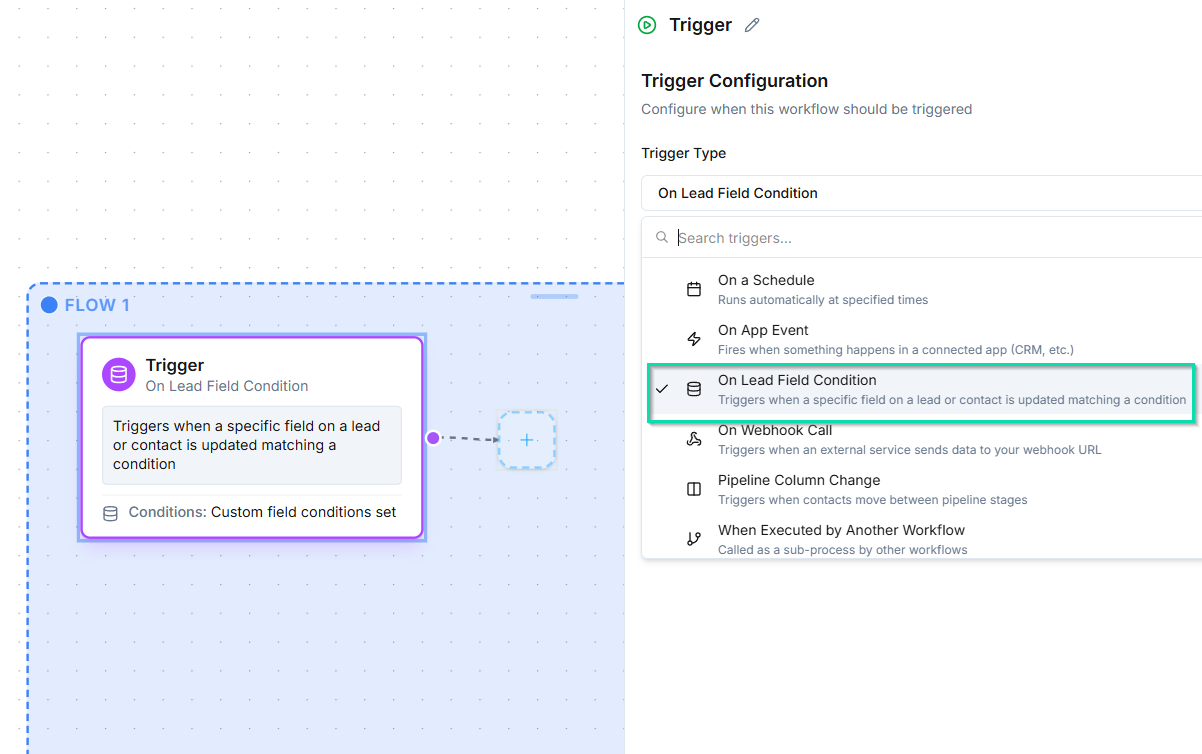
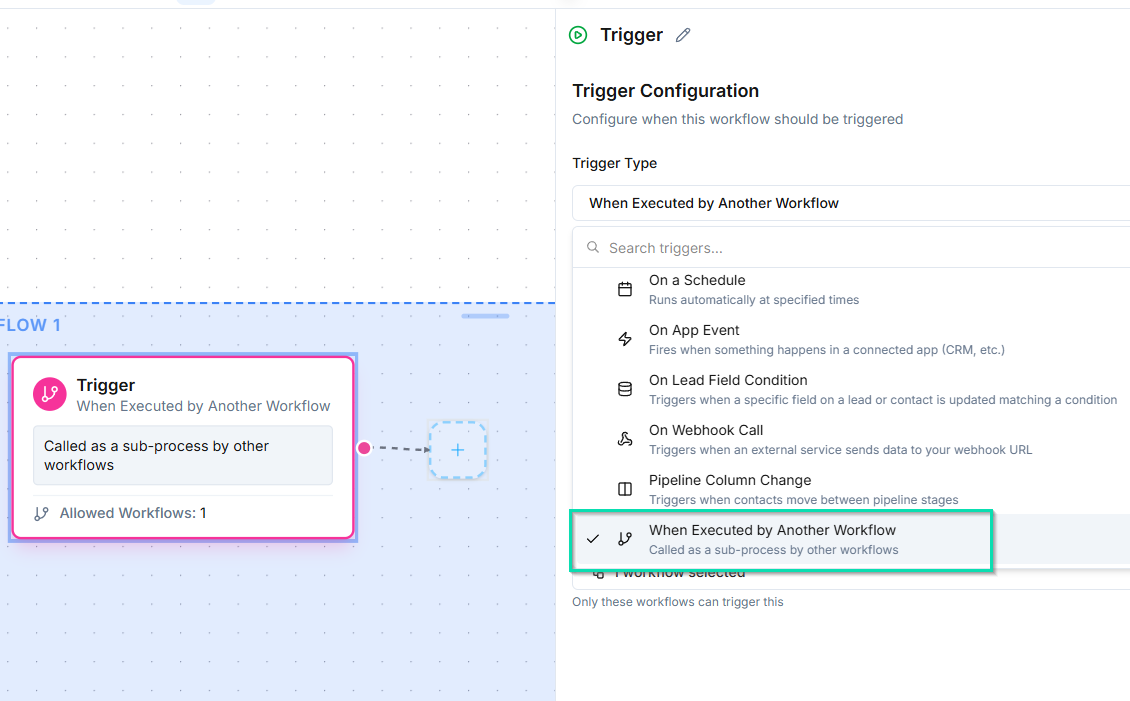
- Triggers - define when the workflow starts (e.g., an inbound call, a scheduled time, or a webhook).
- Nodes - define what happens after the trigger fires (e.g., speak to the caller, ask a question, forward the call).
The Workflow Canvas
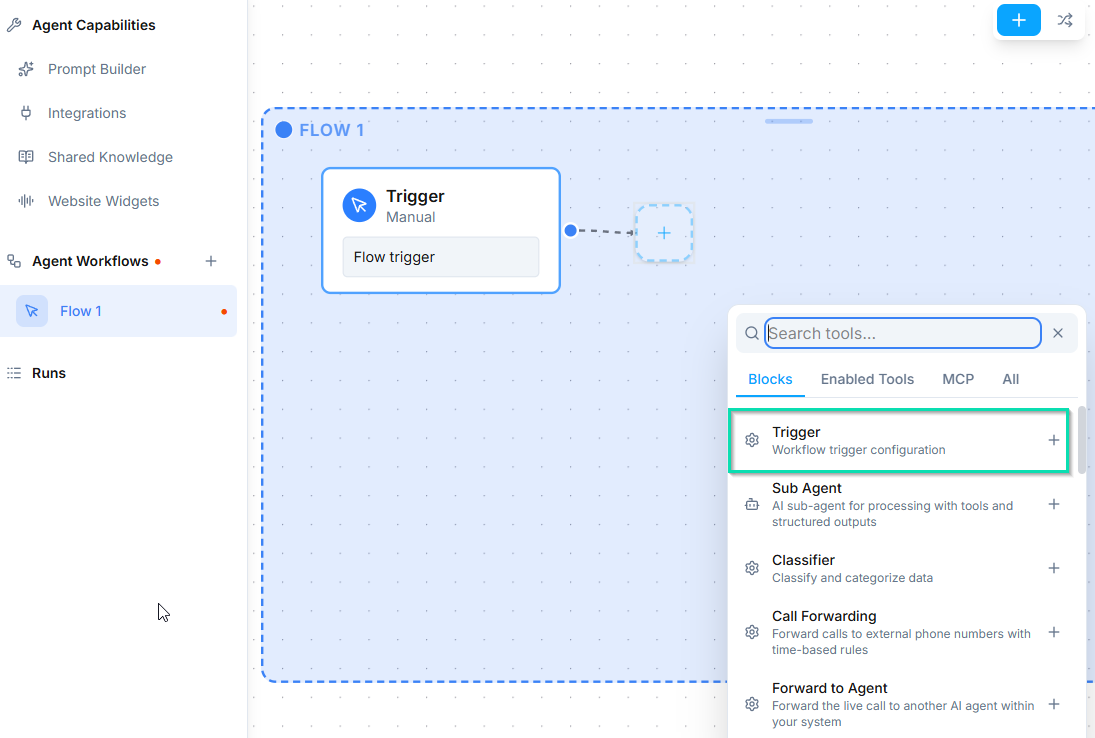
The canvas is your workspace for building agent logic. You can:
- Drag and drop nodes from the node palette onto the canvas.
- Connect nodes by drawing lines from one node's output to another node's input.
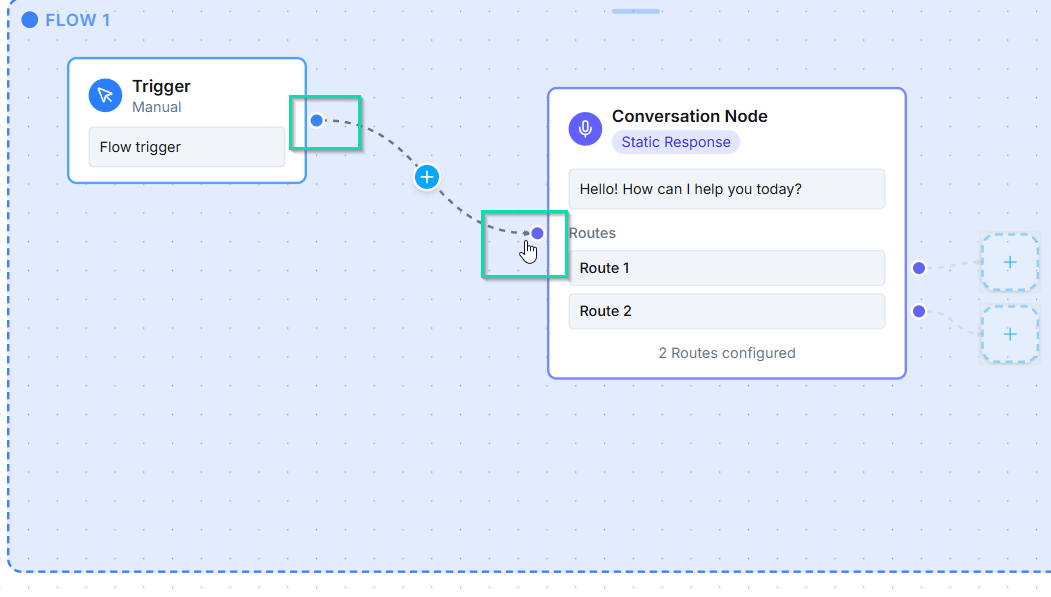
- Rearrange nodes freely to keep your workflow organized.
- Zoom and pan to navigate large workflows.
The canvas auto-saves your work as you build so you never lose progress.
Auto Layout
Click the Auto Layout button to automatically arrange your nodes in a clean, readable structure. This is especially helpful after you have added many nodes and connections.
Triggers vs. Nodes
| Triggers | Nodes | |
|---|---|---|
| Purpose | Start the workflow | Perform actions or make decisions |
| Placement | Always at the beginning | Anywhere after a trigger |
| Quantity | At least one required | As many as you need |
| Examples | Inbound Call, Webhook, Schedule | Conversation, Ask and Save, Call Forwarding |
Every workflow must begin with at least one trigger. From there, you chain together as many action and decision nodes as your use case requires.
Available Triggers
When to Use Workflows vs. System Prompt Alone
Not every agent needs a workflow. Here is a simple way to decide:
- System prompt only - Use this when your agent handles straightforward Q&A or general conversation that does not require branching logic, data collection, or integrations.
- Workflows - Use these when you need multi-step flows, conditional routing, data capture, call forwarding, SMS/email follow-ups, or integration with external tools.
If your agent needs to do more than just talk, you need a workflow.
Next Steps
- Triggers - learn about the events that start a workflow
- Conversation Node - the core node for AI-driven dialogue
- Agent Builder - configure your agent's voice, personality, and settings