Settings Overview
The Settings menu is your central hub for configuring how operates. From contact deduplication rules to phone number management, every platform-wide setting lives here.
Settings Sections
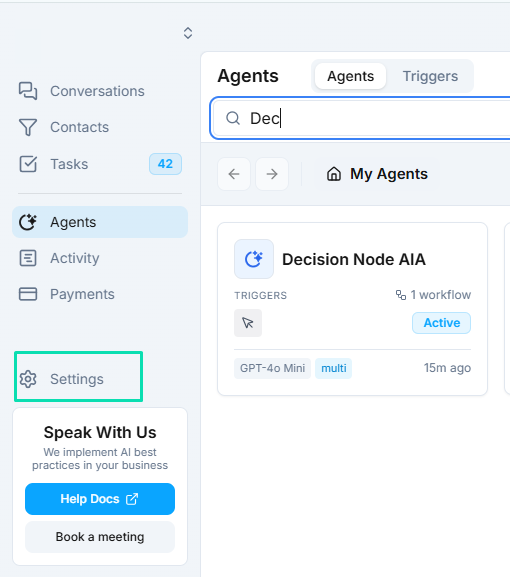
Settings is organized into several areas, each covered in detail in its own documentation:
General
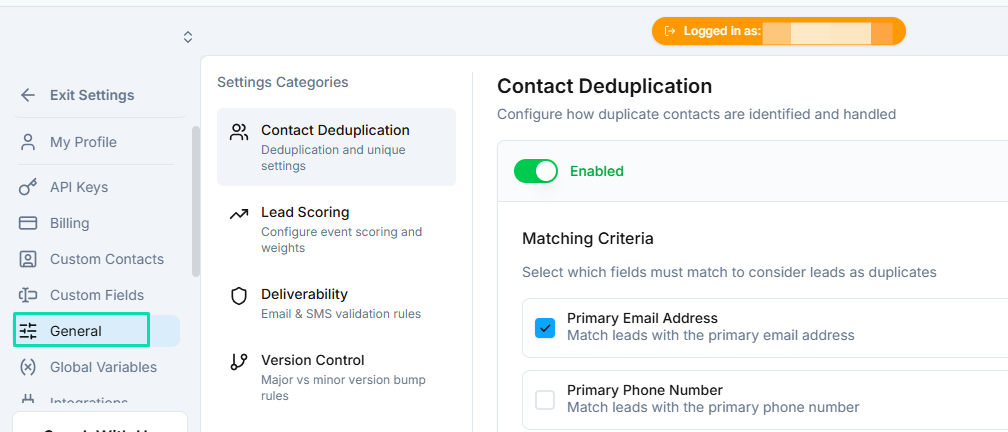
Core platform behavior settings including:
- Deduplication --- rules for preventing duplicate contacts.
- Lead Scoring --- automated scoring based on engagement events.
- Deliverability --- email verification, bounce suppression, and SMS validation.
Integrations
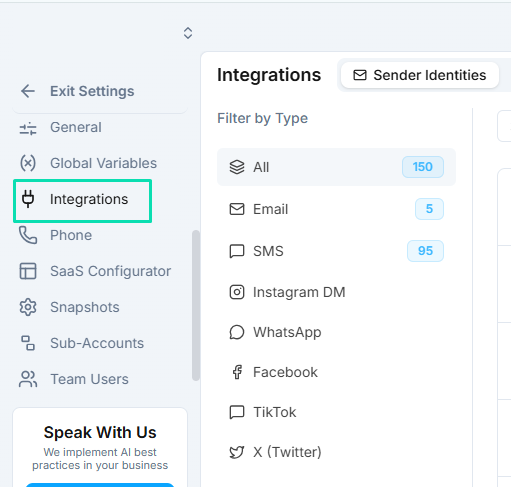
Manage connections to external services:
- Sender Identities --- email addresses and domains used for outbound messaging.
- Connected Apps --- third-party integrations and API connections.
Phone
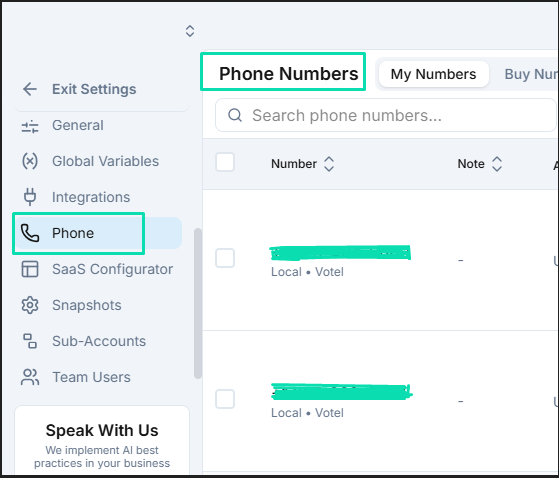
Phone number setup and compliance:
- Number Management --- purchase, assign, and configure phone numbers.
- 10DLC Registration --- brand and campaign registration for SMS compliance in the US.
Custom Contacts
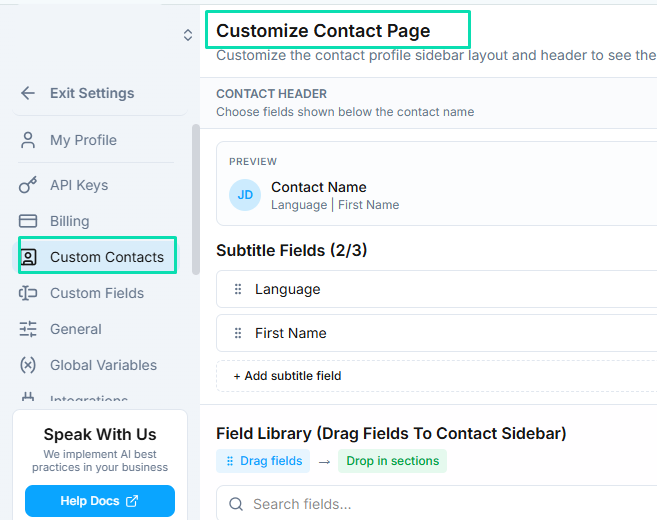
CRM configuration and customization:
- Custom Contact Layout --- rearrange and configure the fields displayed on contact records.
- Custom Fields --- create additional data fields to capture information specific to your business.
White Label
Branding and reselling configuration (for white label users):
- Branding --- company name, logo, and color themes.
- Custom Domain --- point your own domain to the platform.
- SaaS Plans --- pricing tiers for your reselling business.
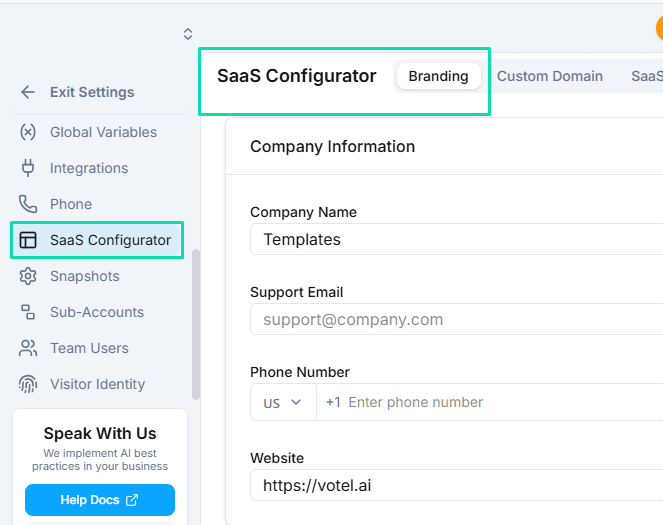
- Sub-Accounts --- client account management.
Next Steps
- General Settings --- configure deduplication, lead scoring, and deliverability
- Integrations --- manage sender identities and connected apps
- Phone Setup --- purchase and configure phone numbers
- Custom CRM --- customize your contact record layout
- White Label --- set up branding and reselling