Connecting Channels
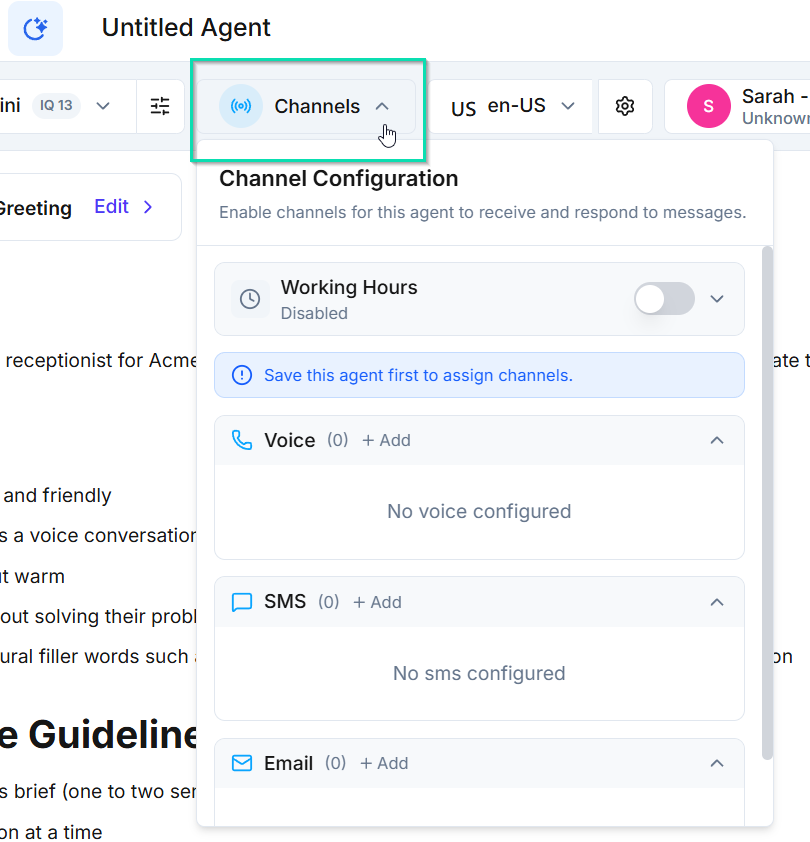
Channels are how your agent communicates with the outside world. You can assign phone numbers for voice calls, enable SMS messaging, and connect email sender identities -- all from within the agent builder.
Channel Types
Phone (Voice)
Assign one or more phone numbers to your agent. Once assigned, the agent can:
- Receive inbound calls on those numbers
- Make outbound calls to leads and contacts
- Handle live voice conversations using the selected AI model and voice
SMS
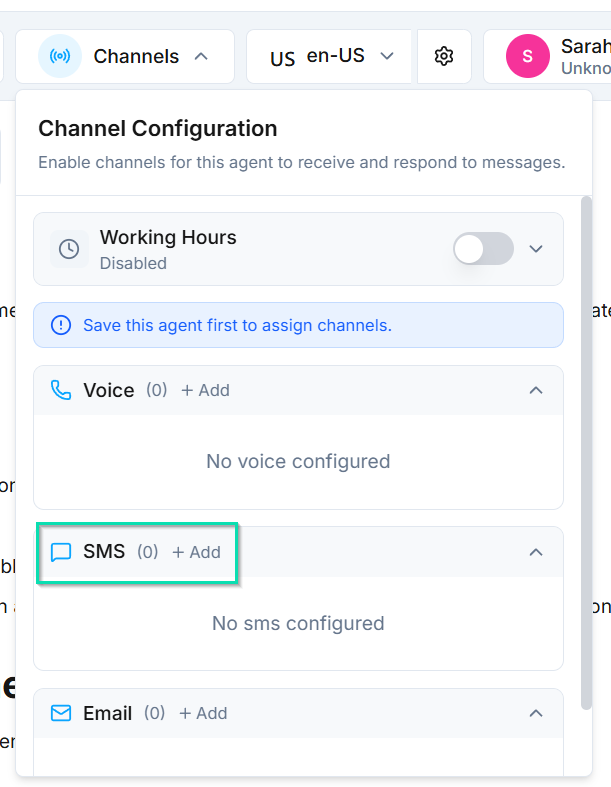
Enable SMS messaging through your assigned phone numbers. This allows the agent to:
- Send and receive text messages
- Follow up with leads via SMS after a call
- Run text-based campaigns
SMS uses the same phone numbers assigned for voice. No separate setup is required.
Email
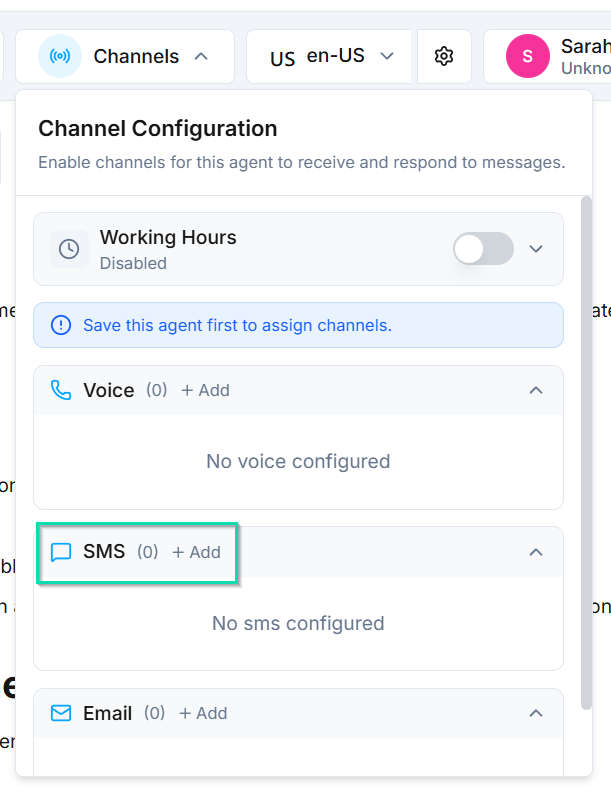
Connect email sender identities to let your agent communicate over email. This is useful for:
- Sending follow-up emails after conversations
- Running email outreach campaigns
- Handling support requests that arrive via email
Email sender identities are configured separately and then linked to your agent.
Assigning Channels
- Open your agent in the agent builder
- Navigate to the Channels tab
- Select the phone numbers you want to assign
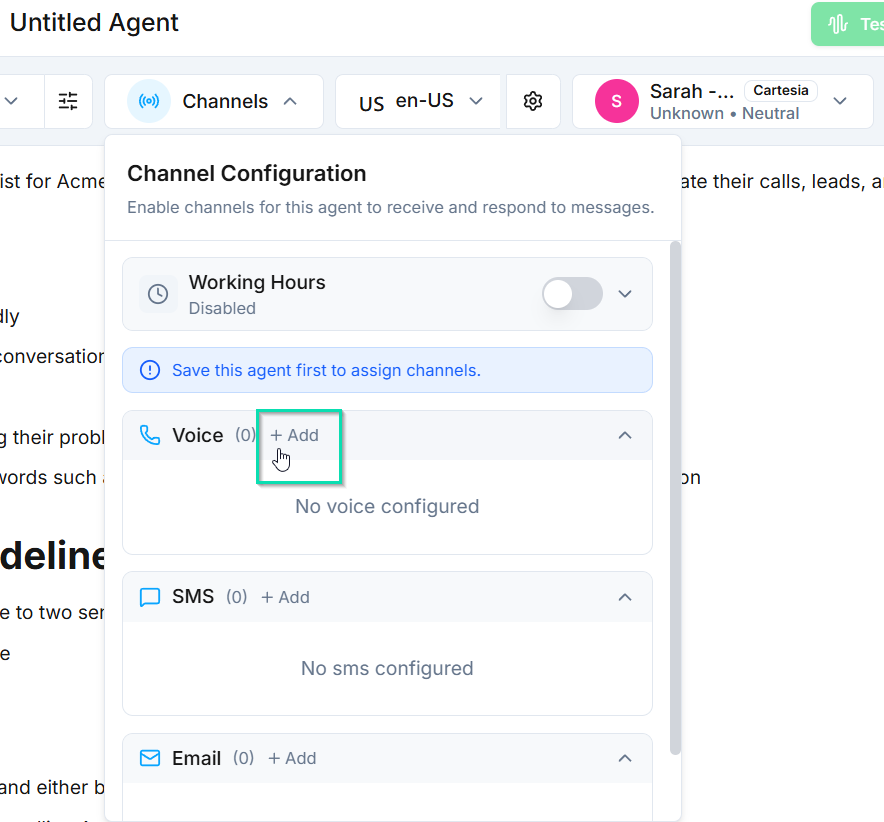
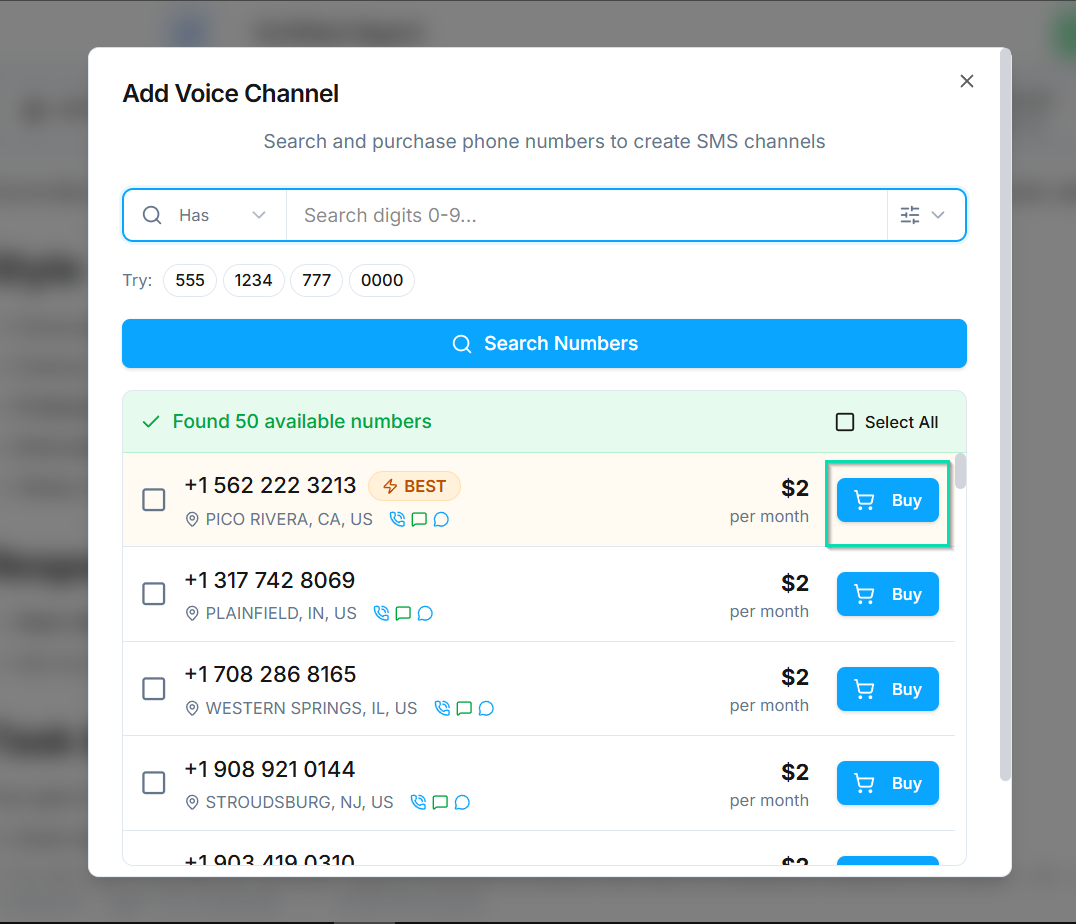
- Enable SMS for any assigned numbers as needed
- Link email sender identities if applicable
- Save your changes
Multiple Channels
Each agent can have multiple channels active at the same time. For example, a single support agent could:
- Answer calls on a dedicated support line
- Respond to SMS messages on the same number
- Send follow-up emails through a connected sender identity
This allows one agent to cover multiple communication paths without duplicating configuration.
Changing Channels
You can add or remove channels at any time. Changes take effect as soon as you save. Removing a phone number from an agent stops it from receiving calls on that number immediately.
Next Steps
- Phone Setup -- buy and configure phone numbers
- Sender Identities -- set up email sender identities for your agents