Phone & Calling Overview
provides a complete phone system for managing numbers, routing calls to AI agents or team members, and making calls directly from your browser. The Phone section is your central hub for purchasing numbers, configuring call destinations, and monitoring usage.
My Numbers
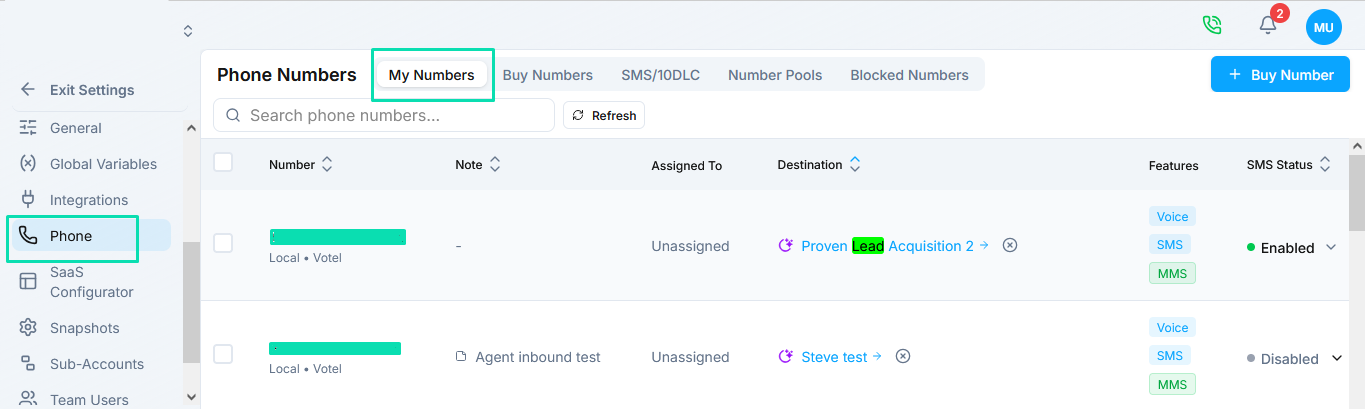
The My Numbers tab displays all phone numbers on your account. Each row shows:
| Column | Description |
|---|---|
| Number | The phone number in E.164 format |
| Location | City and state/region associated with the number |
| Assigned To | The admin or sub-account the number belongs to |
| Features | Supported capabilities - Voice, SMS, MMS |
| SMS Status | Current 10DLC registration status for SMS-enabled numbers |
| Usage | Daily call and message volume |
Buy Number
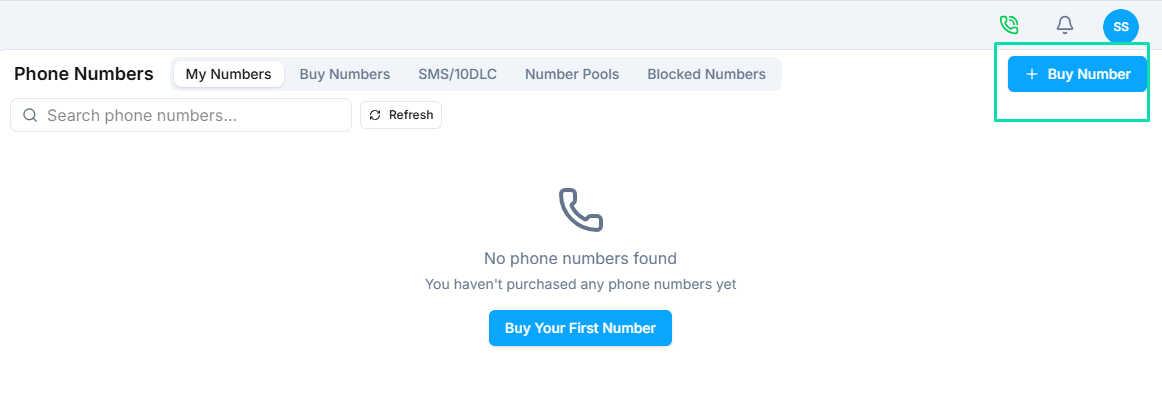
The Buy Number tab lets you search for and purchase new phone numbers. You can filter by country, number type, area code, and required features. See Buying and Managing Numbers for the full process.
Phone Number Settings
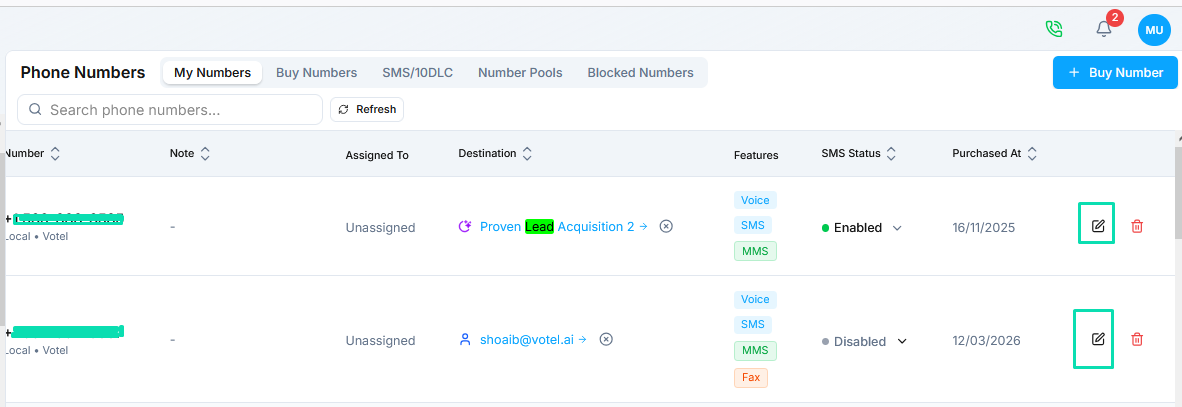
Each number has configurable settings:
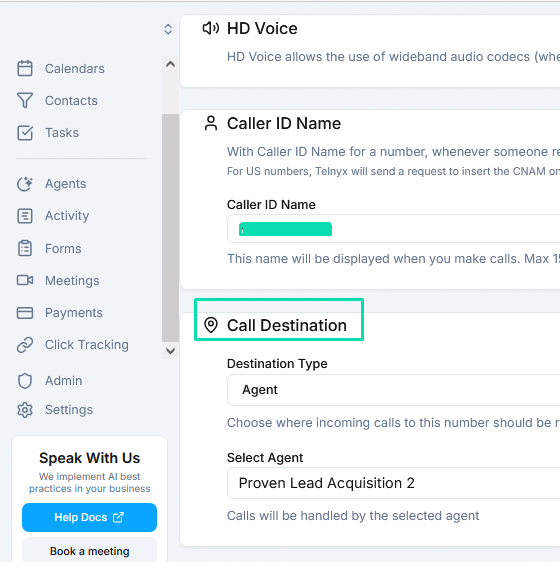
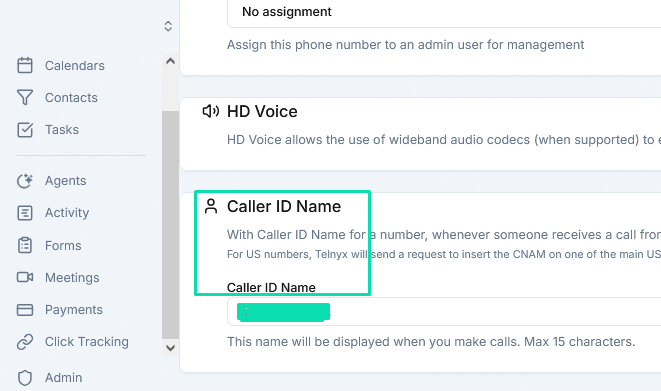
- Caller ID - Set the display name (CNAM) for outbound calls.
- Call Destination - Route incoming calls to an AI agent for automated handling, or forward them to the web phone or an external number.
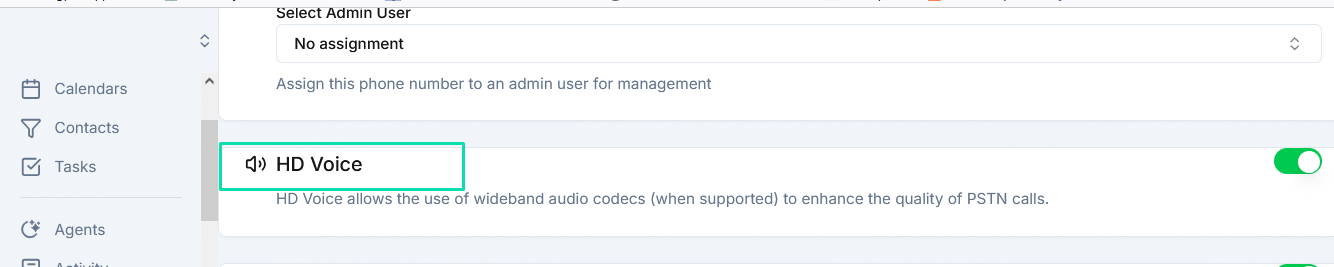
- HD Voice - Enable high-definition audio for supported carriers.
Web Phone
includes a built-in web phone so you can make and receive calls directly from the browser without any external hardware or softphone. See Web Phone for setup and configuration details.
Next Steps
- Buying and Managing Numbers - Purchase and configure phone numbers
- Call Routing - Set up call destinations for AI agents and forwarding
- Web Phone - Make and receive calls from your browser
- 10DLC Registration - Register for US SMS compliance