Buying and Managing Numbers
Purchase phone numbers directly from and configure them for voice calls, SMS, or both. Numbers are available immediately after purchase and can be assigned to any admin or sub-account.
Video Walkthrough
Buying a Number
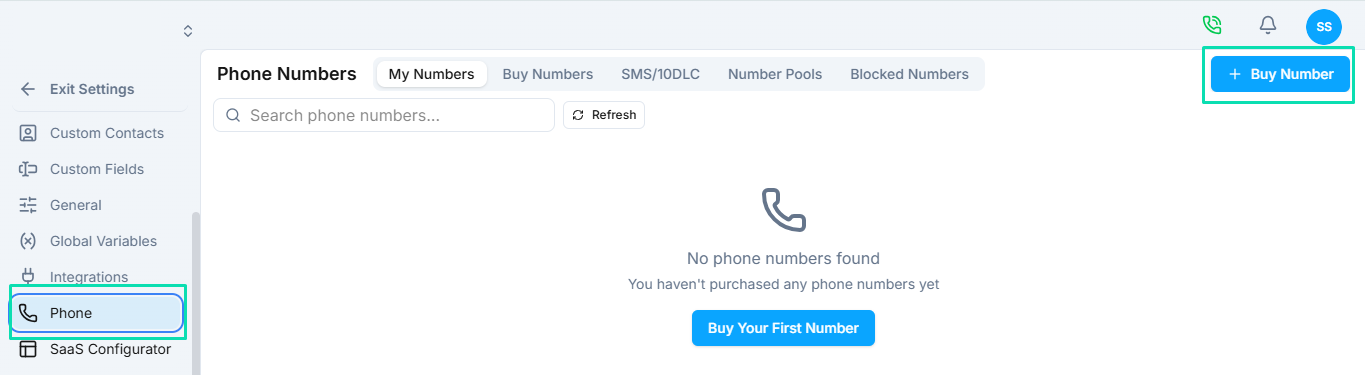
- Go to Phone > Buy Number.
- Set your search filters:
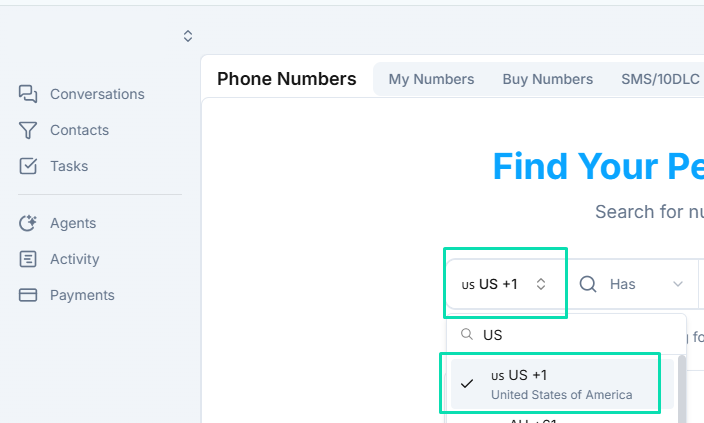
- Country - Select the country for the number.
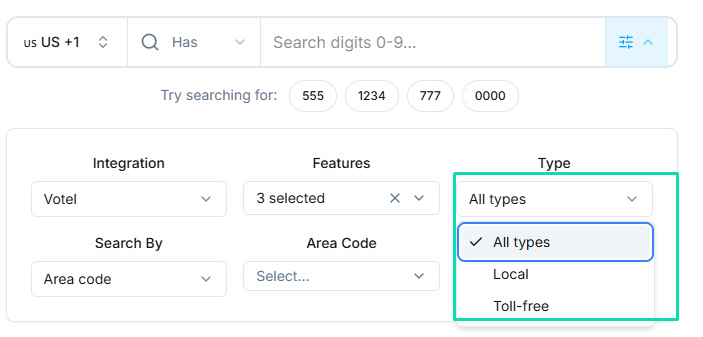
- Type - Local or toll-free.
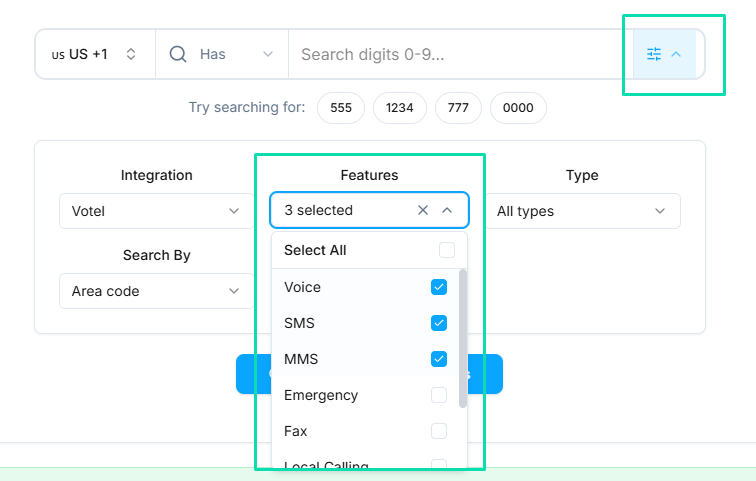
- Features - Voice, SMS, MMS, HD Voice.
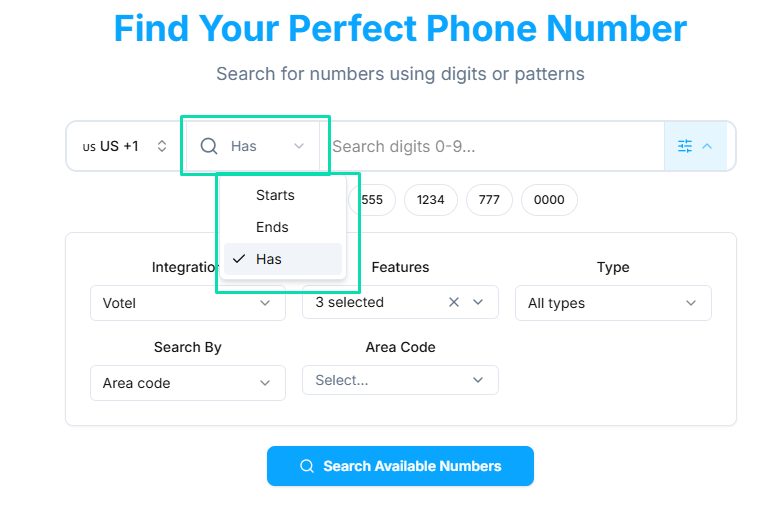
- Number Pattern - Search by digits that start with, end with, or contain a specific sequence.
- Area Code / City / State - Narrow results to a specific region.

- Browse the available numbers. Each listing shows pricing and supported features.
- Click Buy Now to purchase.
The number appears in your My Numbers list immediately and is ready to configure.
Editing Number Settings
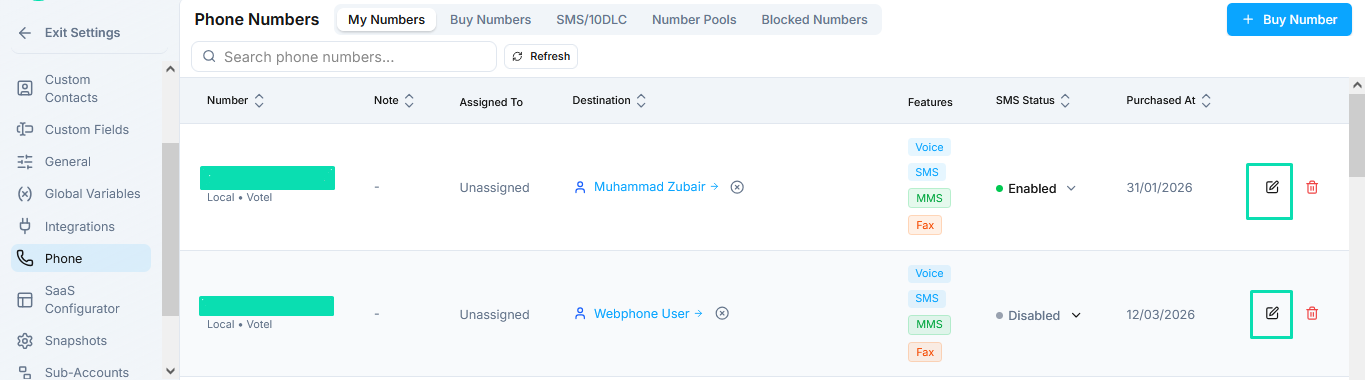
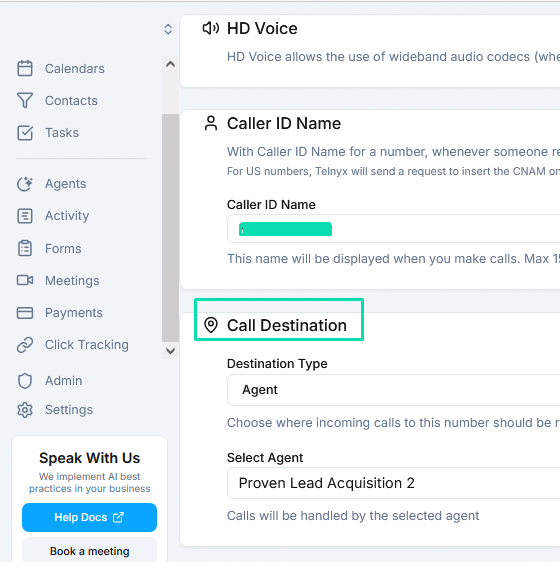
Click the Edit icon next to any number in the My Numbers list to configure:
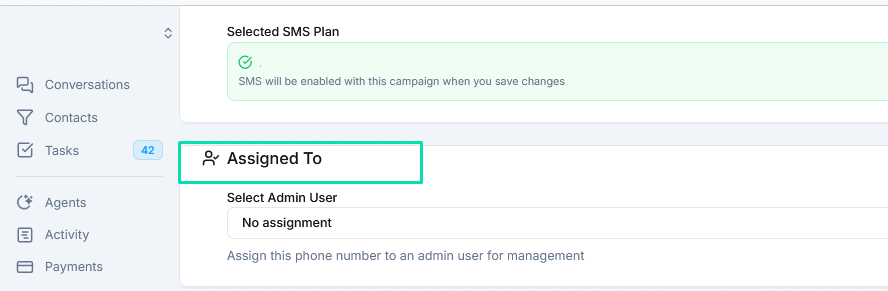
- Assigned To - Transfer the number to an admin or sub-account.
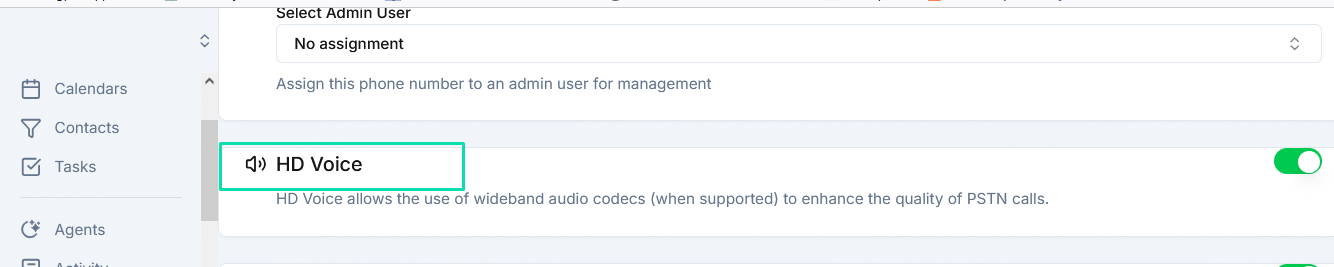
- HD Voice - Toggle high-definition audio on or off.
- Caller ID Name (CNAM) - Set the outbound display name. Available for US and Canadian numbers.
-1fb31d799663f744d76a8a017c4e64e2.png)
- Call Destination - Choose where incoming calls are routed. See Call Routing for details.
SMS and 10DLC Compliance
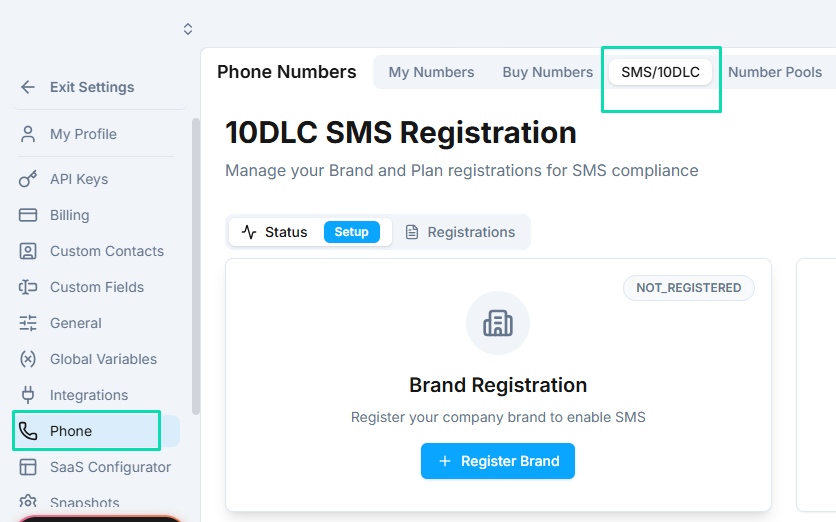
US phone numbers require 10DLC registration before you can send SMS. Without registration, carriers may block or filter your messages. Complete the registration process in Phone > 10DLC before using SMS on local numbers. See 10DLC Registration for step-by-step instructions.
Next Steps
- Call Routing - Configure where incoming calls are directed
- 10DLC Registration - Register your brand and campaign for US SMS