Call Routing and Destinations
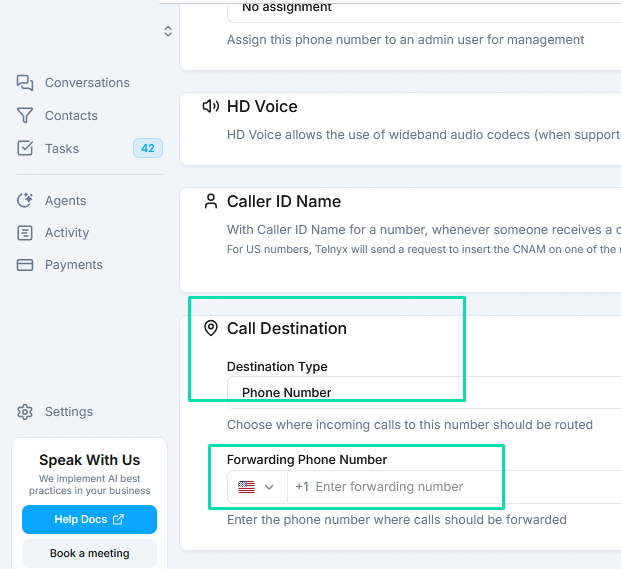
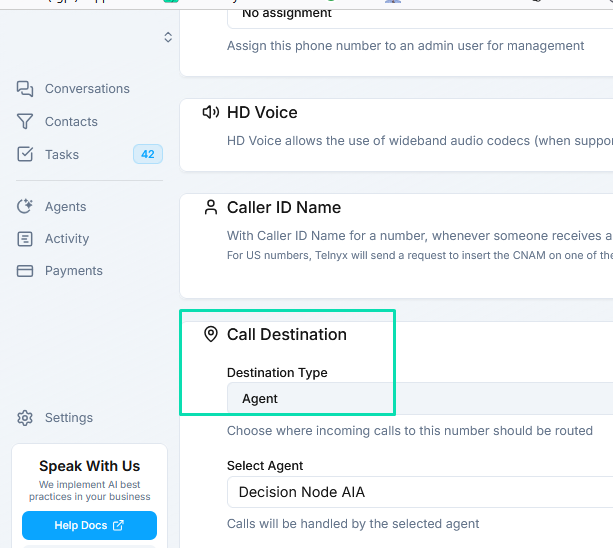
Each phone number has a Call Destination setting that determines how incoming calls are handled. You can route calls to an AI agent for automated conversations, ring the built-in web phone for a human team member, or forward to an external number.
Call Destination Options
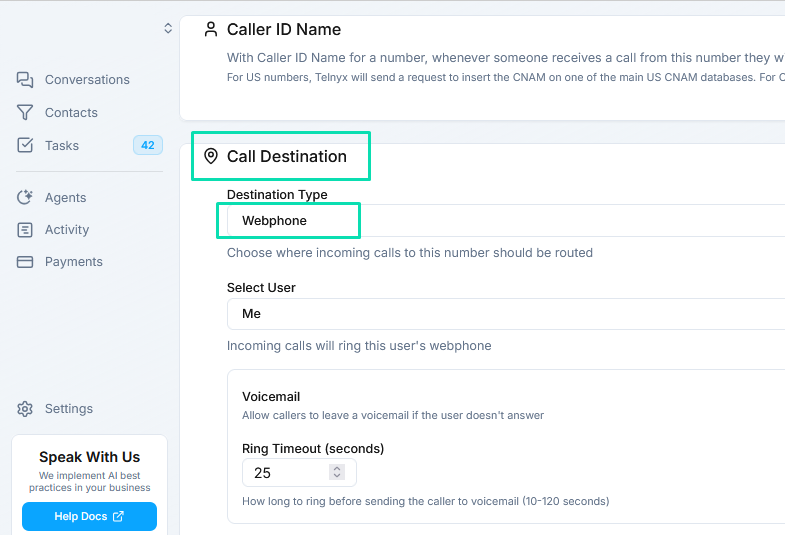
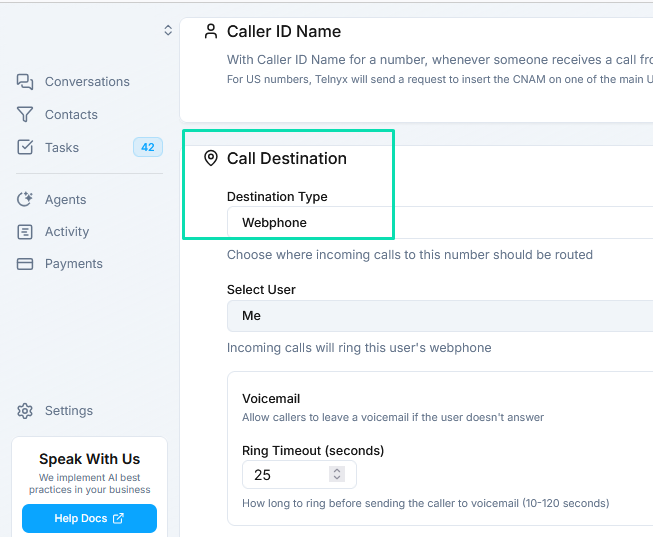
Web Phone
Incoming calls ring in the built-in browser phone. A team member answers and handles the conversation directly. This is ideal for sales calls, support lines, or any scenario where a human needs to be on the line.
AI Agent
Calls are answered automatically by the AI agent you select. The agent handles the entire conversation using its configured workflow and system prompt - no human intervention required. This is the primary mode for automated appointment booking, lead qualification, customer service, and other voice agent use cases.
External Forwarding
Forward incoming calls to an external phone number. Use this to route calls to a mobile phone, landline, or another phone system outside of .
Switching Destinations

You can change the call destination at any time:
- Go to Phone > My Numbers.
- Click the Edit icon on the number you want to update.
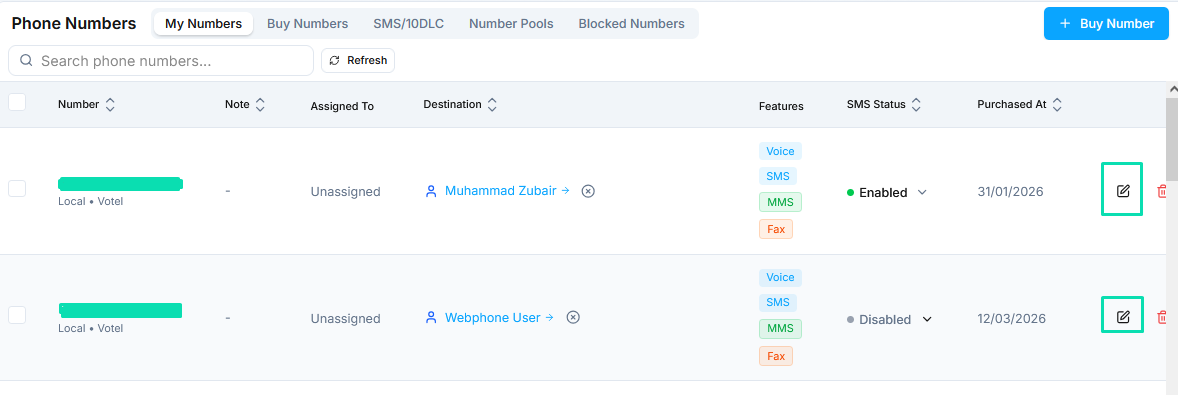
- Select a new Call Destination.
- Save your changes.

The new routing takes effect immediately for all subsequent incoming calls.
Next Steps
- Agent Channels - Connect phone numbers and other channels to your AI agents
- Web Phone - Set up the built-in browser phone for handling calls