Drag & Drop Management
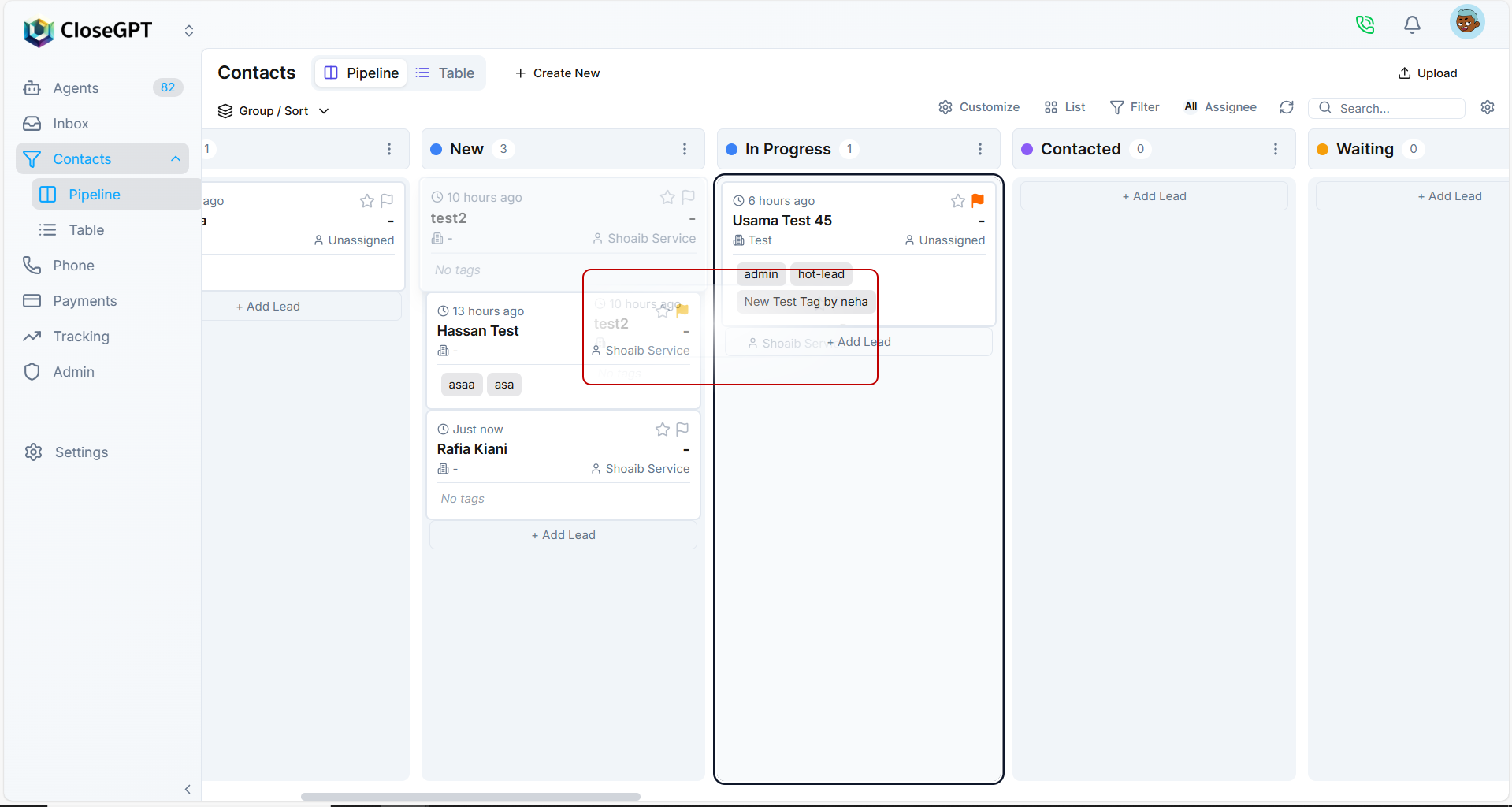
The Pipeline view allows drag-and-drop functionality, enabling you to move leads between stages instantly. This simple action automatically updates the lead's workflow stage and keeps your pipeline current and organized.
How It Works
- Open your list in Pipeline View
- Click and hold on any lead card
- Drag the card to a different column/stage
- Release to drop it in the new stage
- The lead's status is automatically updated
This intuitive interface makes it easy to manage your sales pipeline visually and update lead statuses with minimal effort.