Subscriptions
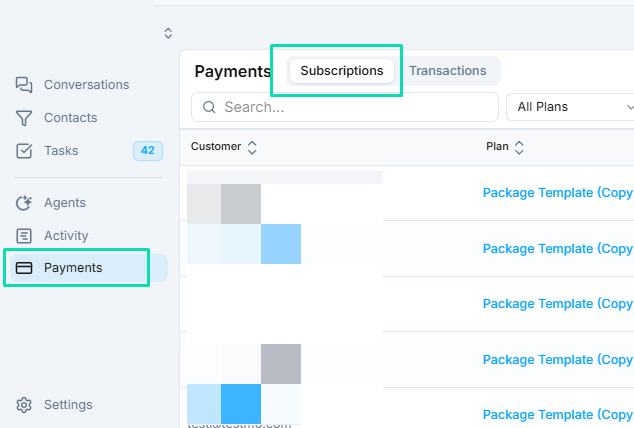
This tab displays an overview of all customer subscriptions, filtered by status (Active, Trial, Canceled). Use it to manage renewals, upgrades, or cancellations.

UI Elements
| Column | Description | Example |
|---|---|---|
| Customer ID | Unique identifier for the customer. | CUST-12345 |
| Product ID | Linked product/service ID. | SUB-001 |
| Trial | Indicates trial period (Yes/No). | No |
| Amount | Recurring charge per cycle. | $50.00 |
| Status | Current state (e.g., Active with green indicator). | Active |
| Current Period | Start/end dates of the billing cycle. | Oct 1 - Oct 31, 2025 |
| Actions | Buttons for Edit, Cancel, or View Details. | [Edit] [Cancel] |
Actions
- Filter/Search: Use the search bar to find by customer/product ID.
- Refresh: Updates the list in real-time.
- Manage: Click "Actions" to pause, resume, or adjust a subscription (e.g., change amount or period).
- Add New: Not directly here; create via Products tab or customer onboarding.
Common Use Cases
- Monitor churn: Sort by "Status" to identify canceled subscriptions.
- Revenue Forecasting: Sum "Amount" for active ones to project monthly recurring revenue (MRR).