How to Buy and Assign Phone Number
Getting your first business number in Votel is quick and simple. Follow these steps to buy, assign, and configure it for voice or SMS communication.
Step 1: Go to the Phone Section
From the Votel dashboard sidebar, click on Phone. You'll see two tabs at the top: My Numbers and Buy Number.
Step 2: Open the Buy Number Tab
Click on Buy Number to browse available numbers. Use the filters to find exactly what you need:
- Country: Choose where you want your number registered.
- Type: Select Local or Toll-Free.
- Features: Pick options like Voice, SMS, MMS, or HD Voice.
- Number Pattern: Search by digits that the number starts with, ends with, or contains.
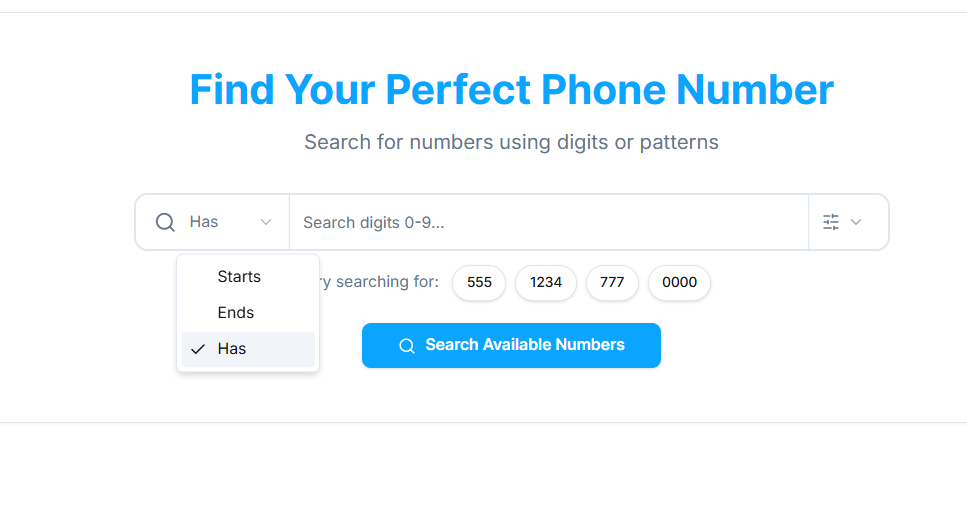
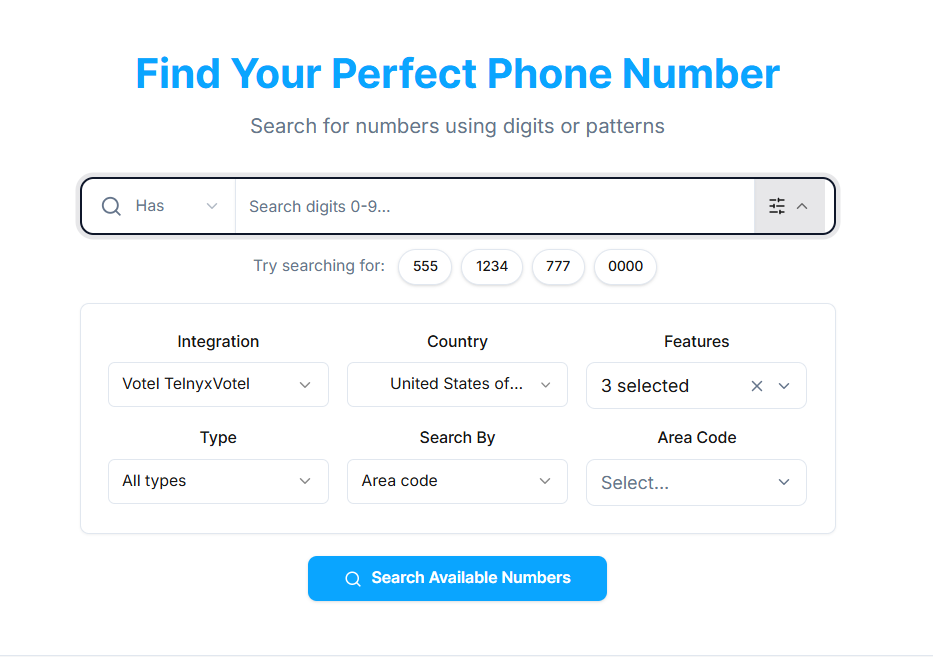
When ready, click Search.
Step 3: Review and Purchase
A list of available numbers will appear with pricing and features. Click Buy Now next to the number you want. Once the purchase completes, the number will automatically appear in your My Numbers list.
Step 4: Edit Number Settings
In My Numbers, find your new number and click the Edit icon. This opens the Edit Phone Number Settings panel where you can configure:
- Assigned To: Choose an admin user or sub-account to manage calls.
- HD Voice: Enable for crystal-clear audio quality.
- Caller ID Name: Add your brand or business name for outbound calls.
- Call Destination: Decide where calls should go — either to an Agent (AI-handled) or an external Phone Number.

Click Save Changes when finished.
Step 5: Test Your Number
Make a test call or send a message to verify that:
- Voice calls connect properly.
- SMS/MMS messages are received.
- Caller ID displays correctly on the recipient's device.
Step 6: Connect Your Agent (Optional but Recommended)
To automate conversations, assign your number to an AI Agent. This allows the agent to answer calls, capture leads, schedule appointments, or provide support instantly — without human intervention.
You're All Set!
Your first number is now active and ready to use inside Votel. You can monitor usage, edit settings anytime, and continue adding more numbers as your business scales.