Managing Leads
Learn how to create, import, and edit leads in your Votel contact management system.
Creating Leads
-
Click Add Lead.
-
Enter lead name and details.
-
Click More Options to add extended fields (over 250 available).
Importing Leads
- Import leads from an Excel or CSV file.
- The system will auto-map fields for you. You can review or adjust mappings before finalizing.
Editing Leads
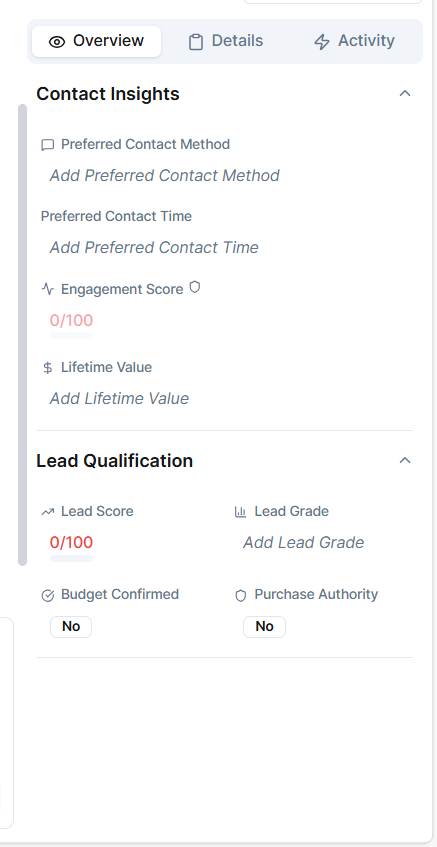
Just click on any leads to open and edit its details. Inside, you can view:
- Chat and call history
- Contact details and insights
- Tags and internal notes
- Engagement activities