Messaging Channels
Conversations supports multiple communication channels in a single unified thread. You can send and receive messages across SMS, email, WhatsApp, and voice - all from the same inbox, with no app switching required.
Supported Channels
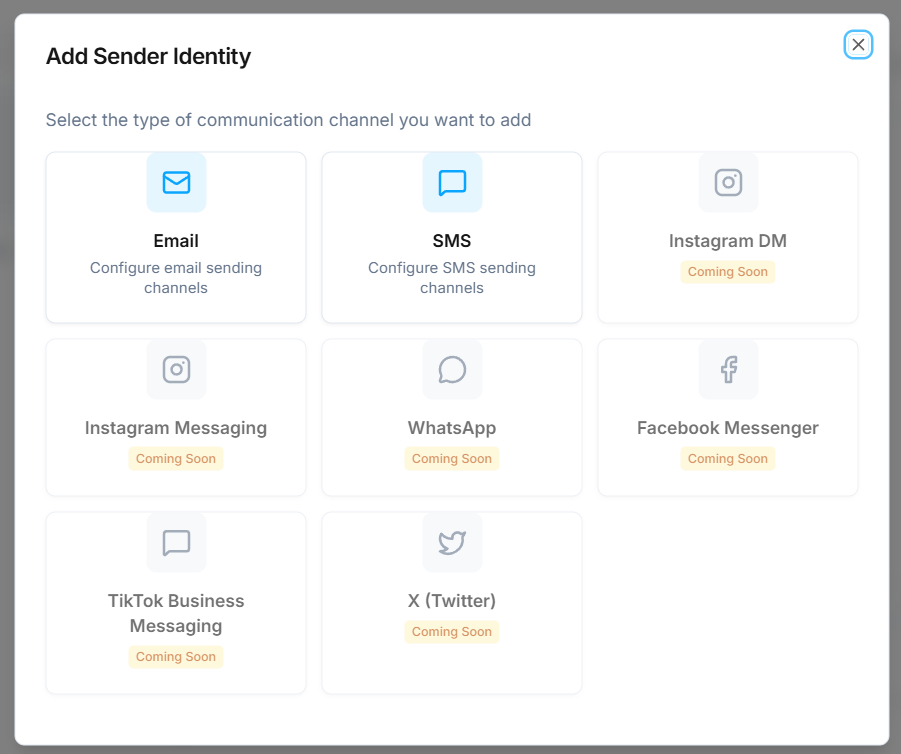
- SMS - send and receive text messages through your assigned phone numbers.
- Email - manage email conversations alongside your other channels.
- Voice - inbound and outbound voice calls appear in the conversation timeline alongside messages.
Coming soon: WhatsApp, Instagram DM, Instagram Messaging, Facebook Messenger, TikTok Business Messaging, and X (Twitter).
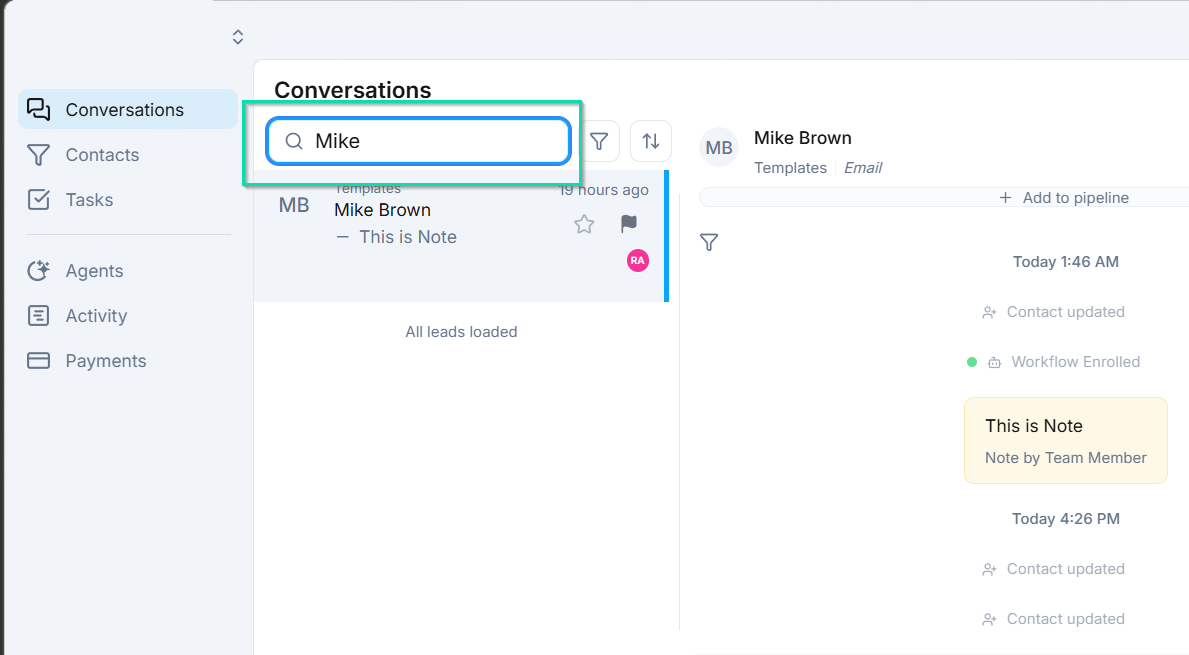
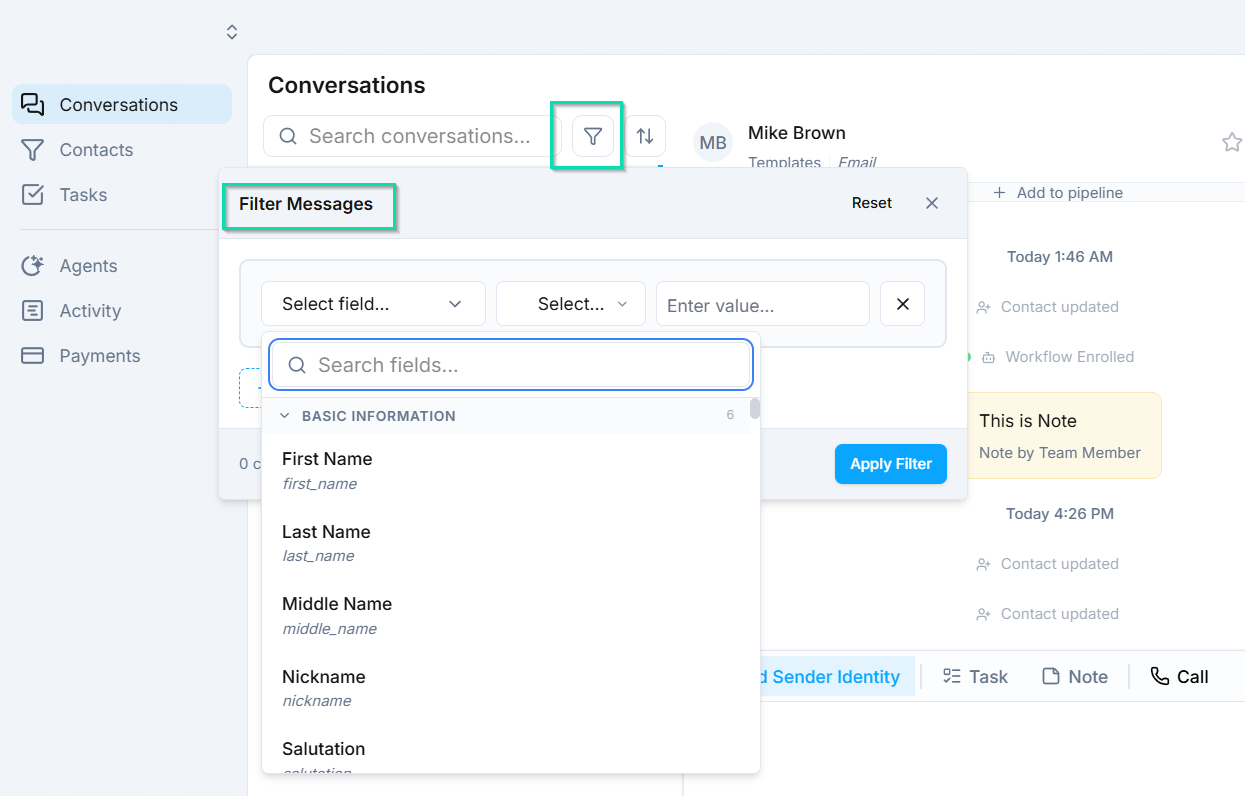
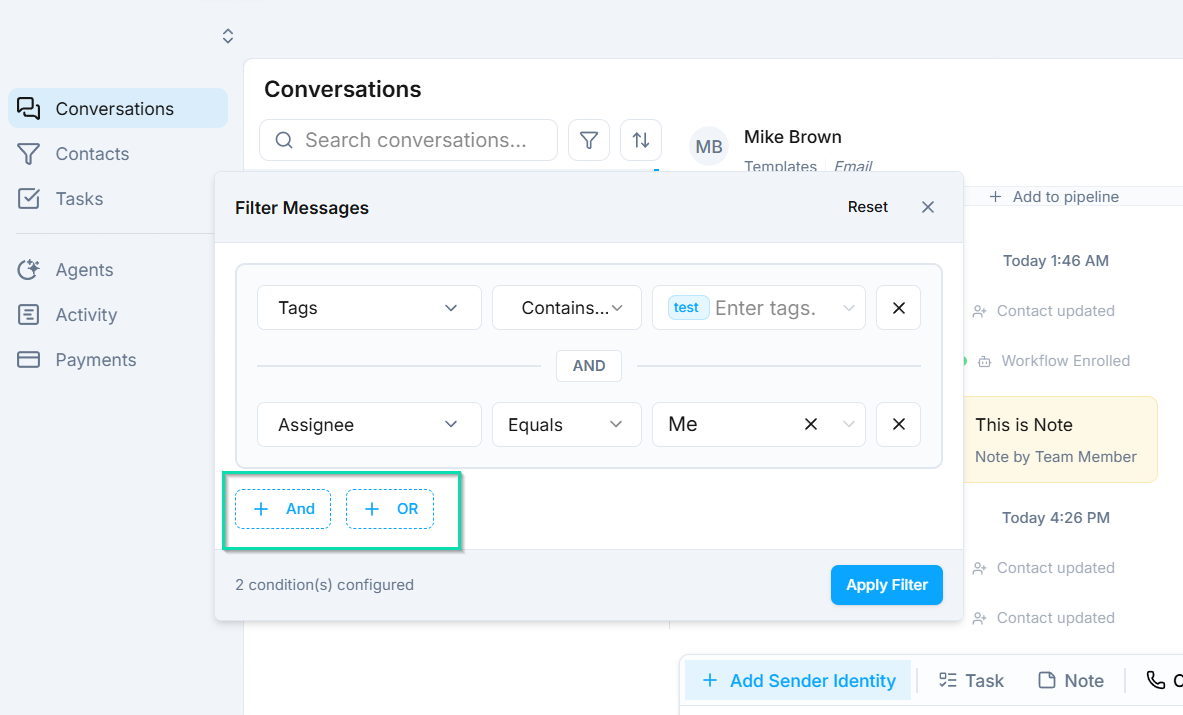
Filtering and Searching
Selecting a Reply Channel
When composing a reply, you can choose which channel to send through directly in the reply compose box. For example, you might see options like "Reply via SMS" or "Reply in WhatsApp."
This means you can start a conversation on one channel and continue it on another. If a customer texts you but you need to send a detailed response, switch to email. If a customer emails you but you need a quick confirmation, reply via SMS.
Unified Conversation Thread
All messages from every channel appear in a single chronological thread. You will see indicators showing which channel each message was sent or received through, so the full communication history is always clear.
This unified approach provides several benefits:
- No app switching - manage SMS, email, WhatsApp, and voice from one screen.
- Complete history - every interaction with a contact is visible in one place, regardless of channel.
- Consistent experience - your team always has full context, no matter who picks up the conversation.
- Flexible responses - reply through whatever channel makes the most sense for the situation.
Next Steps
- Sender Identities - configure the phone numbers and email addresses used for outbound messages
- Phone Setup - set up phone numbers for SMS and voice