Creating Tasks from Conversations
You can create tasks directly from a conversation without leaving the inbox. This keeps your workflow in one place - when a conversation requires follow-up action, create a task on the spot and track it to completion.
Creating a Task
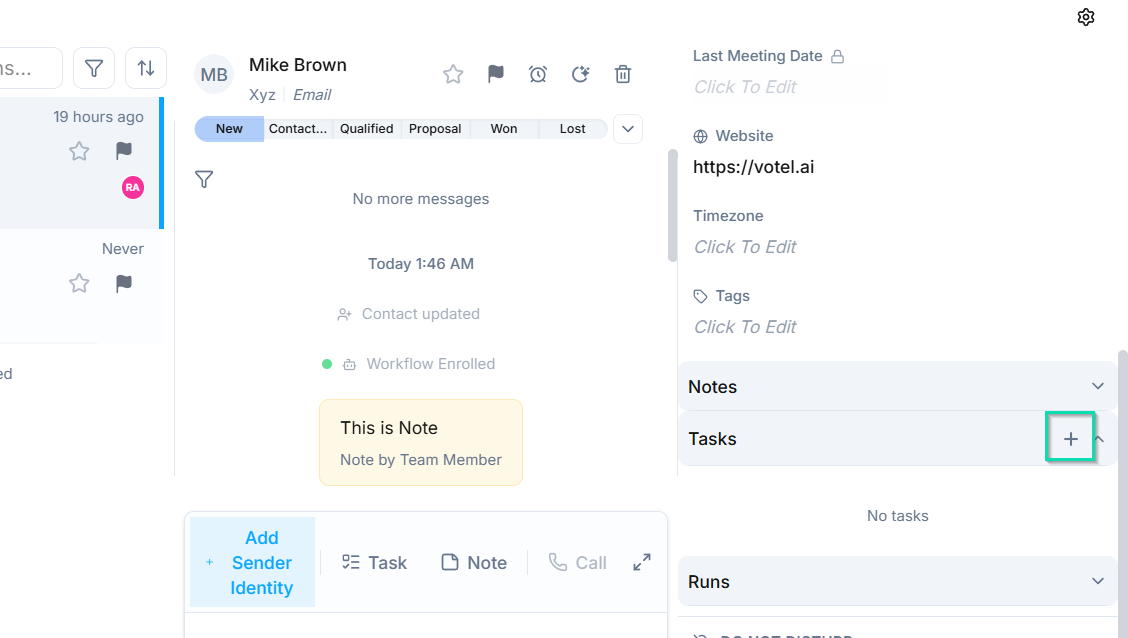
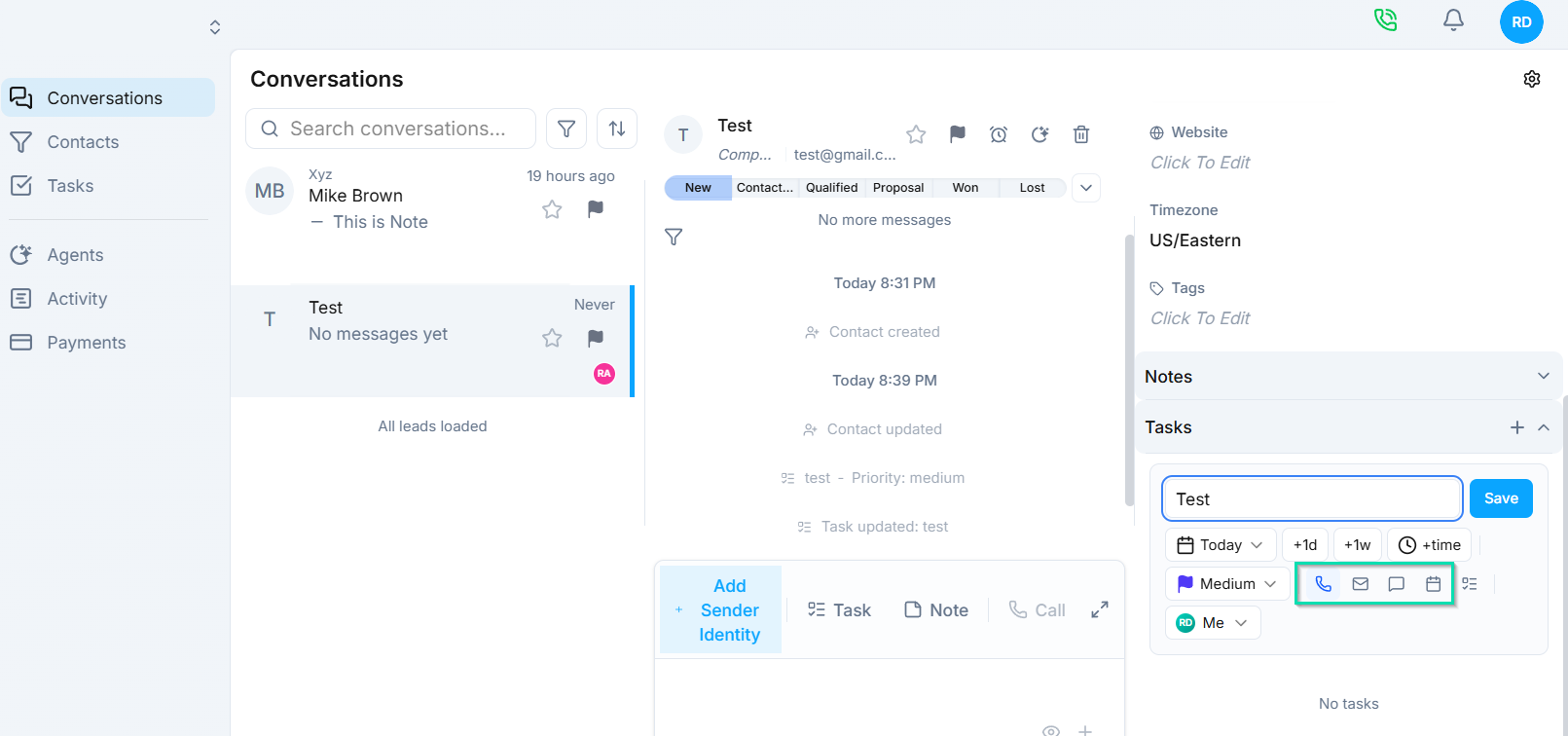
From within an open conversation, click the task action to open the task creation form. Fill in the following details:
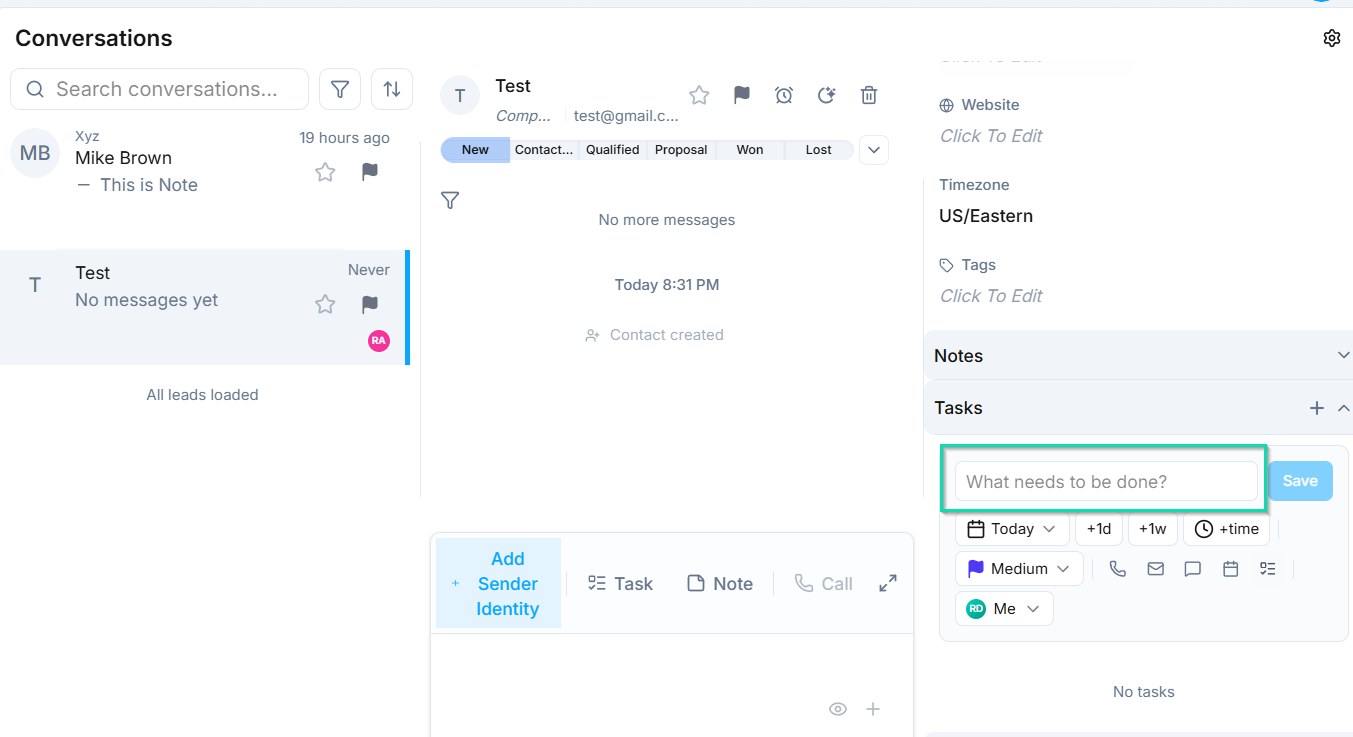
- Title - a clear, descriptive name for the task (e.g., "Send proposal to client" or "Follow up on pricing question").
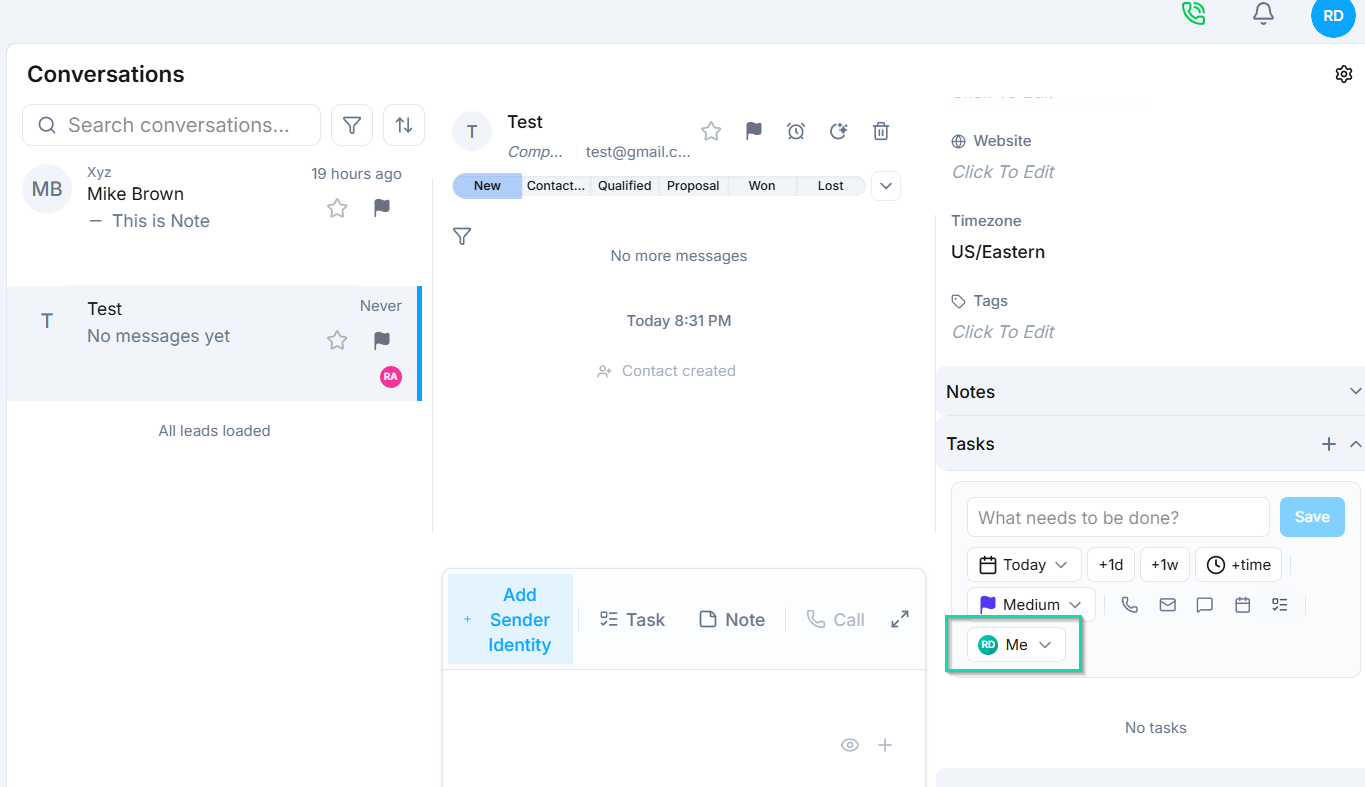
- Assignee - the team member responsible for completing the task.
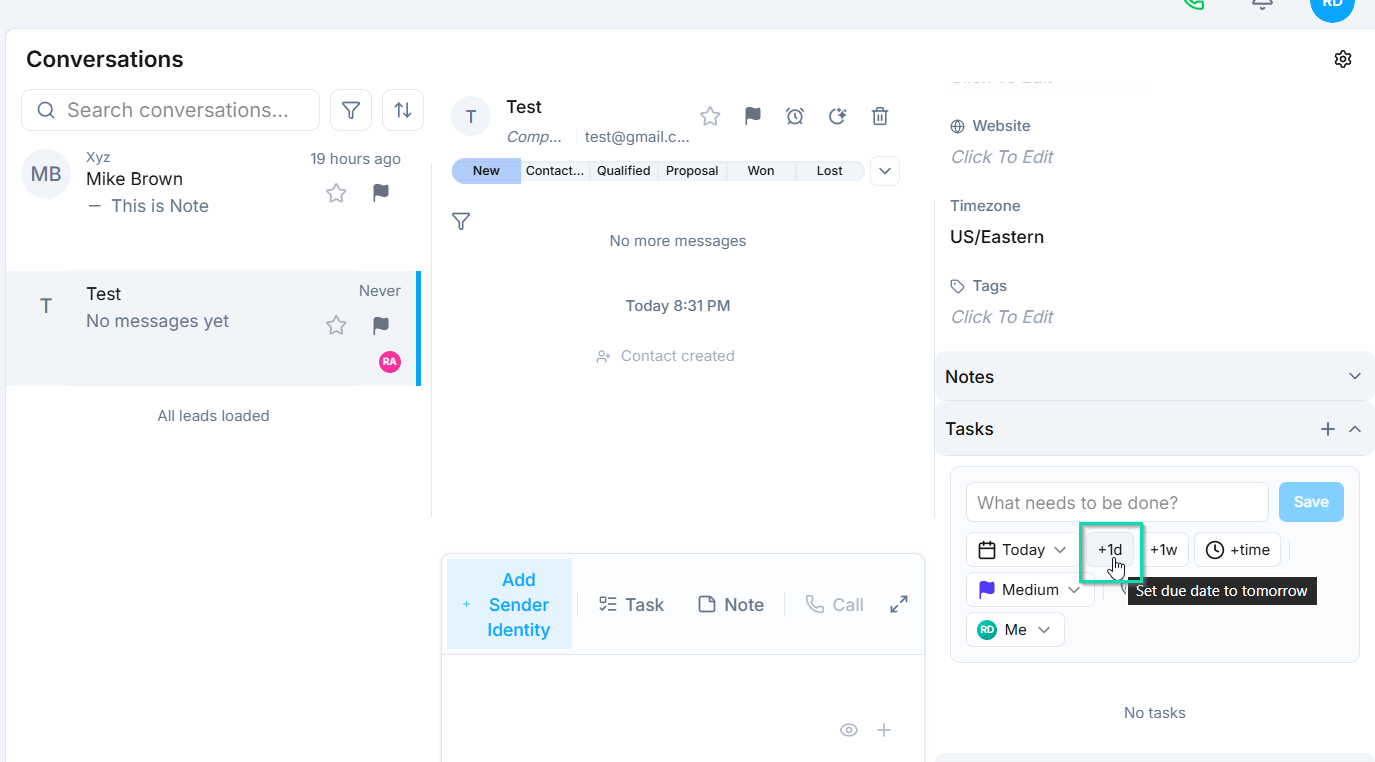
- Due date - when the task needs to be completed.
- Task type - categorize the task (e.g., follow-up, callback, review).
Task and Conversation Linking
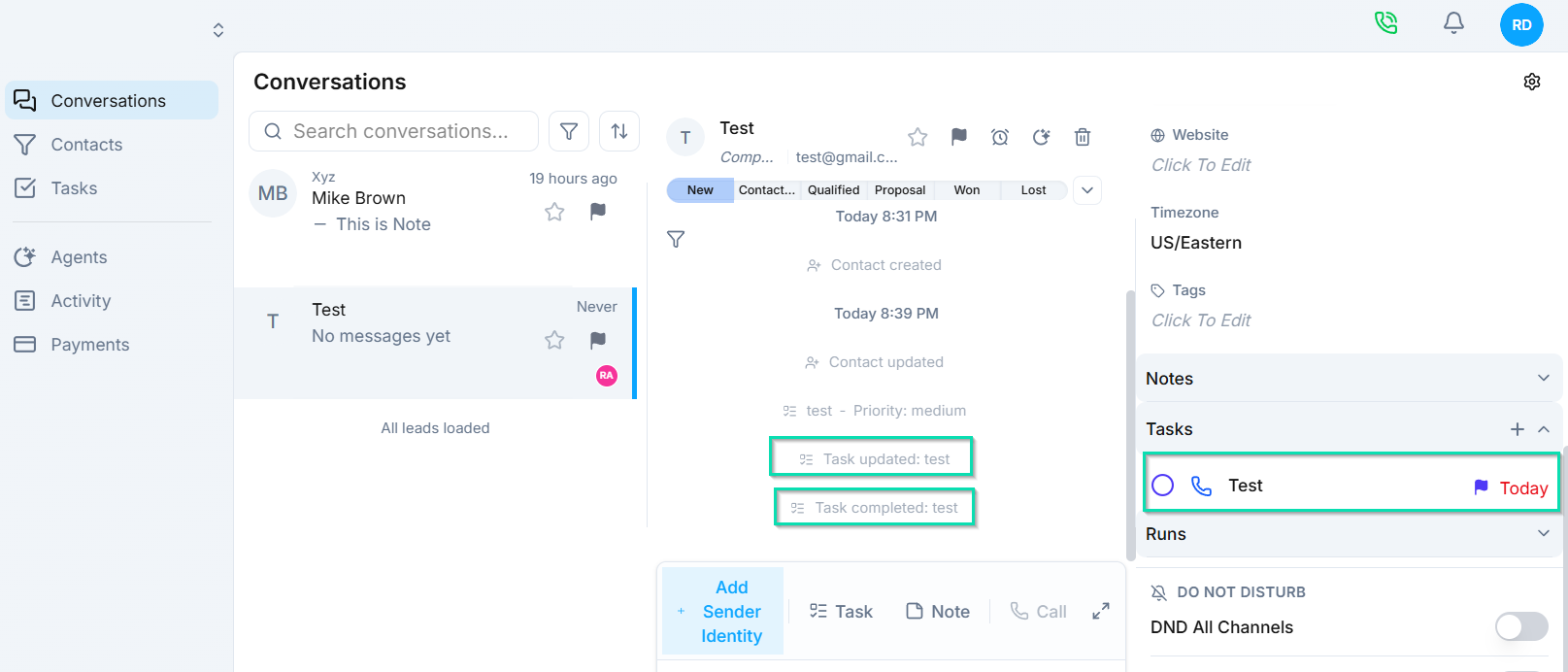
Tasks created from a conversation are automatically linked to both the conversation and the contact. This means:
- You can view the task status from within the conversation.
- The task includes a reference back to the original conversation for context.
- Team members assigned to the task can quickly jump to the related conversation.
Viewing Task Status
Once a task is created, its status is visible from the conversation view. You can see whether a task is open, in progress, or completed without navigating away from the inbox.
This tight integration between conversations and tasks ensures that follow-up items are tracked and visible right where the work happens.
Next Steps
- Task Management - manage all tasks across your workspace
- Create Task Workflow Node - automate task creation within agent workflows