System Emails
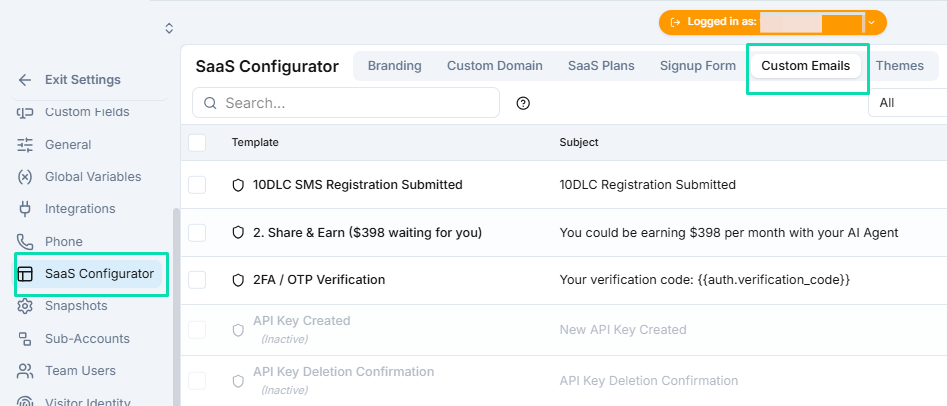
System Emails lets you customize every automated email your white label platform sends --- from password resets to welcome messages. Match these emails to your brand so your clients have a consistent experience at every touchpoint.
Editable Emails
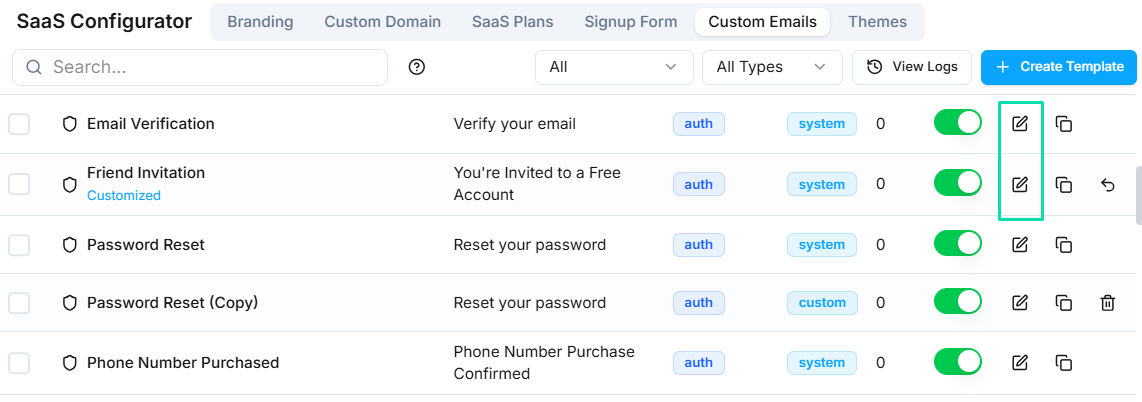
You can customize the following types of system emails:
- Forgot password --- the reset link email sent when a client requests a new password.
- Welcome emails --- the onboarding message sent to new sub-account users.
- Notifications --- alerts and updates triggered by platform activity.
- Other automated messages --- any system-generated email the platform sends to your clients.
Drag-and-Drop Editor
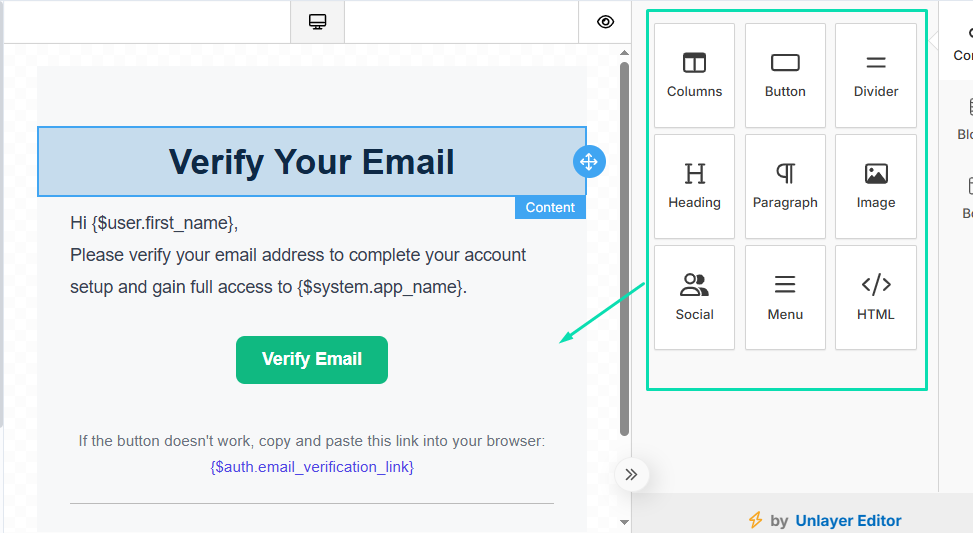
Each email template opens in a visual drag-and-drop editor. You can:
- Update the layout, text, and images to match your brand.
- Change colors, fonts, and spacing.
- Add your logo and custom footer links.
No coding is required. The editor works like a standard email builder.
Turning Off Emails
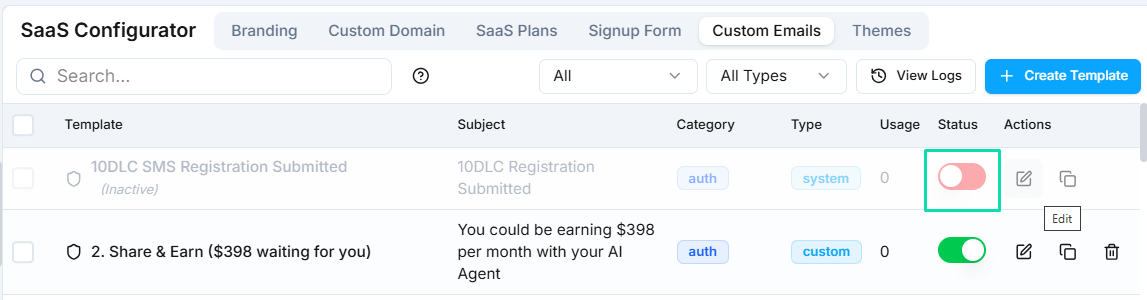
Some system emails may not be relevant to your workflow. You can disable any email template to stop it from being sent. This is useful for reducing inbox noise for your clients or replacing system emails with your own workflow-based messages.
Next Steps
- SaaS Configurator --- update your brand name, logo, and support details to match your email branding