Themes and Appearance
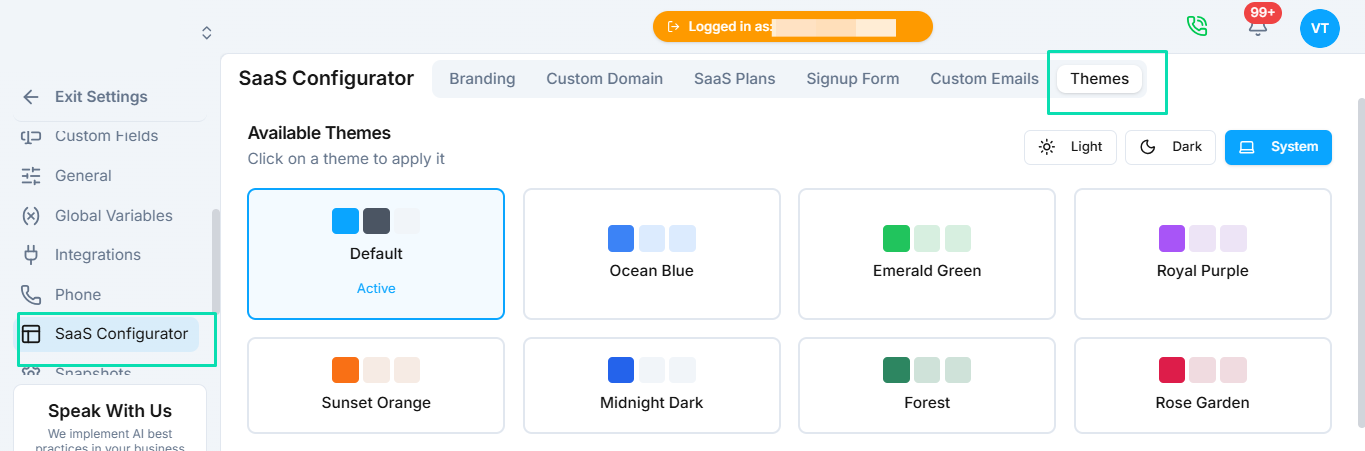
Themes control the visual appearance of your white label platform. Choose between light and dark modes, set custom brand colors, and preview everything before applying changes to your clients' experience.
Display Modes
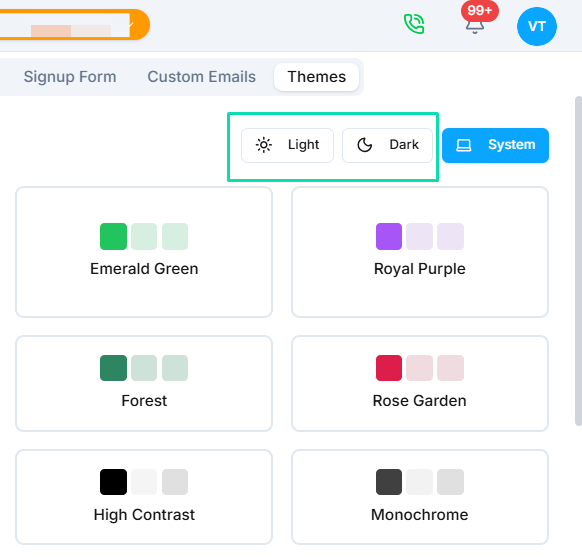
Two built-in display modes are available:
- Light mode --- a clean, bright interface with a white background. Best for professional, corporate-facing brands.
- Dark mode --- a dark background interface that reduces eye strain and gives a modern, sleek appearance.
Your clients will see whichever mode you set as the default.
Custom Color Schemes
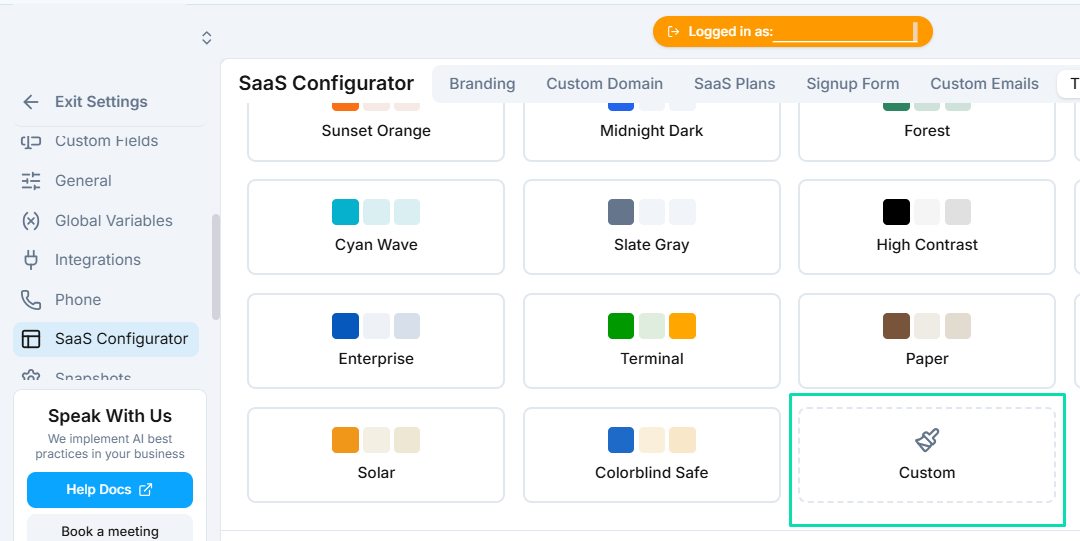
Go beyond light and dark by setting custom brand colors. The color scheme is applied throughout the platform, including:
- Navigation and sidebar elements.
- Buttons, links, and interactive components.
- Accent colors and highlights.
Match these to your brand guidelines so the platform feels like a natural extension of your existing products.
Preview Before Applying
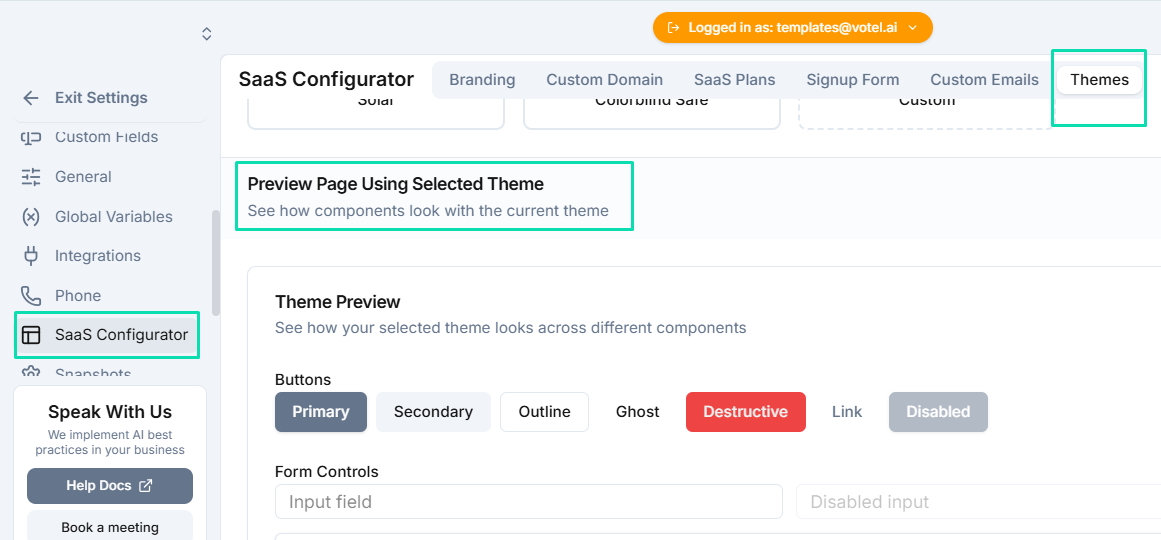
Before committing any changes, use the preview feature to see exactly how your theme looks. This lets you test different color combinations and modes without affecting what your clients currently see. Apply changes only when you are satisfied with the result.
Next Steps
- SaaS Configurator --- update your logo and company name to complete your brand customization