Custom Domain
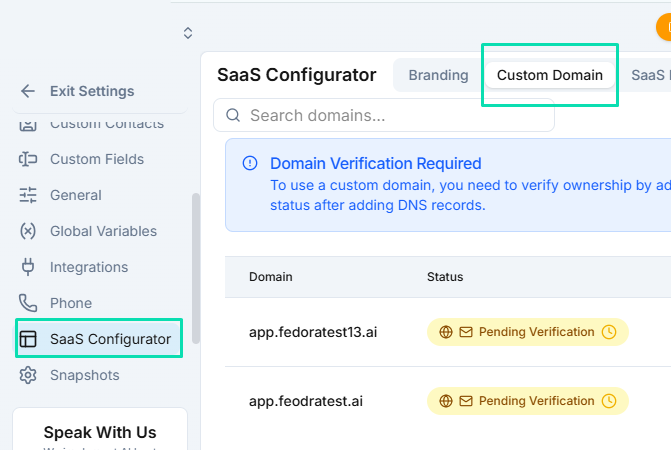
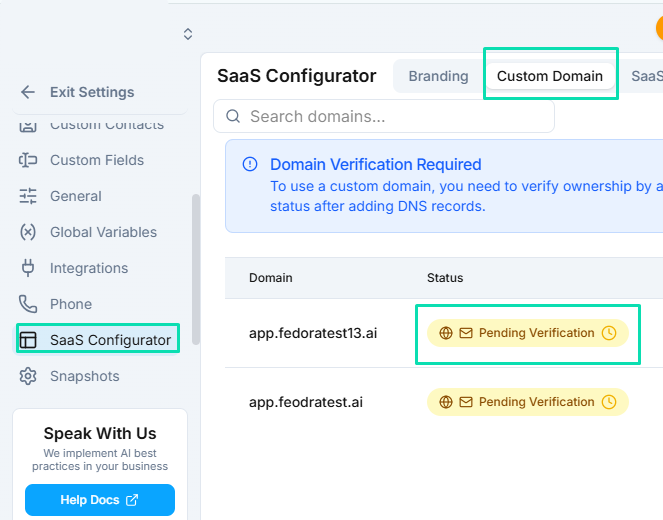
A custom domain replaces the default URL with your own branded subdomain, so your clients access the platform at an address like app.yourbrand.com. This is a key step in making the white label experience seamless.
Setting Up Your Subdomain
Choose a subdomain for your white label platform. Common choices include:
app.yourbrand.complatform.yourbrand.comportal.yourbrand.com
Enter your chosen subdomain in the Custom Domain settings, then follow the DNS instructions provided.
DNS Configuration
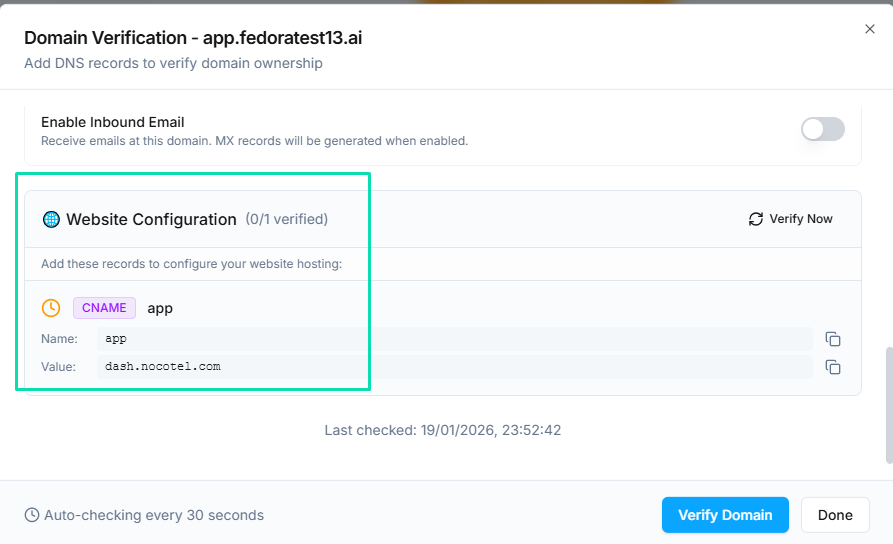
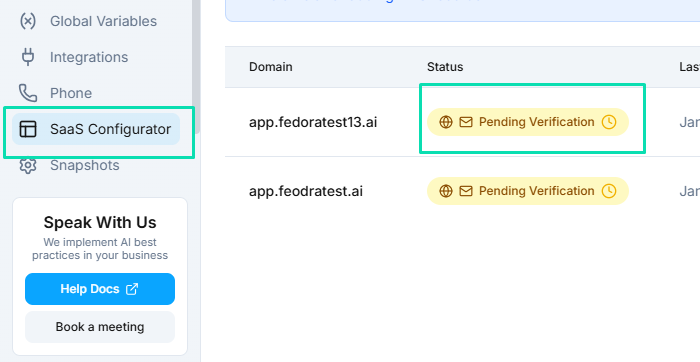
You will need to add DNS records at your domain registrar or DNS provider. The platform provides the exact records you need to create. Typically this involves:
- A CNAME record pointing your subdomain to the servers.
- Additional records for verification and email routing.
DNS changes can take up to 48 hours to propagate, though most complete within a few minutes.
Email on Your Domain
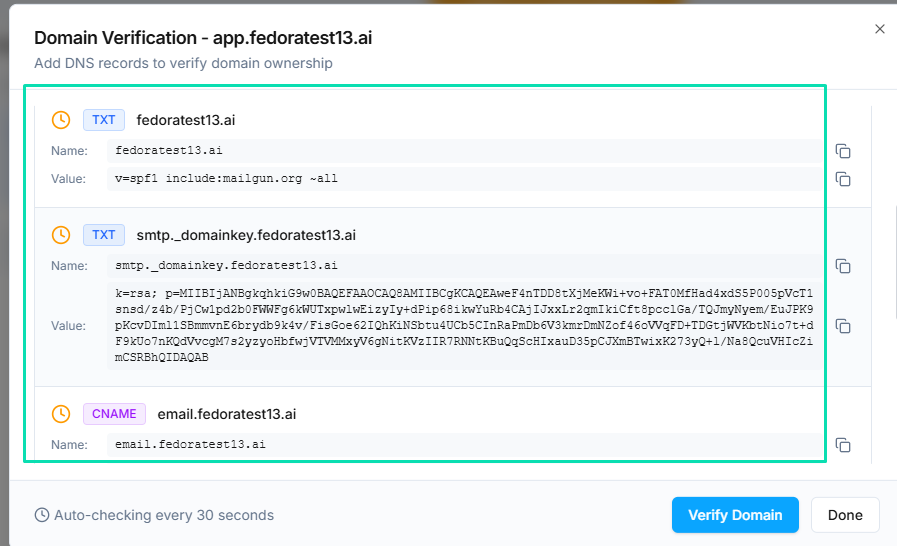
Once your custom domain is connected, you can enable email sending from your domain. This means system notifications and automated emails come from addresses like noreply@yourbrand.com instead of a generic address.
Optionally, you can also enable inbound email routing so that replies from your clients are received through your domain.
Next Steps
- SaaS Configurator --- update your branding and support details
- Signup Forms --- create checkout pages on your custom domain for new customers