Drag and Drop
In board view, you can move contacts between pipeline stages by dragging and dropping their cards. This is the quickest way to update a contact's progress as they move through your business process.
How It Works
- Open the CRM in Board view.
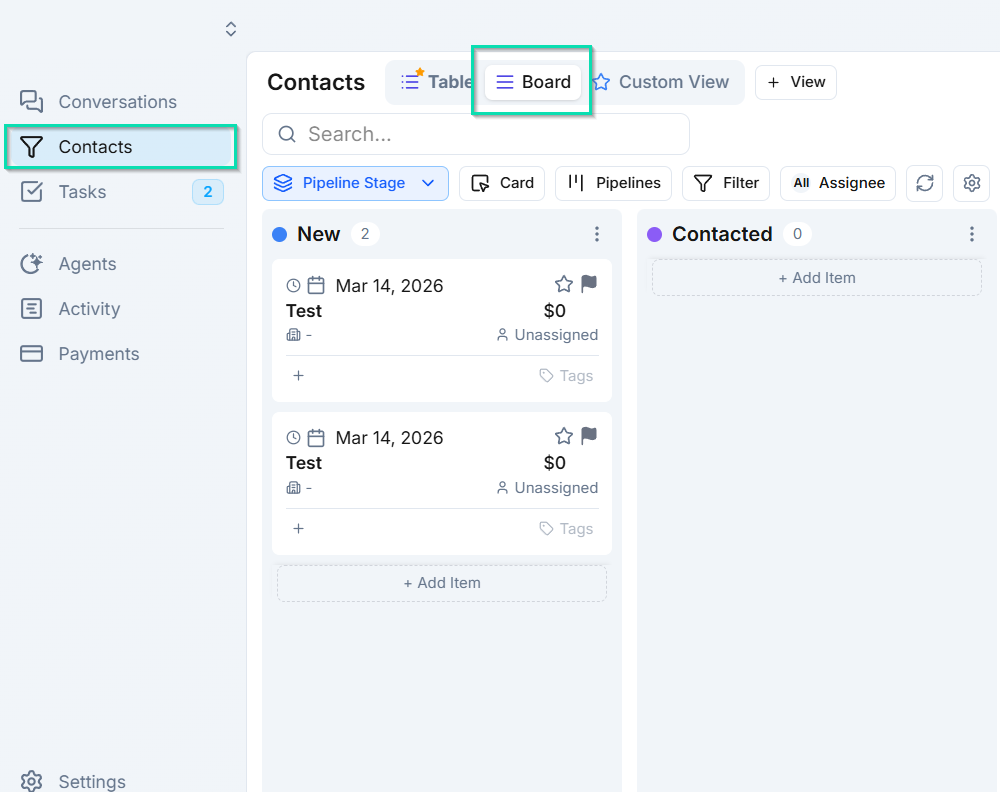
- Click and hold on a contact card.
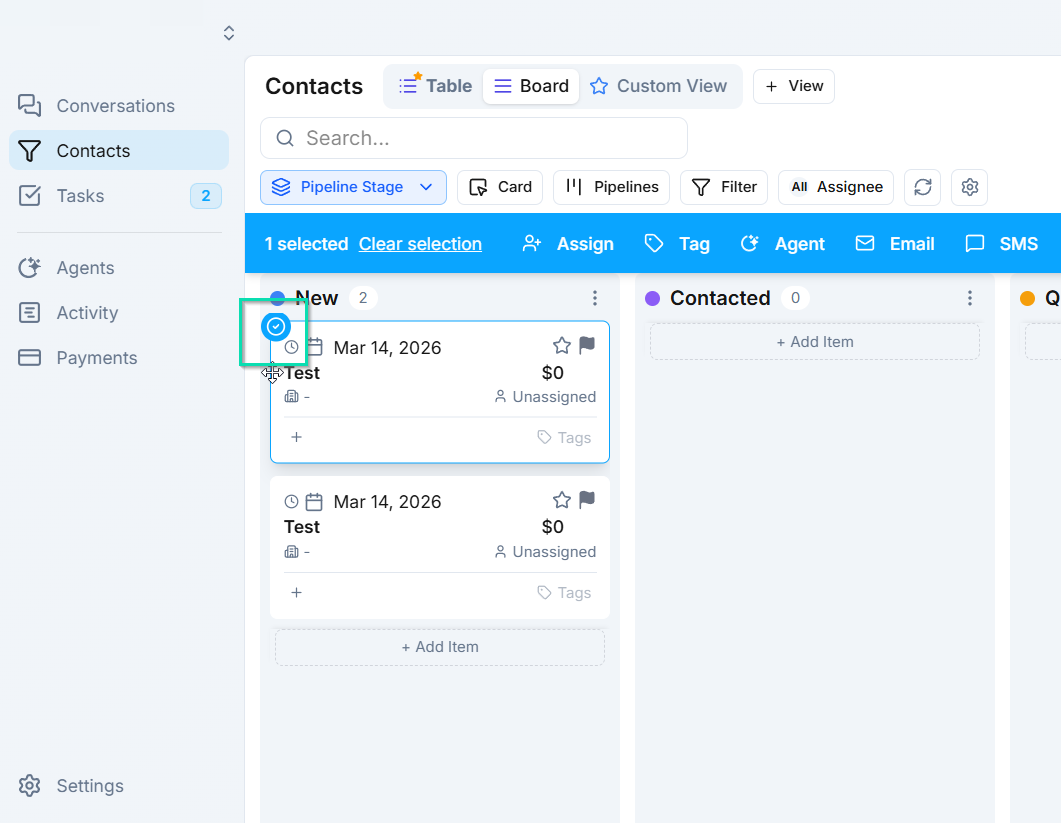
- Drag the card to the target pipeline column.
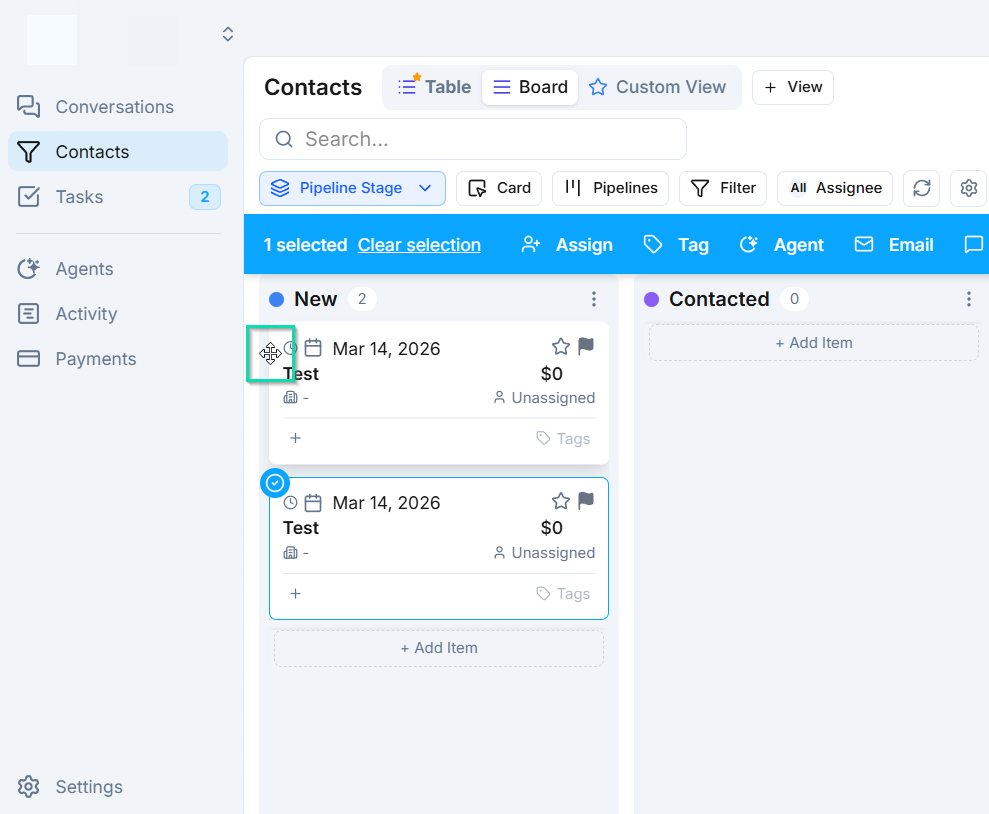
- Release to drop the card into the new stage.
The contact's pipeline stage updates automatically the moment you drop the card. There is no need to open the contact record or manually change a status field.
When to Use Drag and Drop
Drag and drop is ideal for:
- Quickly advancing a contact after a successful call or meeting.
- Moving multiple contacts through stages during a pipeline review session.
- Visually reorganizing your board as deal statuses change throughout the day.
For bulk stage changes across many contacts at once, use Bulk Actions instead.
Next Steps
- Pipelines - customize the pipeline stages you drag contacts between