Lead Scoring
Lead scoring automatically tracks contact engagement and assigns a numeric score to each contact based on their interactions. Higher scores indicate more engaged leads, helping your team prioritize follow-ups and focus on the contacts most likely to convert.
How It Works
's lead scoring system monitors 17 different engagement events across all channels. Each time a contact performs an action - like answering a call, opening an email, or booking an appointment - their score increases. Certain negative events can decrease the score.
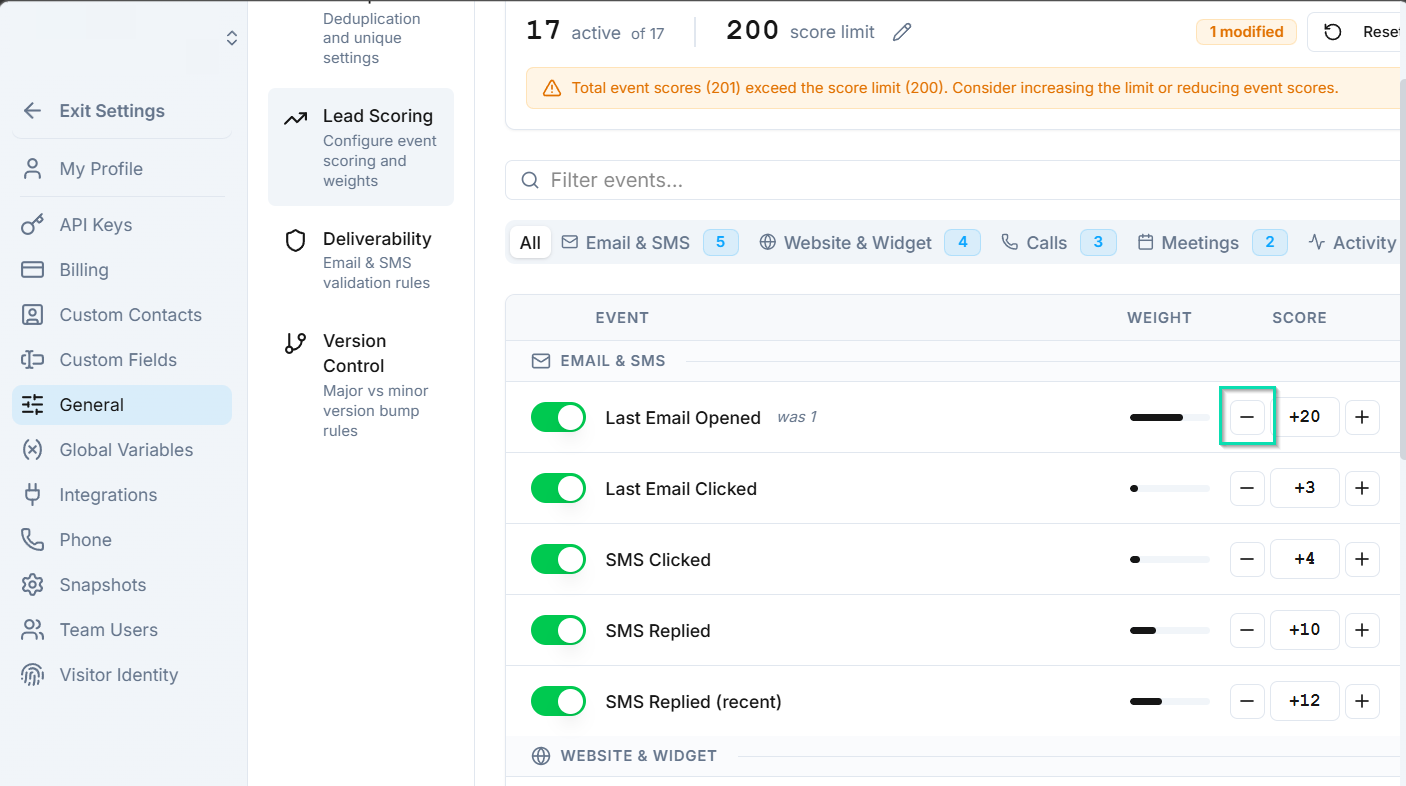
The result is a single number that reflects how actively a contact is interacting with your business.
Tracked Engagement Events
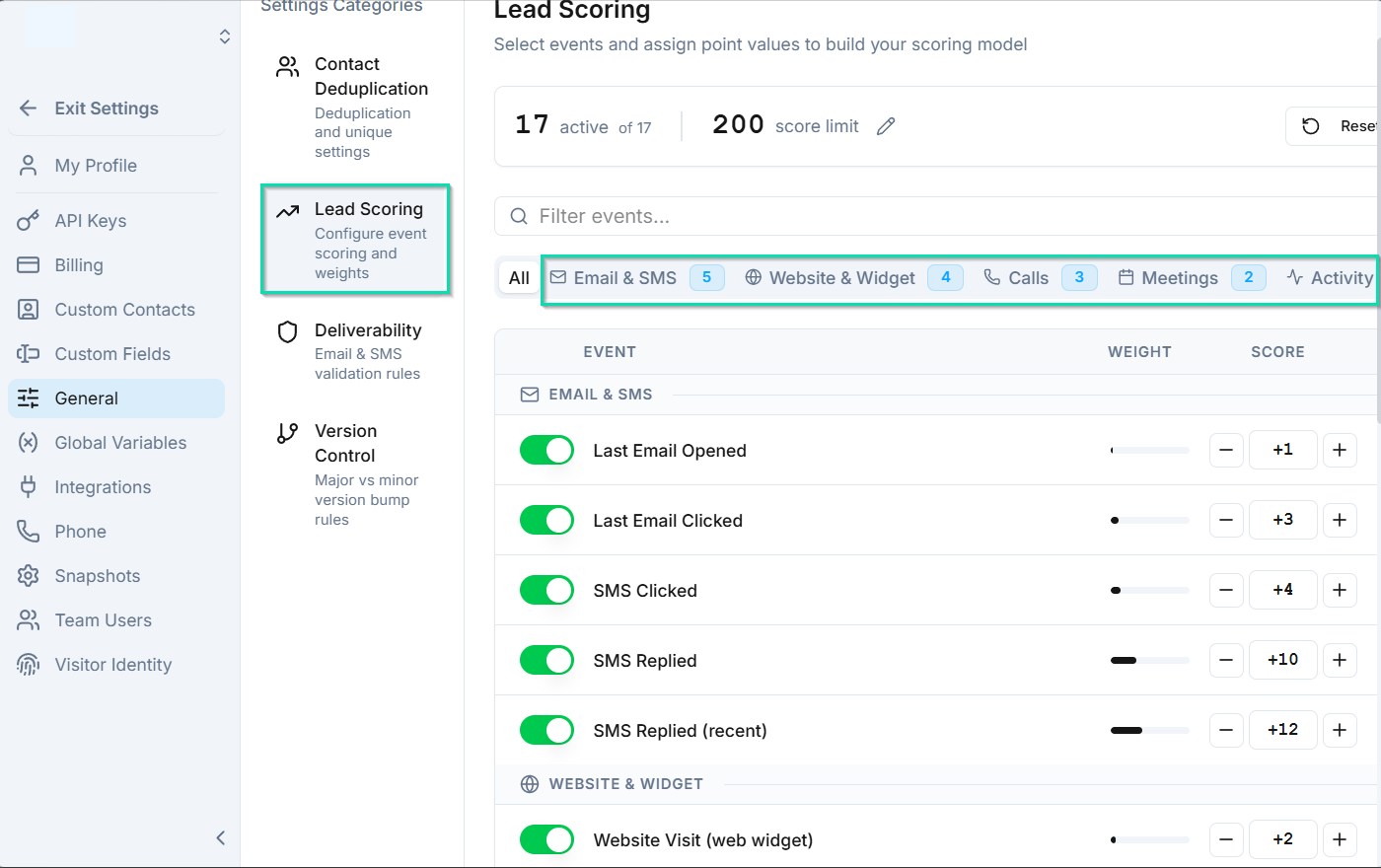
Lead scoring tracks events such as:
- Calls answered
- Emails opened
- Links clicked
- SMS replied to
- Appointments booked
- Forms submitted
- Voicemails left
- And more (17 events total)
Customizing Score Values
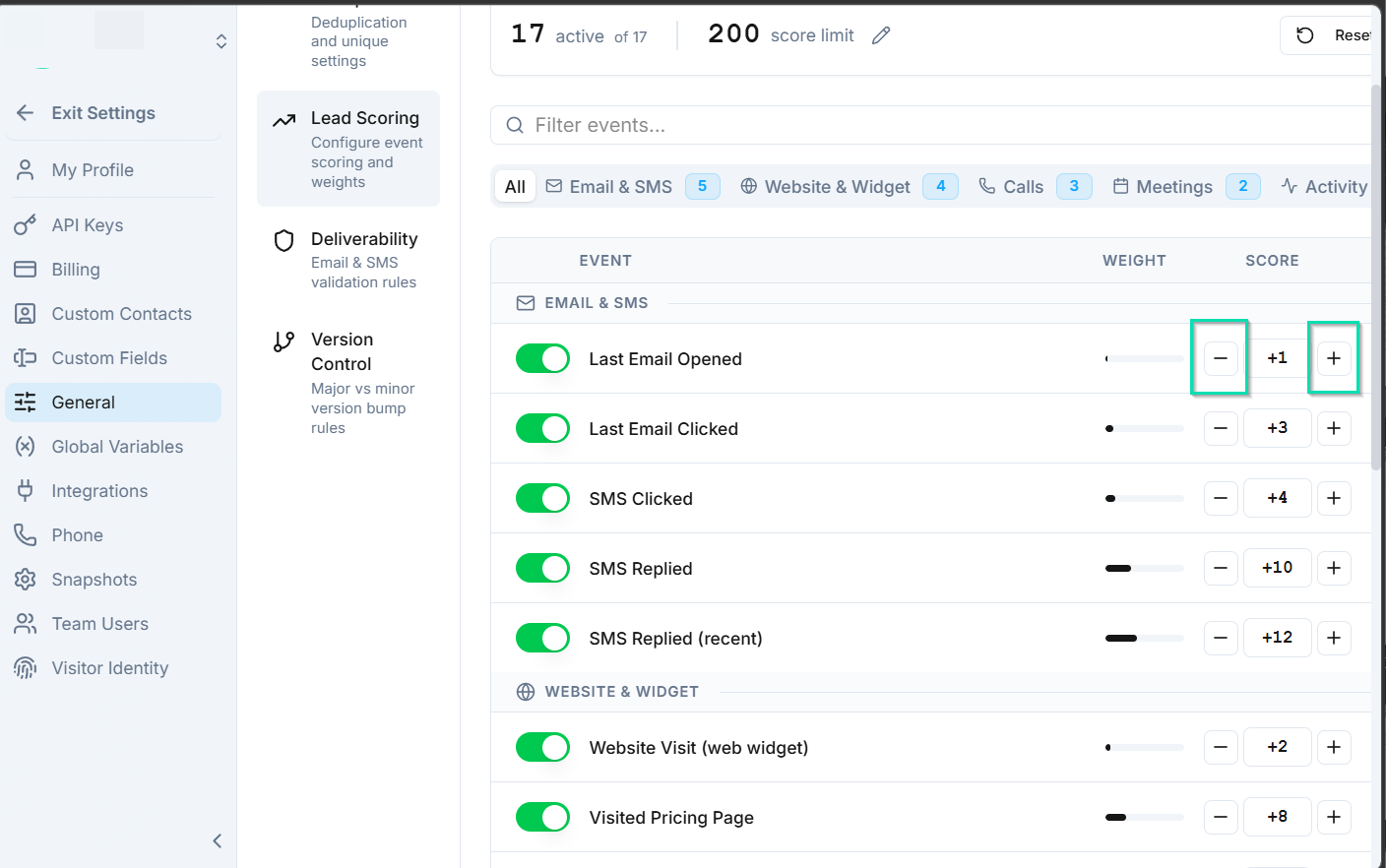
You can adjust how much each event type affects the score:
- Increase the score for high-value actions (e.g., appointment booked = +20 points).
- Decrease the score for negative signals (e.g., email unsubscribed = -10 points).
- Set different weights based on what matters most to your business.
This lets you fine-tune scoring so it accurately reflects your definition of an engaged lead.
Using Lead Scores
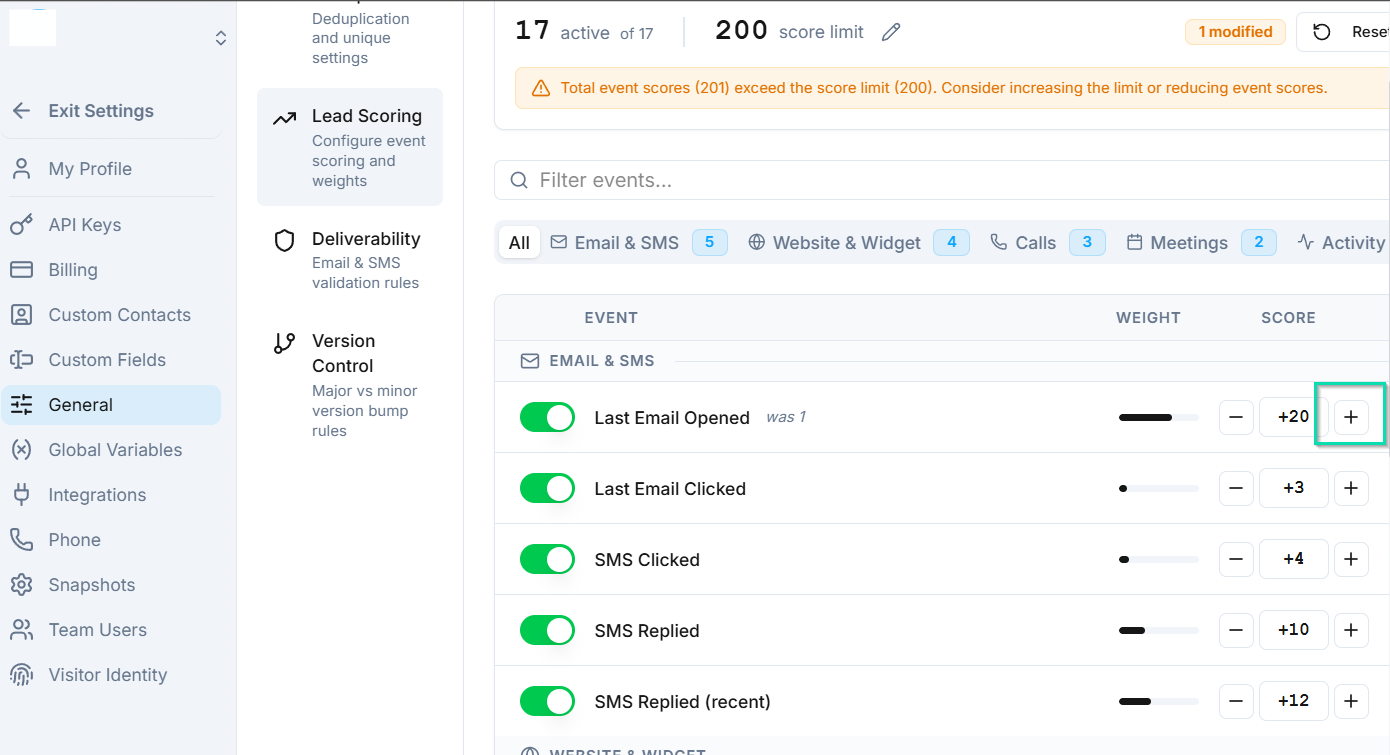
Lead scores are useful throughout :
- Prioritize follow-ups - sort contacts by score to call your hottest leads first.
- Filter views - create saved views like "High Score Leads" to focus on engaged contacts.
- Workflow automation - use lead scores in Decision Nodes to route contacts differently based on their engagement level (e.g., high-score leads go to a senior rep, low-score leads get a nurture sequence).
Example Scoring Setup
| Event | Score Change |
|---|---|
| Call answered | +10 |
| Email opened | +5 |
| Link clicked | +8 |
| Appointment booked | +20 |
| Form submitted | +15 |
| Email unsubscribed | -10 |
| Call not answered (3x) | -5 |
Next Steps
- Decision Node - route contacts in workflows based on their lead score
- Search and Filters - filter contacts by score in your views