Custom Fields
Custom fields let you capture data that is specific to your business. Instead of working with only standard fields like name, email, and phone, you can create fields tailored to exactly what you need to track.
Video Walkthrough
Why Use Custom Fields?
Every business tracks different information. A real estate agency needs fields for property type and budget range. An auto shop needs year, make, and model. A recruiting firm needs job title and start date. Custom fields make your CRM fit your business, not the other way around.
Creating Custom Fields
To create a custom field, go to Settings > Custom Contacts and open the layout editor. From there:
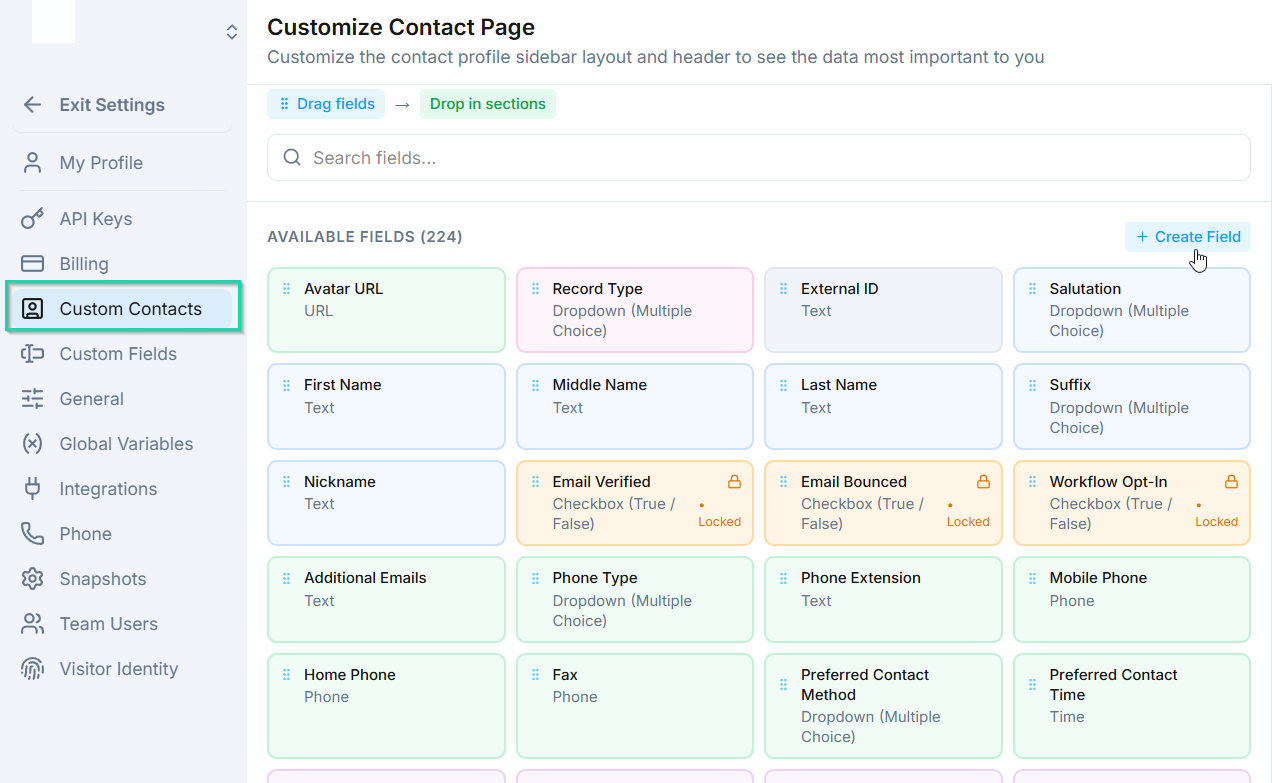
- Navigate to the tab and section where you want the field.
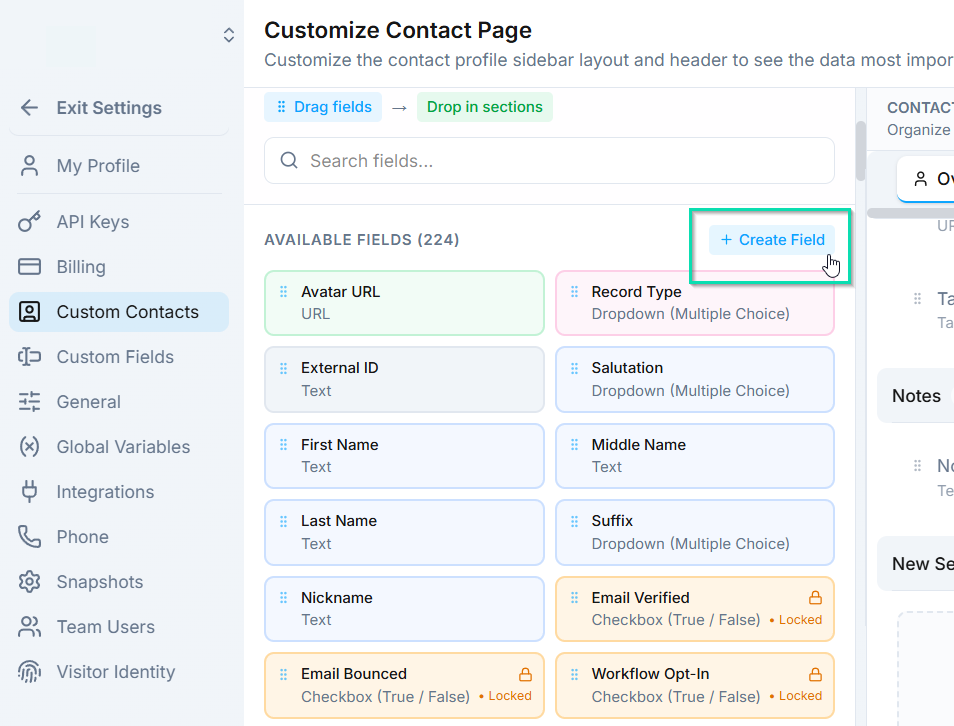
- Click to add a new field.
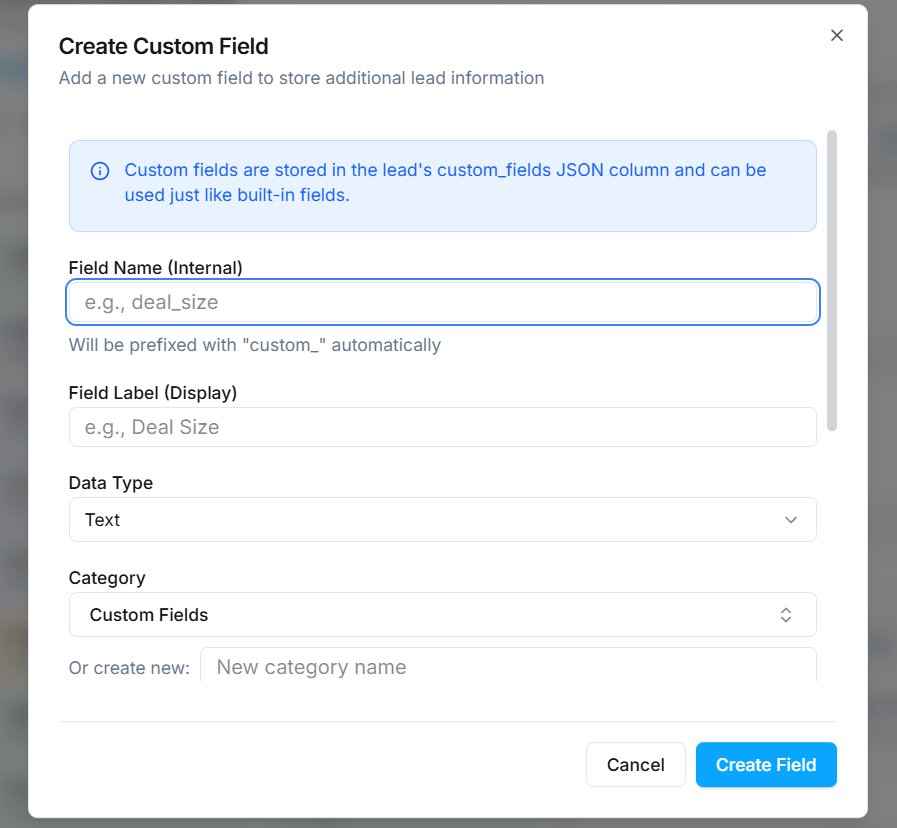
- Choose a field type and give it a name.
Available Field Types
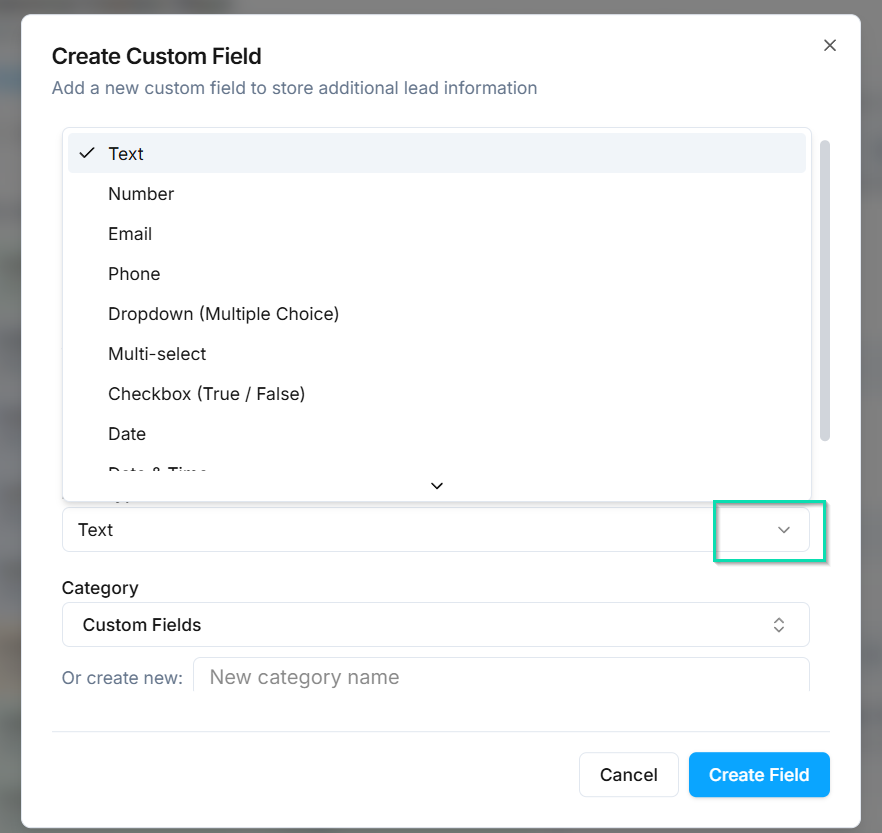
- Text - free-form text input for names, descriptions, or notes.
- Dropdown - a predefined list of options (e.g., "Bronze / Silver / Gold" membership tiers).
- Checkbox - a yes/no toggle (e.g., "Owns Home", "Email Verified").
- Date - a date picker for deadlines, follow-ups, or milestones.
- Number - numeric values for budgets, quantities, or scores.
- And more - additional types are available depending on your use case.
Where Custom Fields Can Be Used
Once created, custom fields are available throughout :
- Contact layouts - display fields in the contact panel tabs and sections.
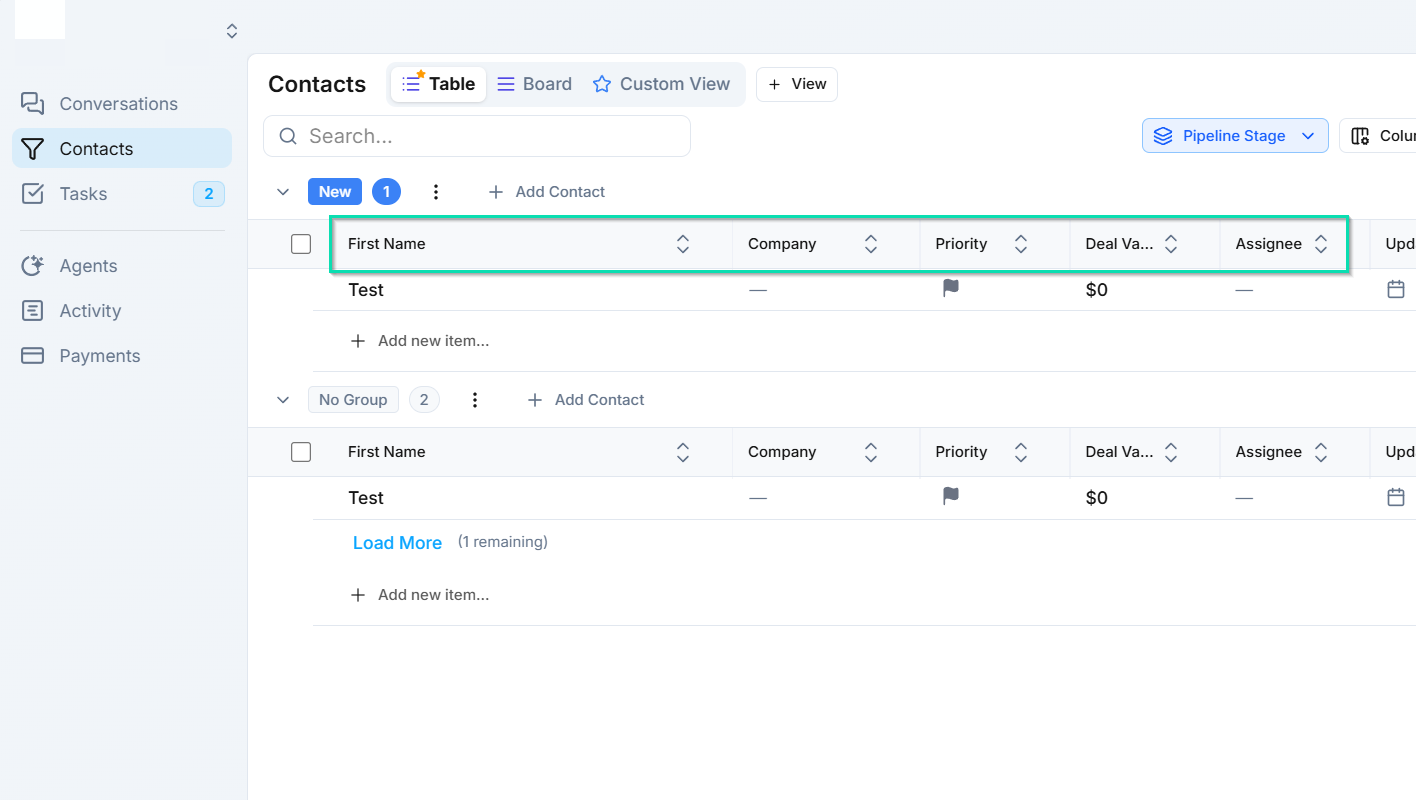
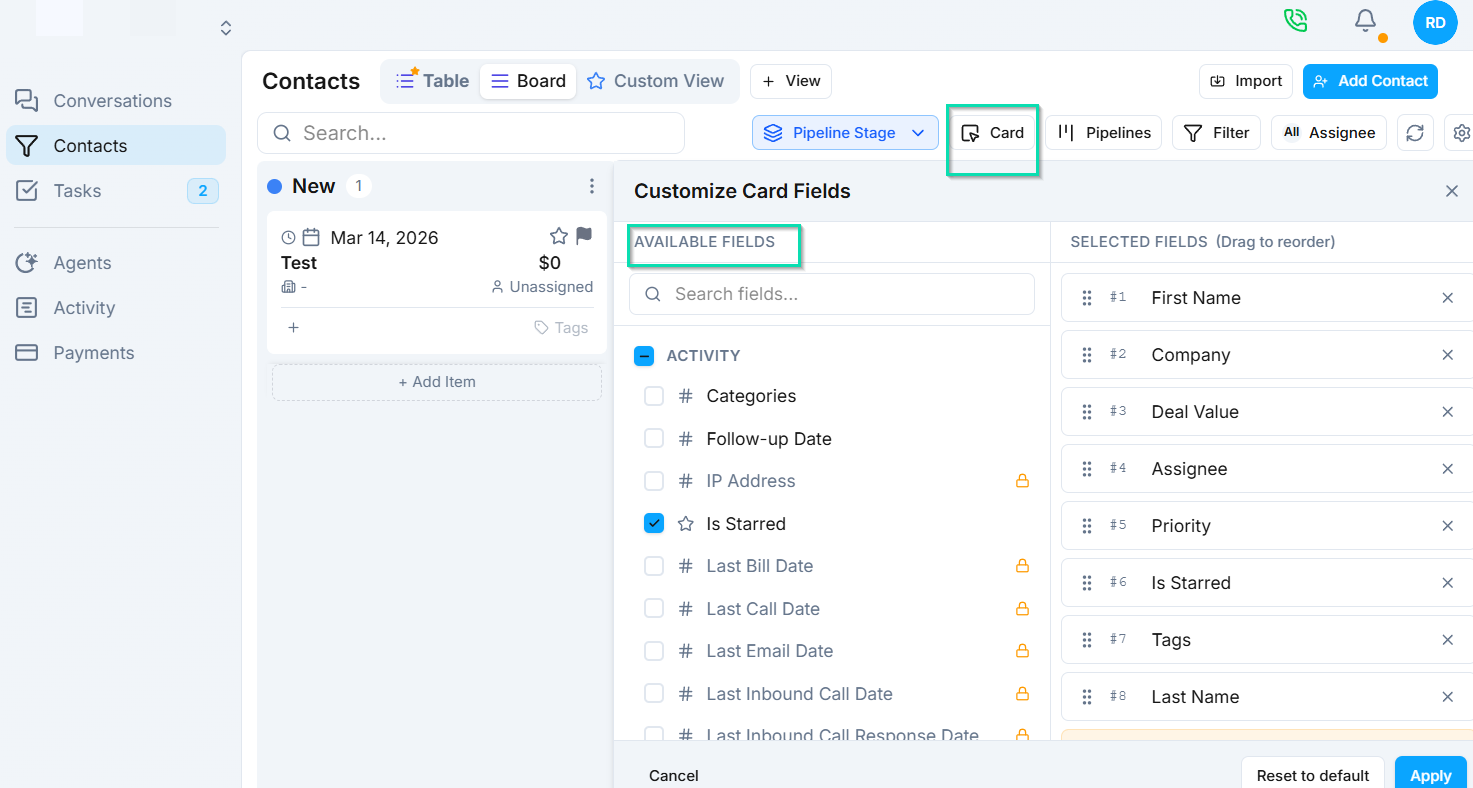
- Pipeline cards - show key fields on board view cards for at-a-glance info.
- Workflow filters - use field values to route contacts in automations.
- Ask and Save nodes - collect field values during agent conversations and save them to the contact record.
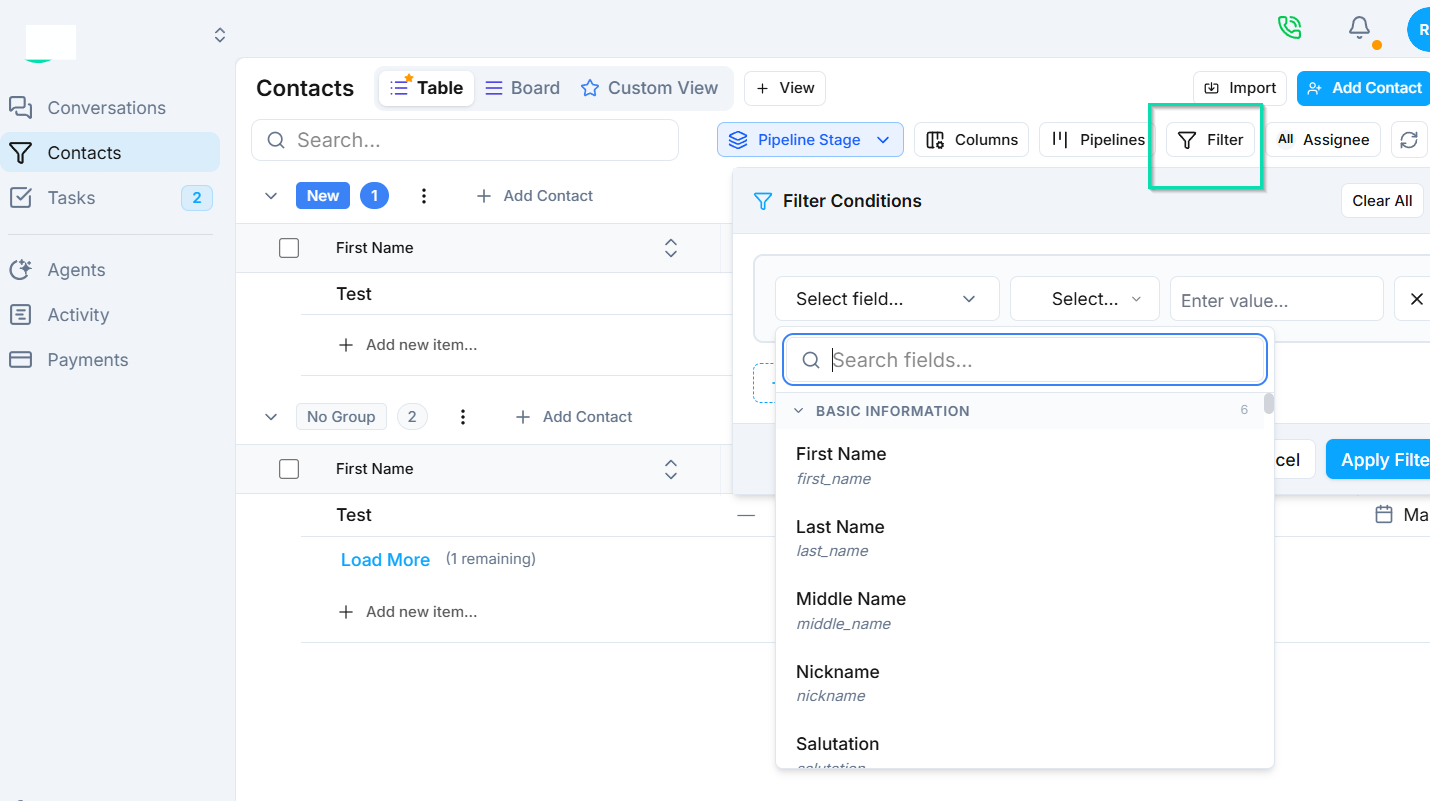
- Search and filters - filter contacts by any custom field value in the CRM, Conversations, or Tasks.
Examples
| Field Name | Type | Use Case |
|---|---|---|
| Year Founded | Dropdown | Filter businesses by how long they have been operating |
| Owns Home | Checkbox | Qualify leads for home-related services |
| Follow-Up Date | Date | Track when to contact a lead next |
| Budget Range | Number | Prioritize leads by potential deal size |
| Preferred Language | Dropdown | Route contacts to the right agent |
Next Steps
- Ask and Save Node - collect custom field values during AI conversations
- Customizing the Contact Panel - build the layout where your custom fields live