API Lookup Node
The API Lookup Node makes HTTP requests to external APIs directly from your workflow. Use it to fetch or send data - check order statuses, verify accounts, retrieve pricing, or push information to your backend systems.
How It Works
- Configure the HTTP request (method, URL, headers, body).
- When the workflow reaches this node, the request fires.
- The response is parsed and mapped to workflow variables.
- Subsequent nodes can use the returned data.
Supported Methods
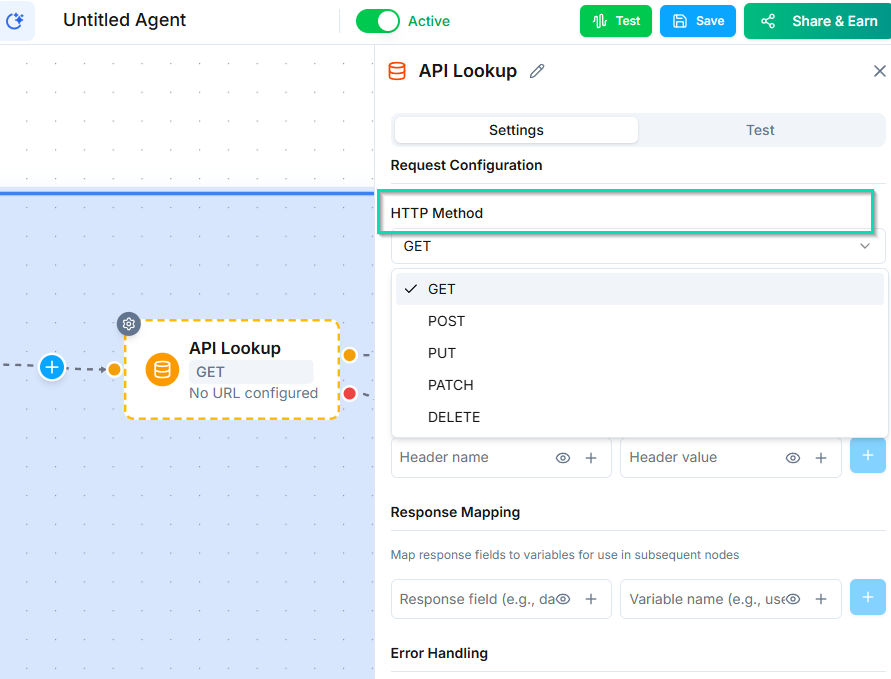
- GET - retrieve data from an API (e.g., look up a customer record).
- POST - send data to an API (e.g., create a new record or trigger an action).
Configuring the Request
URL
Enter the full API endpoint URL. You can include workflow variables in the URL using the variable syntax:
https://api.example.com/customers/{{customer_id}}
Headers
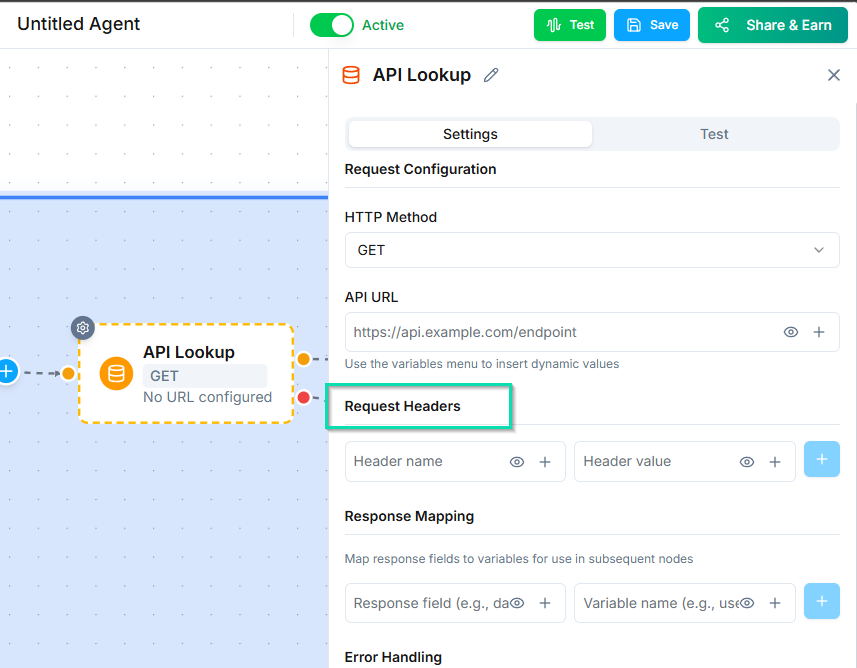
Add any required headers, such as:
Authorization: Bearer {{api_key}}Content-Type: application/json
Request Body (POST only)
-c69cdd537b89045efcae77981721a014.png)
For POST requests, define the JSON body. Use workflow variables to include dynamic data:
{
  "name": "{{caller_name}}",
  "email": "{{caller_email}}",
  "inquiry": "{{inquiry_type}}"
}
Response Mapping
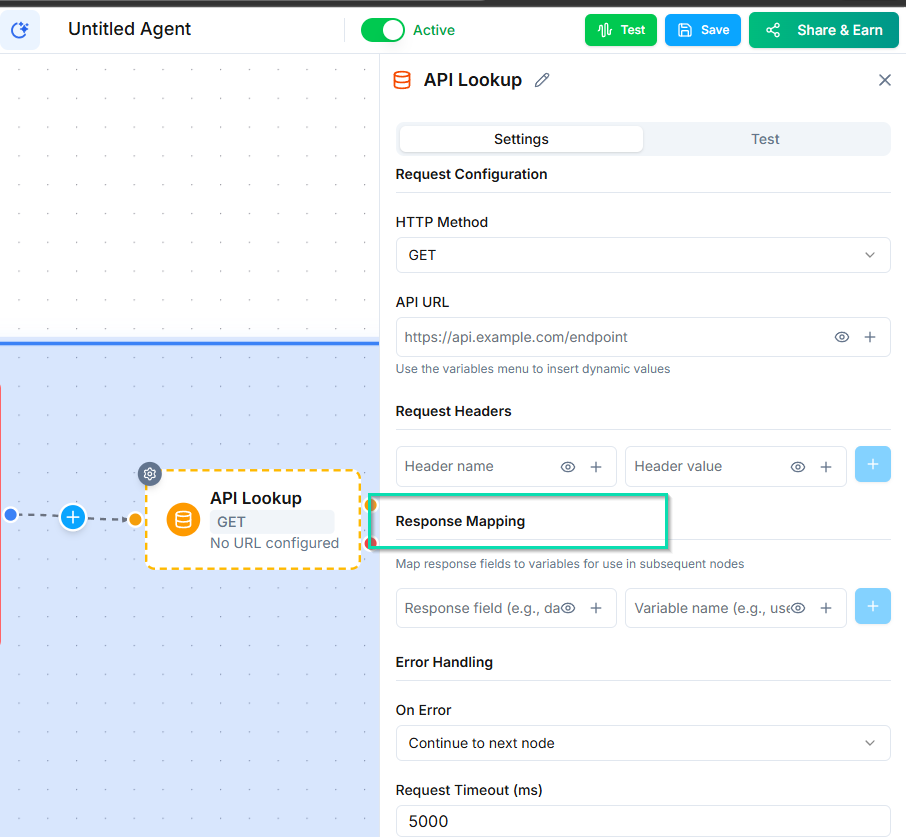
After the API responds, extract specific fields from the JSON response using dot notation and map them to workflow variables.
Example API response:
{
  "order": {
    "id": "12345",
    "status": "shipped",
    "tracking": {
      "carrier": "UPS",
      "number": "1Z999AA10123456784"
    }
  }
}
Mapping:
| Dot Notation Path | Variable Name | Extracted Value |
|---|---|---|
order.status | order_status | "shipped" |
order.tracking.carrier | carrier | "UPS" |
order.tracking.number | tracking_number | "1Z999AA10123456784" |
These variables are then available in any subsequent node.
Test Mode
Before activating your workflow, use the Test button to fire the API call and inspect the response. This lets you:
- Verify the endpoint is reachable.
- Confirm the response structure matches your expectations.
- Validate your dot notation mappings.
Always test before going live to catch issues early.
Next Steps
- Decision Node - use API response data to branch your workflow logic