SMS Node
The SMS Node sends text messages as part of your workflow. Use it for follow-up messages, confirmations, reminders, or any scenario where you need to reach someone via SMS during or after a conversation.
From and To
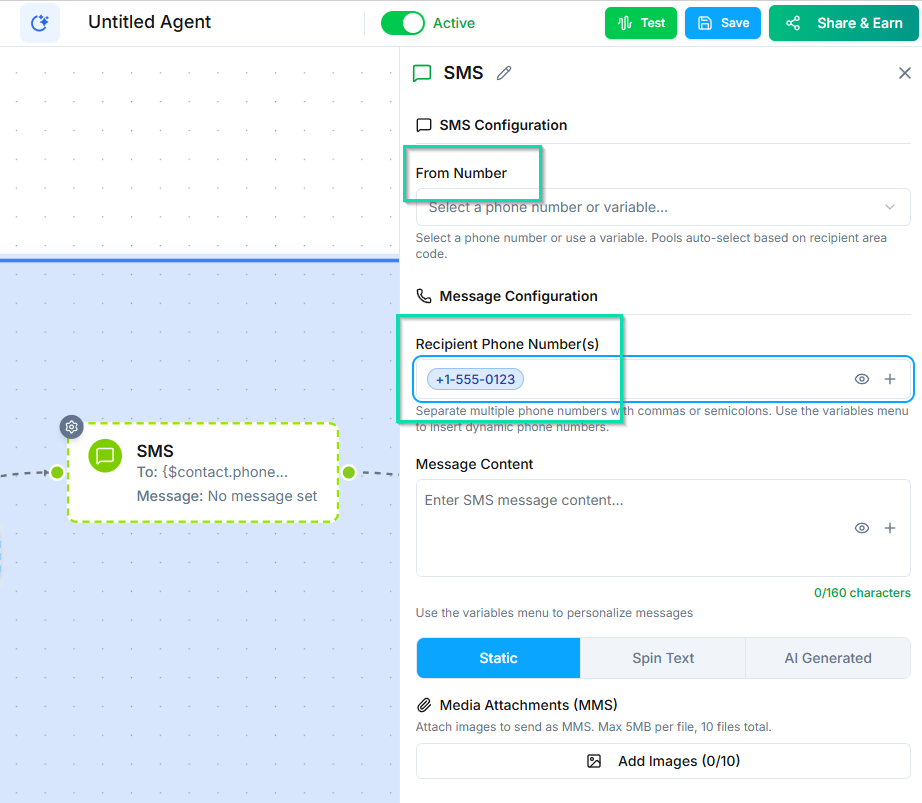
- From - select the sender identity (phone number) the message will come from.
- To - the recipient. This is typically the current contact in the workflow, but you can also specify a different number or use a variable.
Content Types
Choose how the message content is generated:
Static
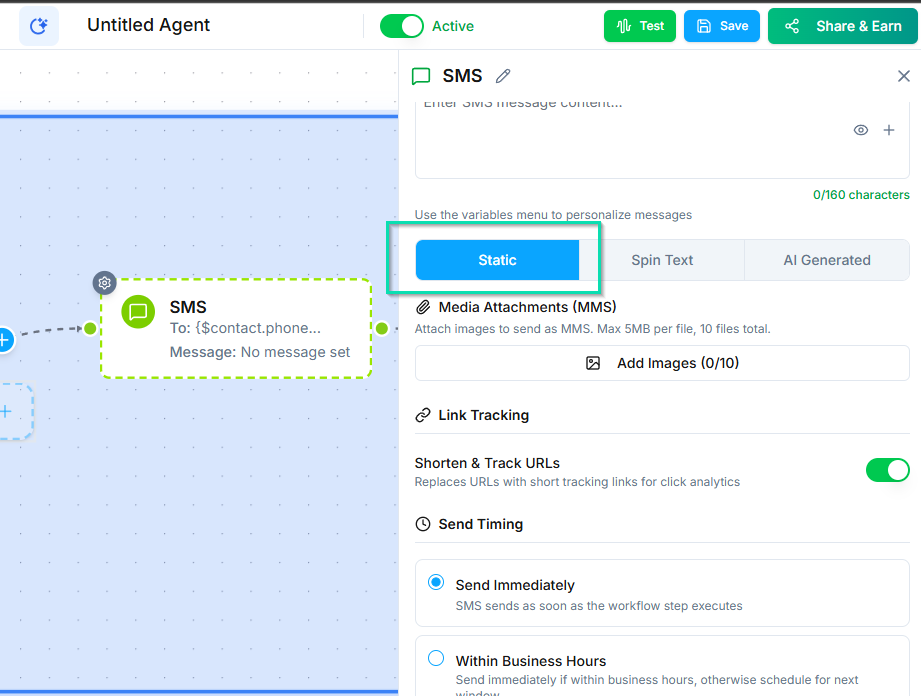
A fixed message that is the same every time. Use workflow variables (double-curly-brace syntax) to personalize it. For example: "Hi [first_name], thanks for calling! Here is the info you requested: [summary]"
Spin Text
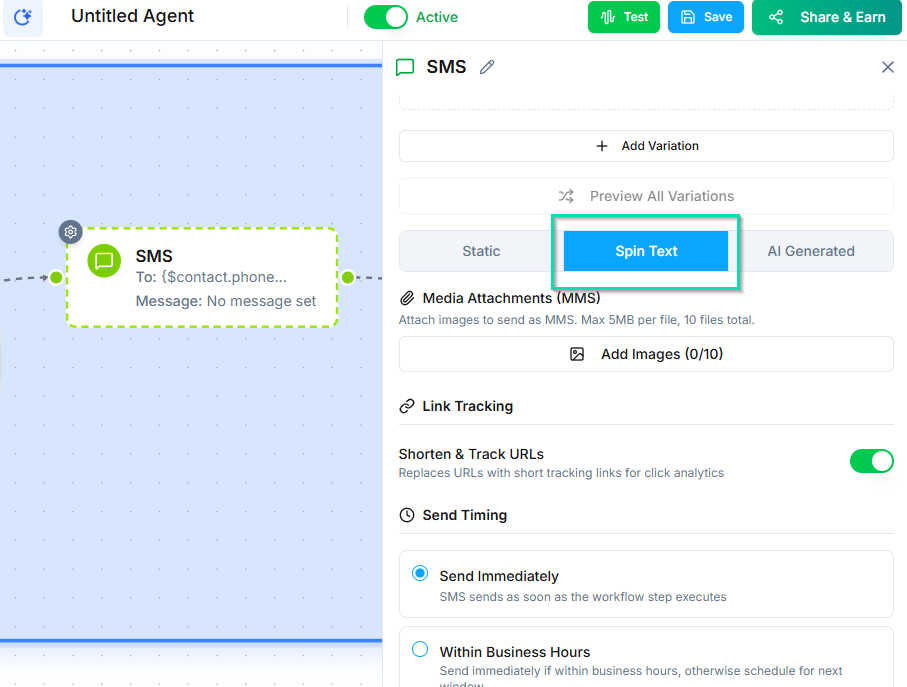
Define multiple message variations, and the system randomly selects one. This is useful for A/B testing different messages or keeping outreach from feeling repetitive.
Example variations:
- "Hey
[first_name], just following up on our call." - "Hi
[first_name], wanted to check in after our conversation." - "Thanks for your time today,
[first_name]. Let me know if you have questions."
AI Generated
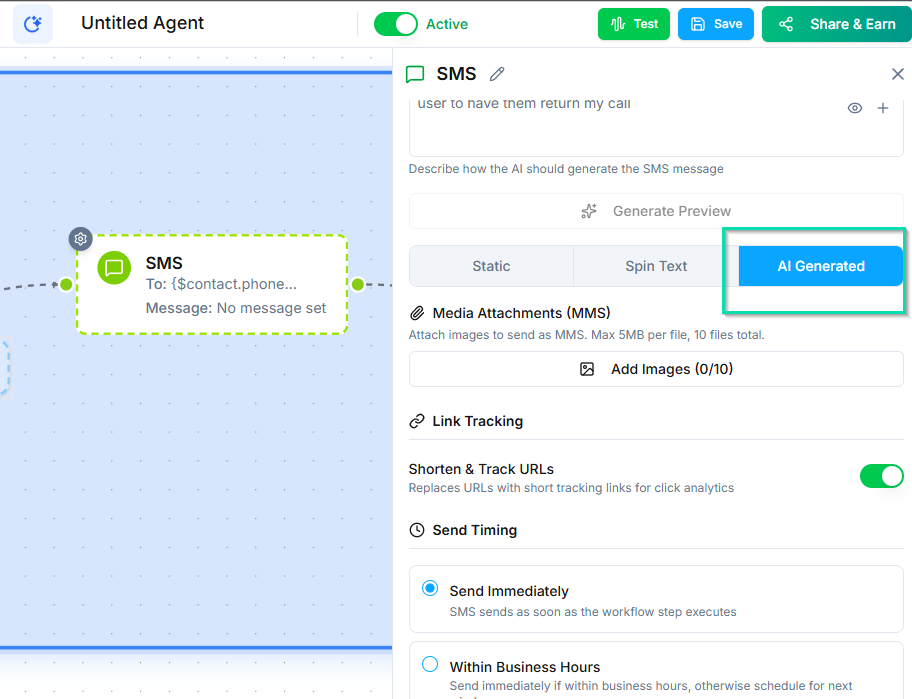
The AI writes the message based on the conversation context and any instructions you provide. Use this when you want the message to reflect what was actually discussed on the call.
Provide instructions like: "Summarize the key points from the conversation and include the next steps we discussed."
MMS Attachments
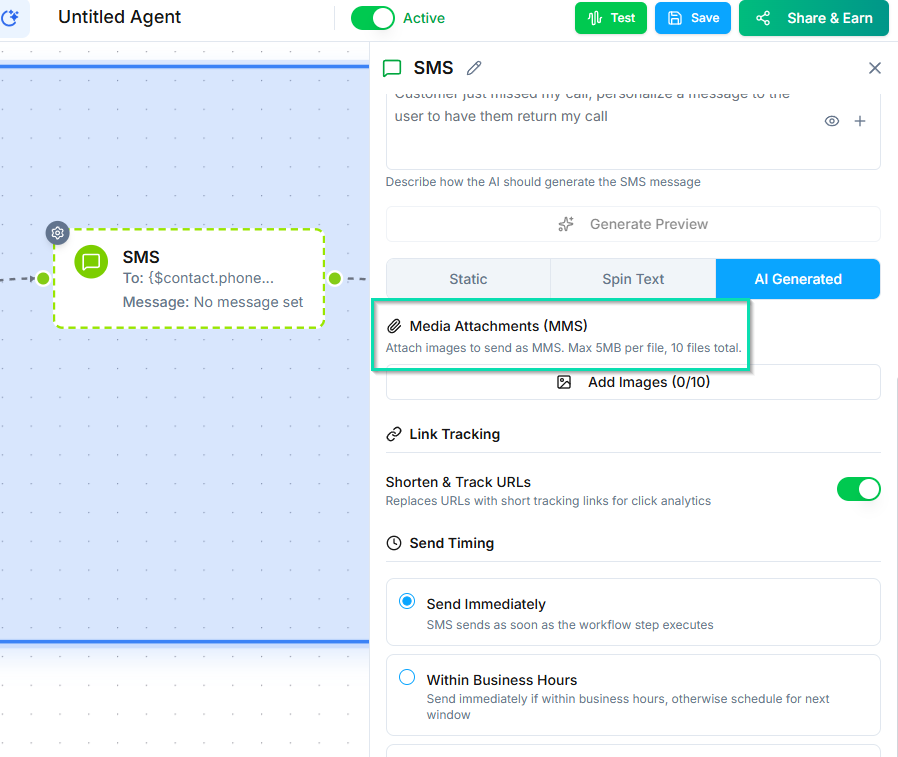
Attach images to your messages by providing an image URL. This turns the message into an MMS. Useful for sending:
- Product photos
- Location maps
- Documents or flyers
- QR codes
Timing
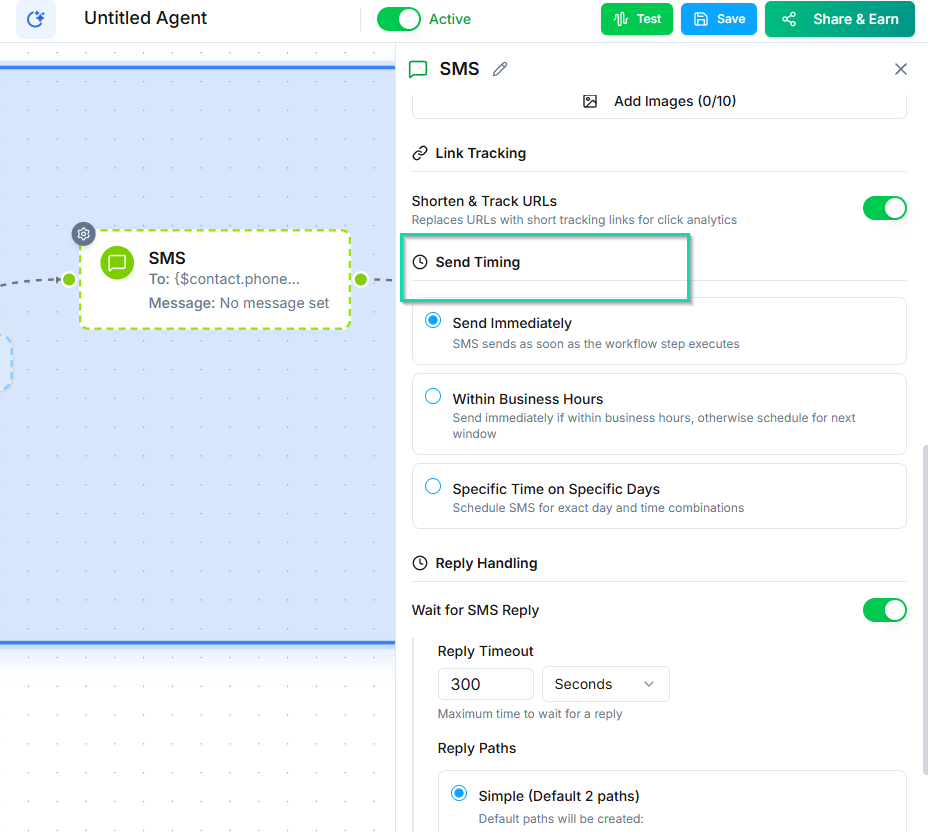
Control when the message is sent:
- Immediately - sends as soon as the workflow reaches this node.
- Scheduled - sends at a specific time or after a delay (e.g., 30 minutes after the call ends).
Wait for Reply
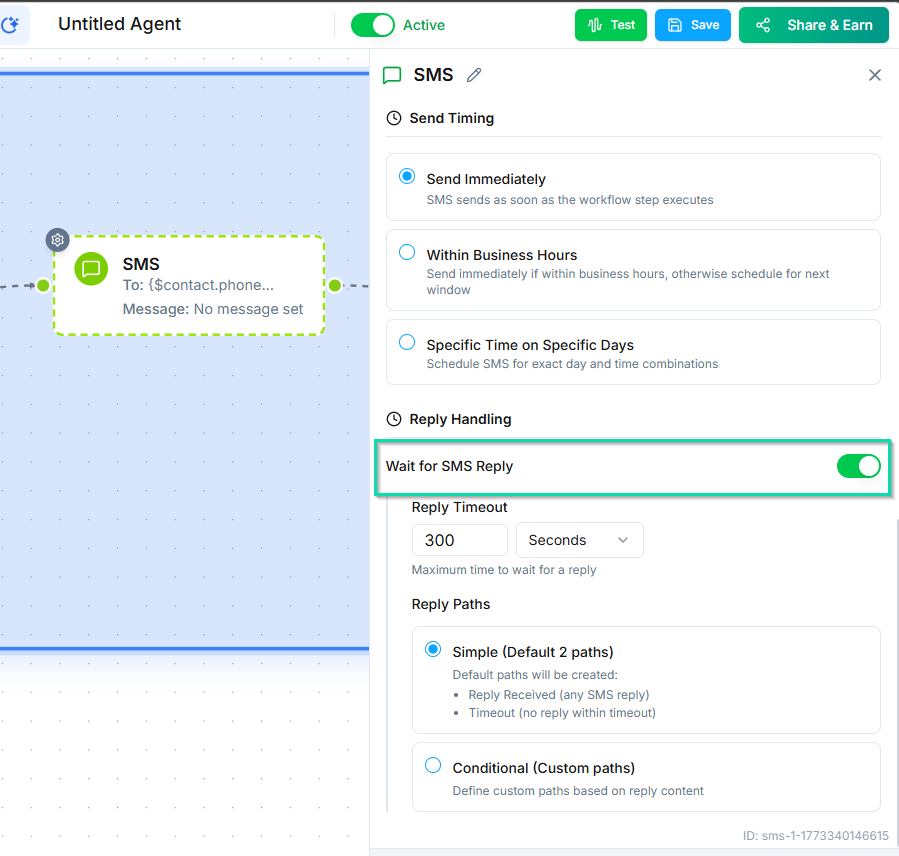
Enable this option to pause the workflow until the recipient responds to the SMS. Once they reply, the workflow continues to the next node with their response available as a variable.
Configure a timeout so the workflow does not wait indefinitely. If the timeout expires with no reply, the workflow follows a separate timeout path.
Next Steps
- Email Node - send emails as part of your workflow
- Outbound Campaigns - combine SMS with outbound call workflows