Tag Lead Node
The Tag Lead node adds or removes tags from a contact's record during a workflow. Tags are simple text labels you can attach to contacts for quick identification and filtering.
Video Walkthrough
How It Works
When the workflow reaches this node, it applies or removes the specified tag on the contact's profile. You can add multiple tags in a single node.
Adding vs. Removing Tags
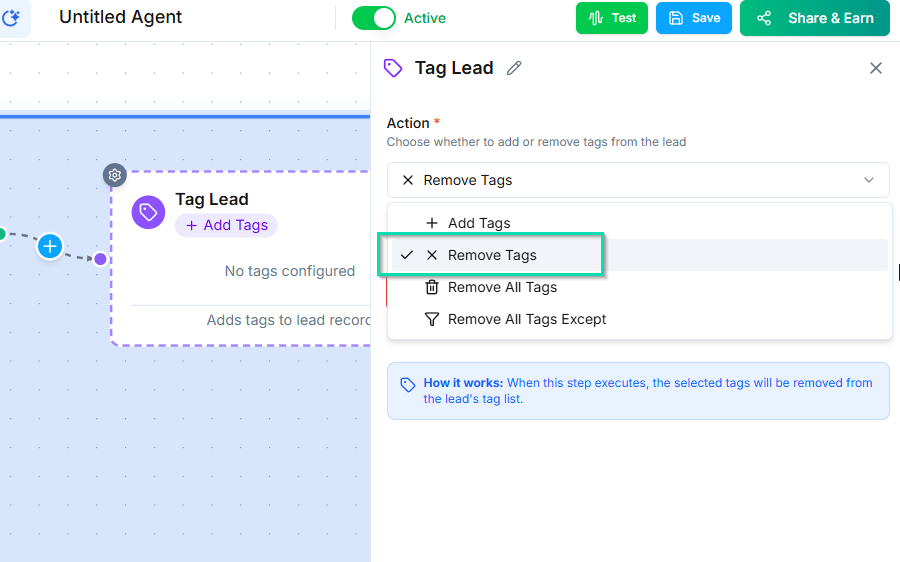
The node supports two actions:
- Add tag --- attaches the tag to the contact. If the tag does not exist yet, it is created automatically.
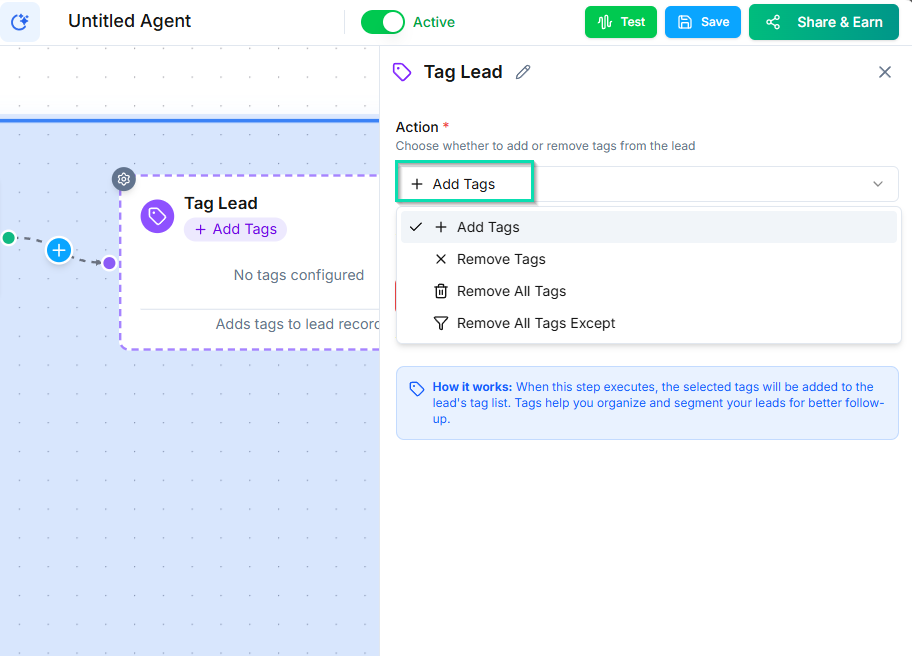
- Remove tag --- removes the tag from the contact. If the contact does not have the tag, nothing happens.
When to Use Tags
Tags work best as quick flags or temporary markers:
- Hot lead --- flag contacts that need immediate attention.
- Callback requested --- mark contacts who asked for a callback.
- Event attendee --- label contacts associated with a specific event.
- Do not call --- flag contacts who should not receive outbound calls.
Tags vs. Pipelines
Tags are flat labels with no inherent structure. For organized contact categorization with progression tracking, the Set Pipeline Node is usually the better choice.
| Tags | Pipelines | |
|---|---|---|
| Structure | Flat labels | Stages with visual progression |
| Best for | Quick flags, temporary markers | Sales stages, onboarding steps, deal tracking |
| Visibility | List view filtering | Kanban board with drag-and-drop |
Use tags for simple yes/no flags. Use pipelines when you need to track where a contact is in a process.
Next Steps
- Set Pipeline Node --- move contacts through structured pipeline stages