Availability Check Node
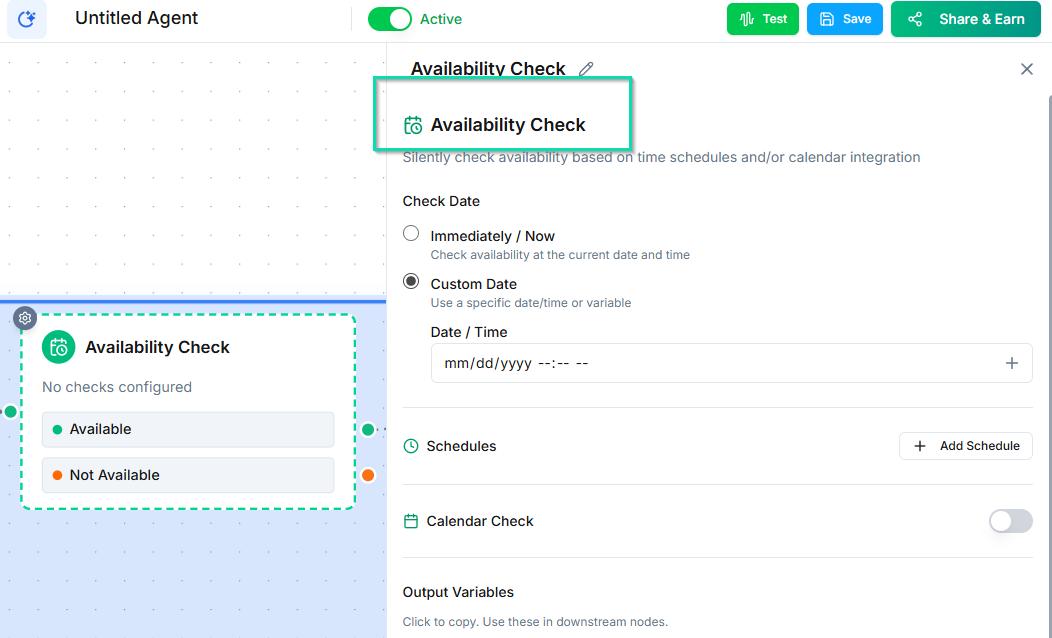
The Availability Check node queries your connected calendars for open time slots without booking an appointment. Use it in receptionist-style flows where you need to offer available times to callers before confirming a booking.
How It Works
When the workflow reaches this node, it checks your connected calendar for available time slots based on the criteria you configure. The results are returned to the conversation so the agent can present options to the caller.
This node checks availability only --- it does not create any calendar events. Use the Smart Calendar Booking node to complete the actual booking.
Configuration
- Calendar --- select which connected calendar to check.
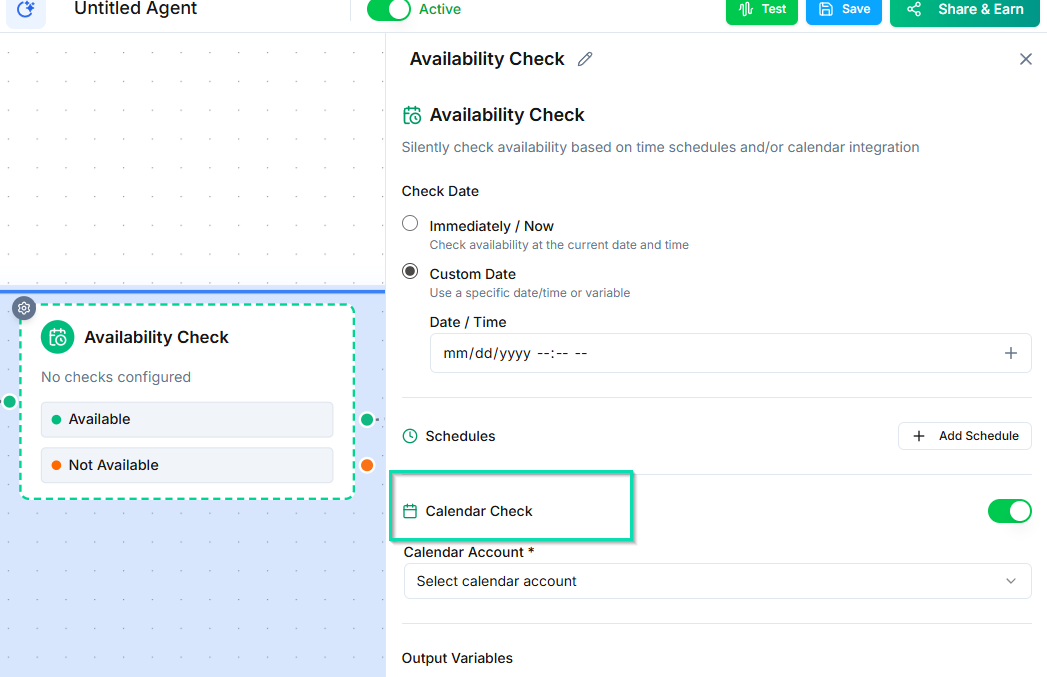
- Date range --- define how far ahead to look for availability (e.g., the next 7 days).
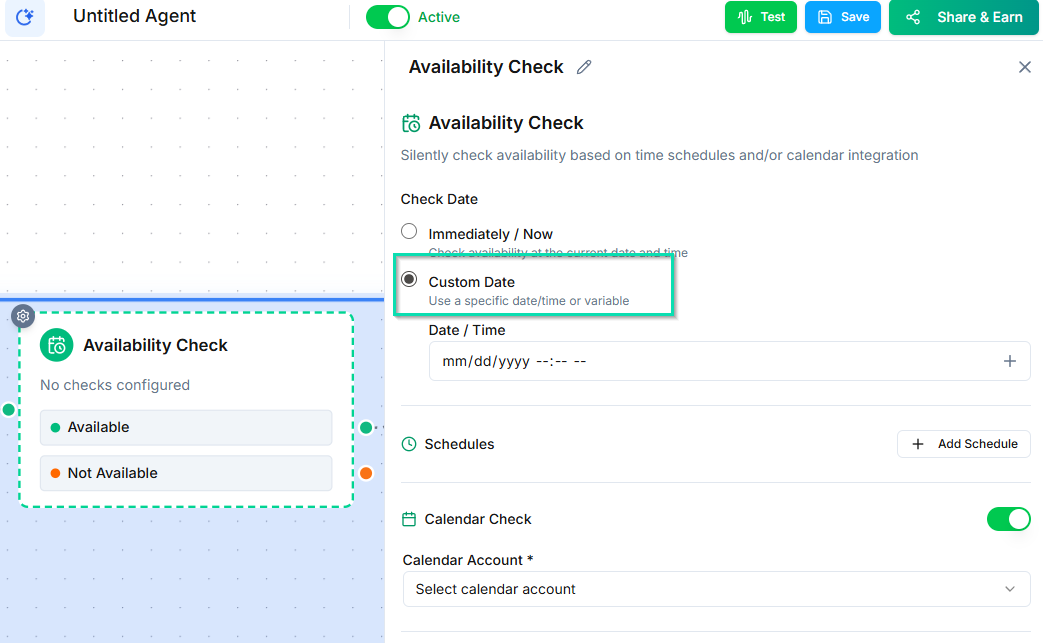
- Time preferences --- optionally filter by time of day or day of week.
Availability Check vs. Smart Calendar Booking
| Availability Check | Smart Calendar Booking | |
|---|---|---|
| Purpose | Look up open slots | Book an appointment |
| Creates events | No | Yes |
| Best for | Presenting options before committing | Completing the booking in one step |
Use Availability Check when you want more control over the booking flow --- for example, presenting several options and letting the caller choose before confirming. Use Smart Calendar Booking when you want the agent to handle the entire process automatically.
Common Use Cases
- Receptionist flow --- "Let me check our availability. We have openings on Tuesday at 2 PM and Thursday at 10 AM. Which works better for you?"
- Multi-provider scheduling --- Check availability across several team members before assigning the appointment.
- Pre-qualification --- Check availability first, and only proceed to booking if the caller meets certain criteria.
Supported Calendars
The Availability Check node works with any calendar connected through your integrations:
- Google Calendar
- Other supported calendar services
Next Steps
- Smart Calendar Booking Node --- book appointments after checking availability